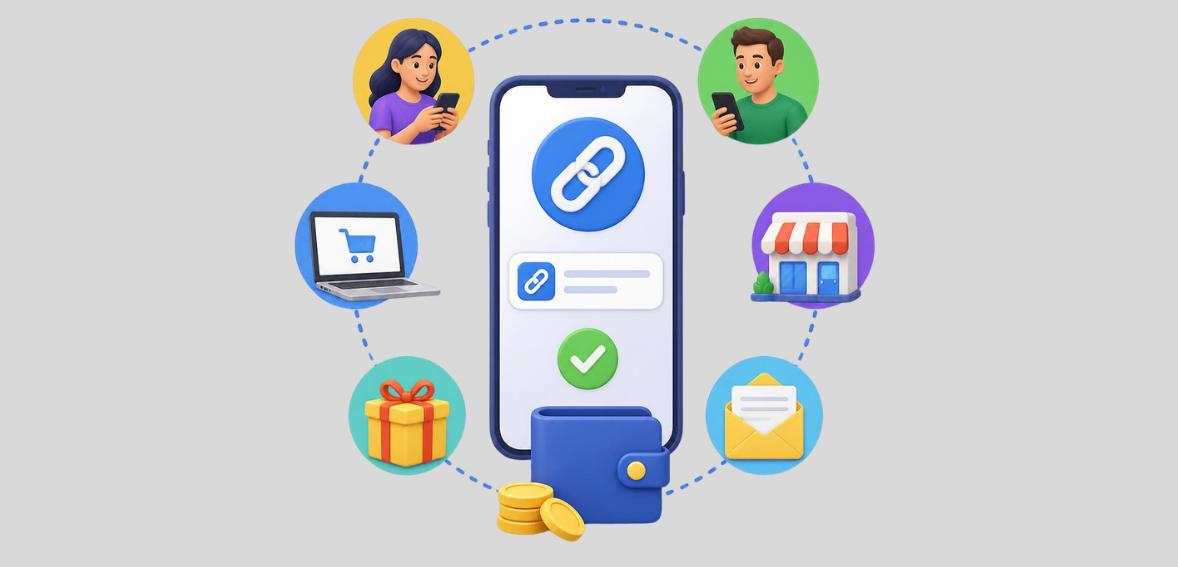
Imagine you need to collect payment from a customer, but they are not in front of you and aren’t visiting your website. You do not want to send a fancy invoice to collect a few bucks, but how else are you supposed to do it?
A payment link is a simple link that redirects the customer to a secure payment page. You can generate the link and send it to the customer by text, email, chat, social media, or any other way you like, and they can pay you right there. No need to create a separate checkout page for each payment or ask them to call you and give you their card details.
For small businesses, freelancers, service providers, and anyone who bills customers remotely, they can serve as a convenient way to get paid. Payment links can help if you are selling a service, collecting a deposit, requesting a balance, accepting a single payment, or giving your customer a fast way to pay.
However, payment links are not always the right solution. Sometimes an invoice, payment terminal or a full checkout page is a better fit.
In this guide, we will cover what a payment link is, how to create and send payment links, when to use them, what they can cost, how customers can pay, and best practices for security and payment tracking.
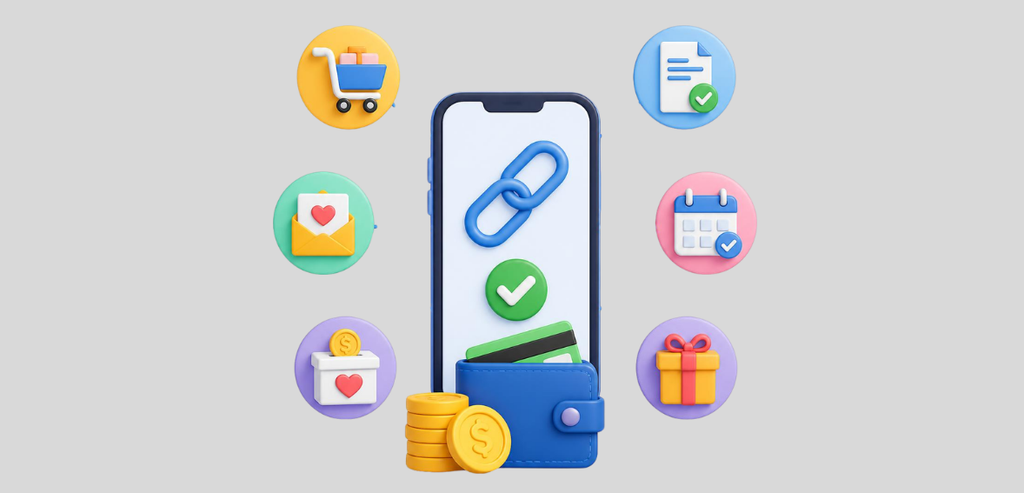
A payment link is a web link that opens a payment page where the customer enters their payment information and pays. It is a digital request for payment. Instead of asking someone to go to your store or website and search for the product or service they need, you can give them a link and save them time.
You can prepare the link for a specific amount or, depending on the payment system, for a product, service, invoice, deposit, or other type of payment. The customer then opens the link, reviews the payment data, and selects the desired payment method.
For example, a photographer may want to collect a $200 booking deposit. Instead of asking the customer to send bank details or visit a separate website, the photographer can create a $200 payment link and send it directly to the customer.
The customer opens the link, enters the required payment information, and completes the transaction. This is why payment links are a great solution for organizations that need to receive payments for goods/services not tied to a standard checkout process. You do not need to set up a full online store to collect payments this way.
The process is quite simple.
First, the business sets up a payment link through its payment platform. Depending on the platform, the user can input an amount, add a description, select a product or service, or modify other payment options.
The platform generates a unique link. You can copy and share the link with the customer.
The client opens the link on their device (phone, tablet, or computer), where a payment page displays all relevant information tied to the request. The client enters the requested payment data and confirms the payment.
Once the payment system processes it, it confirms the transaction, and both parties (the customer and the merchant) receive payment confirmation.
Depending on the payment system, the process may differ. Still, the basic principles of creating the payment structure, sending it to the customer, and collecting money remain the same.
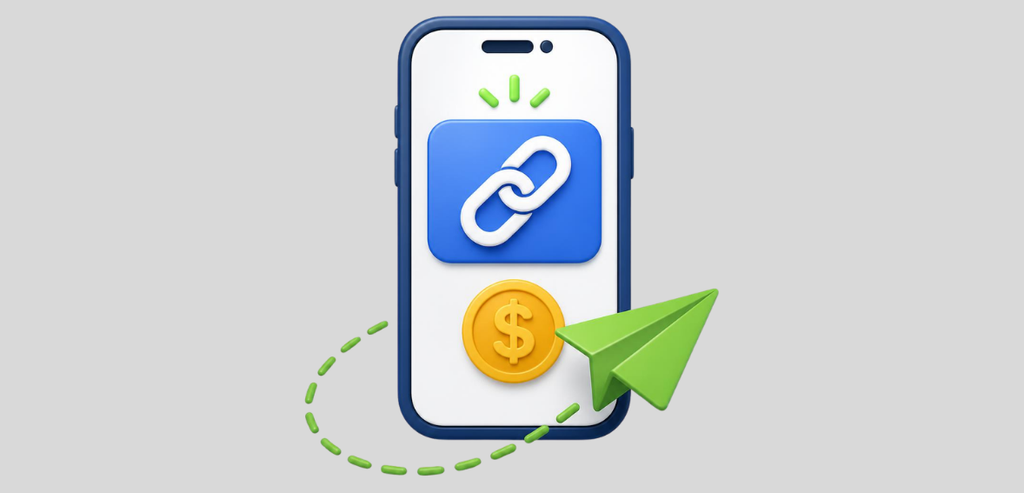
Creating a payment link usually starts inside your payment platform. A description helps the customer because they need to know what they are paying for. Instead of just writing “Payment”, you could write what the customer is paying for or what service the money will go toward.
Once the details are entered, the platform generates the link. The client can then be sent the link through their communication channel of choice.
Emails work well for more formal business purposes. Texts work well for a more casual, immediate response. Business customers can receive the link by email or inside an existing message thread.
The main point is to make the payment request clear. You need to tell the customer what the payment is for and, if applicable, the amount and the due date.
A payment link should make things easier for the customer, not confuse them about why they received it.
Payment links and invoices serve different purposes. An invoice normally provides much more detail about the payment, including the client’s details, a breakdown of goods/services, applicable taxes, payment terms, and a due date. Invoices are useful when the client needs more payment details or confirmation of the order.
A payment link, by contrast, is much more straightforward. If you only need to request a specific payment, you might not need an invoice.
For instance, a business may require a small deposit to schedule a service. There’s no need to send an invoice for a large amount due if the customer only needs to pay a small deposit.
Payment links can also help when communicating with customers by phone or text. Instead of explaining how to find your payment page on your website, you can send them to it.
That said, a payment link cannot replace an invoice in all situations. If your business requires specific billing data, customer account statements, or specific payment terms, an invoice is more appropriate.
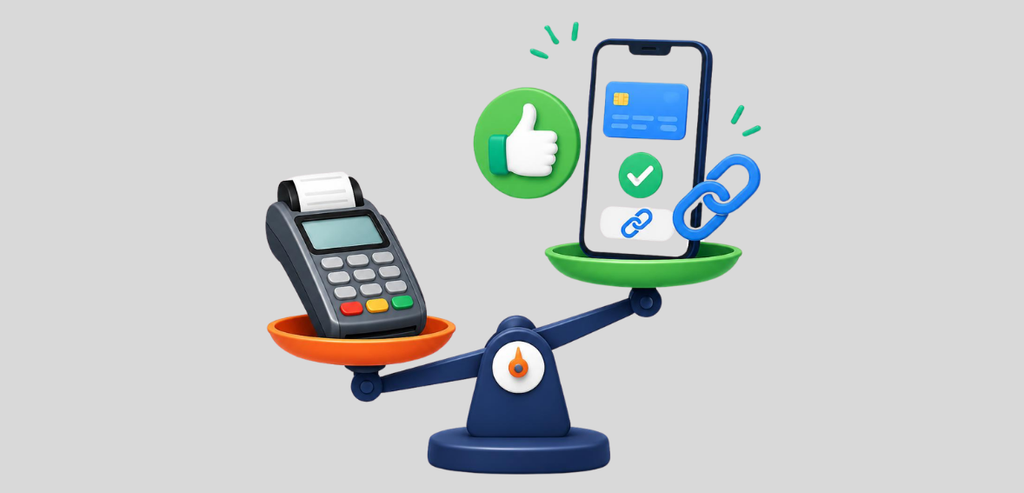
A payment terminal is convenient when the customer is present. The customer can pay via card, depending on the terminal and available technologies: swipe, contactless, or chip. But what if the customer isn’t present?
A payment link can be an excellent solution because it lets customers pay without needing to be at your location.
This can help mobile businesses, contractors, consultants, service providers, freelancers, and those who work at the customer’s location.
For example, a contractor could finish a job at a customer’s home. Instead of bringing a payment terminal or asking them to come to the office, the contractor could send a payment link for the remaining balance. The customer can pay what is owed using their own phone or computer.
A full checkout page works well when customers need to browse different offerings before choosing what to buy. A payment link is more useful when a particular payment is due.
For instance, if your business sells hundreds of products online, a full website with a shopping cart would let customers browse your offerings, compare items, add them to the cart and check out.
If you are charging a $75 appointment deposit from a customer, you probably don’t need that whole process.
It depends on what the customer has to do. If they need to shop, a checkout page is probably best. If they have to pay, a payment link might be a shorter process.
Payment links can be used for all manner of transactions. Businesses can use them to collect deposits, one-time service fees, overdue account balances, booking payments, product payments, donations, and any other charges their payment provider supports.
They can also be useful when a customer asks, “How can I pay?”
Instead of requiring multiple steps for customers to make a payment, you can provide a payment link. A payment link is particularly useful for businesses without an online store. For instance, a service provider that mainly interacts with clients through appointments doesn’t need an e-commerce website to receive payments.
Creating a payment link may be free on certain payment platforms, but that doesn’t always mean accepting payment is free. Most payment providers make money by charging processing fees. The fee size depends on the provider, payment method, the transaction, and other factors.
Before picking a payment link service, look past the word “free.” Check if there’s a setup fee, monthly charge, transaction fee, or other cost.
You should also check whether different payment methods have different processing costs. For a business that regularly processes payments, even a slight difference in transaction fees can make a noticeable difference. In any case, there’s no point in choosing one method over another based on a few cents if you only take an occasional payment.
A payment link is safe if it comes from a trusted payment platform and redirects the customer to the official payment page. The customer should always check the payment page before entering any sensitive information; it should clearly state who the payment is being made to and what the payment is for.
Businesses must also ensure that payment links they send to customers include clear instructions. A customer may not complete a purchase if they don’t know what the link means.
Moreover, businesses should never ask customers to provide their card numbers via regular text messages, mail, or chats. A secure payment page is the best option, as it lets the customer pay and provides their card data to the payment provider’s secure server.
The customer experience should be a key priority.
When a customer opens a payment link, the page should show all relevant payment information, including the business name, amount due, payment details, available payment methods, and any additional information the payment processor requires.
The payment interface should let customers pay as simply and quickly as possible. If the customer pays a deposit, this must be clearly indicated. The same goes for the final payment.
One of the main advantages of payment links is their convenience. The company can email the link and remind the customer why they’re paying. Text messages are a good channel for reminding customers of a payment due if they are already communicating with the company by phone. It should include an explanation of why the payment is due and should not be limited to a link.
For example:
Your remaining payment for the service is $150. You can pay securely with this link: [payment link].
The customer can quickly understand what the payment is for and how much they have to pay. It’s best not to send a payment link without additional information, since a well-worded message helps the customer understand what the payment is for and that the link is safe to open.
Payment links allow businesses to collect payments digitally without the hassle of setting up an online store, invoice, or payment terminal.
They offer convenience when you need to collect a particular payment from a customer who isn’t physically present. You can generate a link, send it by email or text, and have them pay through a secure payment page.
However, payment links aren’t the best option in every case. Invoices are more appropriate when a customer needs to see billing details. Payment terminals suit face-to-face payments, and full-scale checkout pages are best when a customer wants to browse and shop.
Ready to make paying online easier for your customers? Join for Free and start collecting payments for your business simply and conveniently.
It’s free to join, and you only pay the payment processing fees when your customers pay you.
Yes, when they are created through a trusted payment platform and customers pay on that platform’s secure payment page.
Some platforms let you create payment links for free, but they may still charge you to process the payment.
The customer opens the link, reviews the payment details, enters the required payment information, and completes the payment on the payment page.