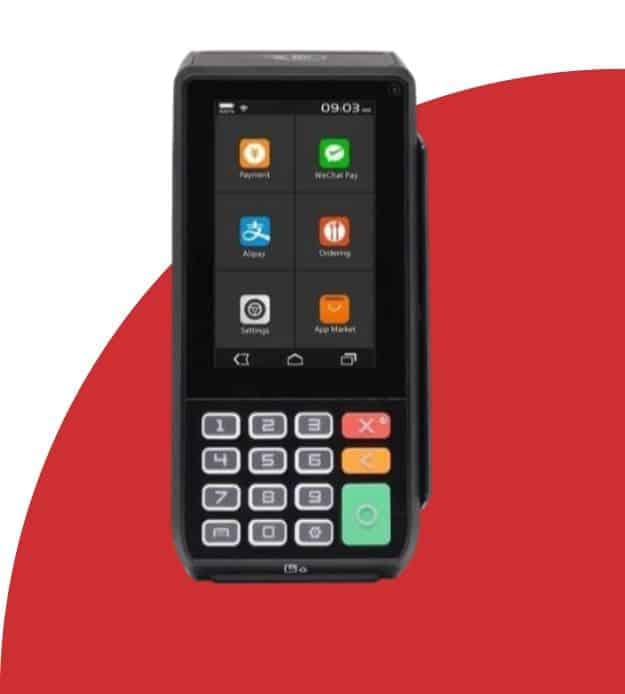
PAX A80 Countertop Card Terminal

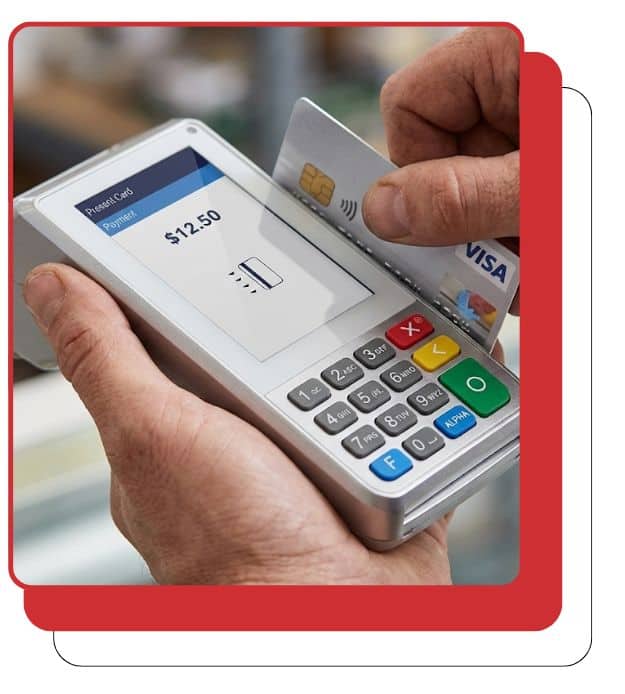
Run fast, secure in-person payments on an Android-powered countertop terminal and accept payments your way – chip, swipe, and contactless tap.
Secure credit card payment with Host Merchant Services at checkout.

A High-Performance Android Countertop Device

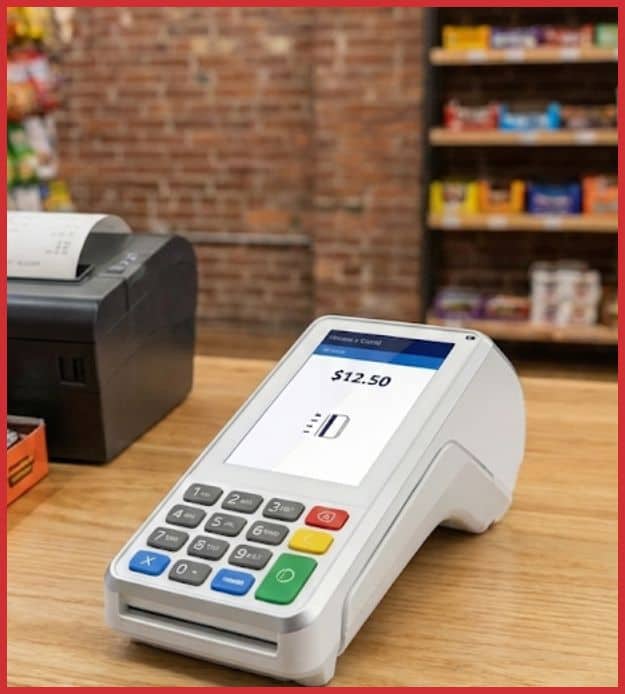
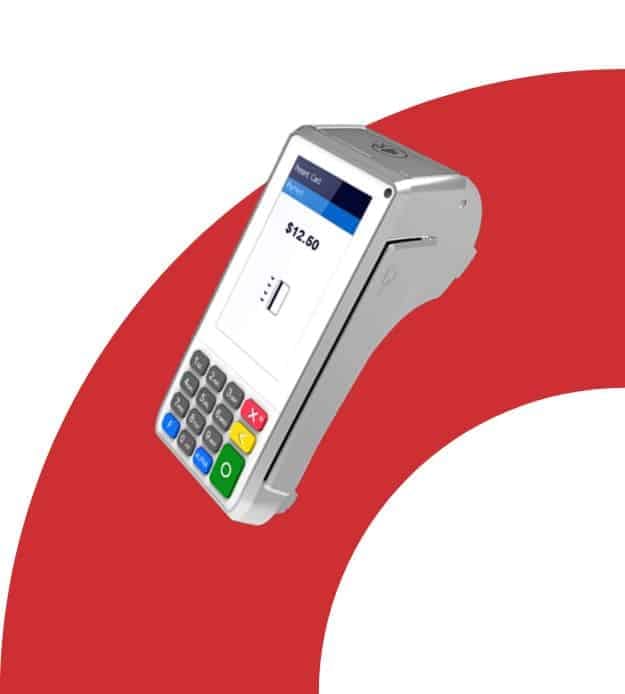
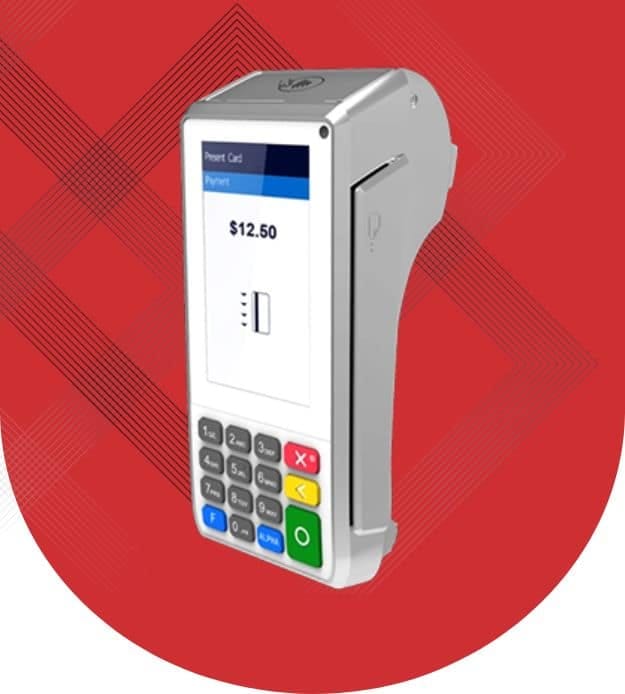
The PAX A80 is a smart desktop terminal built for businesses that want a modern checkout experience without moving to a full POS system. It combines a responsive touchscreen with a physical keypad and an on-device printer – your team can take payments, capture signatures (when required), and hand customers a receipt in one flow

It’s a strong fit for retail counters, cafes, quick-service concepts, and service businesses that want intuitive terminal options. that still feels “current” (touchscreen + tap-to-pay), while keeping the reliability of a traditional countertop setup
Why Businesses Choose the PAX A80

Contactless credit card payment terminal for Host Merchant Services ecommerce solutions.
Portable card payment terminal for merchant transactions | Host Merchant Services.

PAX A80 Device Specifications and Capabilities

Secure credit card payment terminal for merchants and businesses at Host Merchant Services.

Quick and Reliable Sales Processing on the PAX A80

Simple, Controlled Refund Processing

Compact credit card payment terminal for small business transactions.
Contactless payment terminal for Host Merchant Services and secure transactions.

Void Transactions with Confidence

Voids are typically used before the batch settles (so the sale doesn’t complete in settlement).

Simple End-of-Day Batch Closing

Secure POS payment solutions for businesses from Host Merchant Services.
From the idle screen, select FUNC to access advanced terminal options and transaction management features.
Secure and reliable payment processing solutions by Host Merchant Services.
Choose Batch to view open transactions and manage settlement settings before closing the batch.
Reliable merchant payment solutions for businesses of all sizes at Host Merchant Services.
Select Batch Close to settle the open batch (or cancel if you’re not ready).
Secure credit card processing solutions for small and large businesses by Host Merchant Services.
Wait for the terminal to finish processing and print the batch/settlement report (if enabled).
01

From the idle screen, select FUNC to access advanced terminal options and transaction management features.

02

Choose Batch to view open transactions and manage settlement settings before closing the batch.

03

Select Batch Close to settle the open batch (or cancel if you’re not ready).

04

Wait for the terminal to finish processing and print the batch/settlement report (if enabled).

Easy payment processing solutions by Host Merchant Services for businesses.

Ready to Get Started with the PAX A80?

Fill out the form to get pricing and availability, confirm the best connectivity setup for your location (Ethernet/Wi-Fi/cellular options), and receive a quick onboarding checklist so you can start taking in-person payments with confidence.

"*" indicates required fields

This field is for validation purposes and should be left unchanged.
*
Do you currently take credit cards?

Frequently Asked Questions

How do I manually settle the batch?

From the idle screen, go to FUNC → Batch → Batch Close (names can vary slightly by app/processor).

Can the PAX A80 be used away from the counter?

Some configurations support an optional battery, which can make the unit useful for indoor “semi-portable” scenarios—ask your provider what’s available for your model.

What internet connections can I use?

Many deployments use Ethernet (LAN), with optional Wi-Fi and optional cellular/dial support depending on the hardware version and setup.

Is the PAX A80 a full POS system?

Not by default. It’s a countertop payment terminal that can support Android-based apps and SmartPOS-style workflows, depending on your configuration and processor.

Does the PAX A80 support tap-to-pay and mobile wallets?

Yes, when NFC contactless is enabled with your processor, the A80 supports contactless payments (tap cards and mobile wallets).
Reliable Host Merchant Services customer support representative with headset.

Frequently Asked Questions

How do I manually settle the batch?

From the idle screen, go to FUNC → Batch → Batch Close (names can vary slightly by app/processor).

Can the PAX A80 be used away from the counter?

Some configurations support an optional battery, which can make the unit useful for indoor “semi-portable” scenarios—ask your provider what’s available for your model.

What internet connections can I use?

Many deployments use Ethernet (LAN), with optional Wi-Fi and optional cellular/dial support depending on the hardware version and setup.

Is the PAX A80 a full POS system?

Not by default. It’s a countertop payment terminal that can support Android-based apps and SmartPOS-style workflows, depending on your configuration and processor.

Does the PAX A80 support tap-to-pay and mobile wallets?

Yes, when NFC contactless is enabled with your processor, the A80 supports contactless payments (tap cards and mobile wallets).