

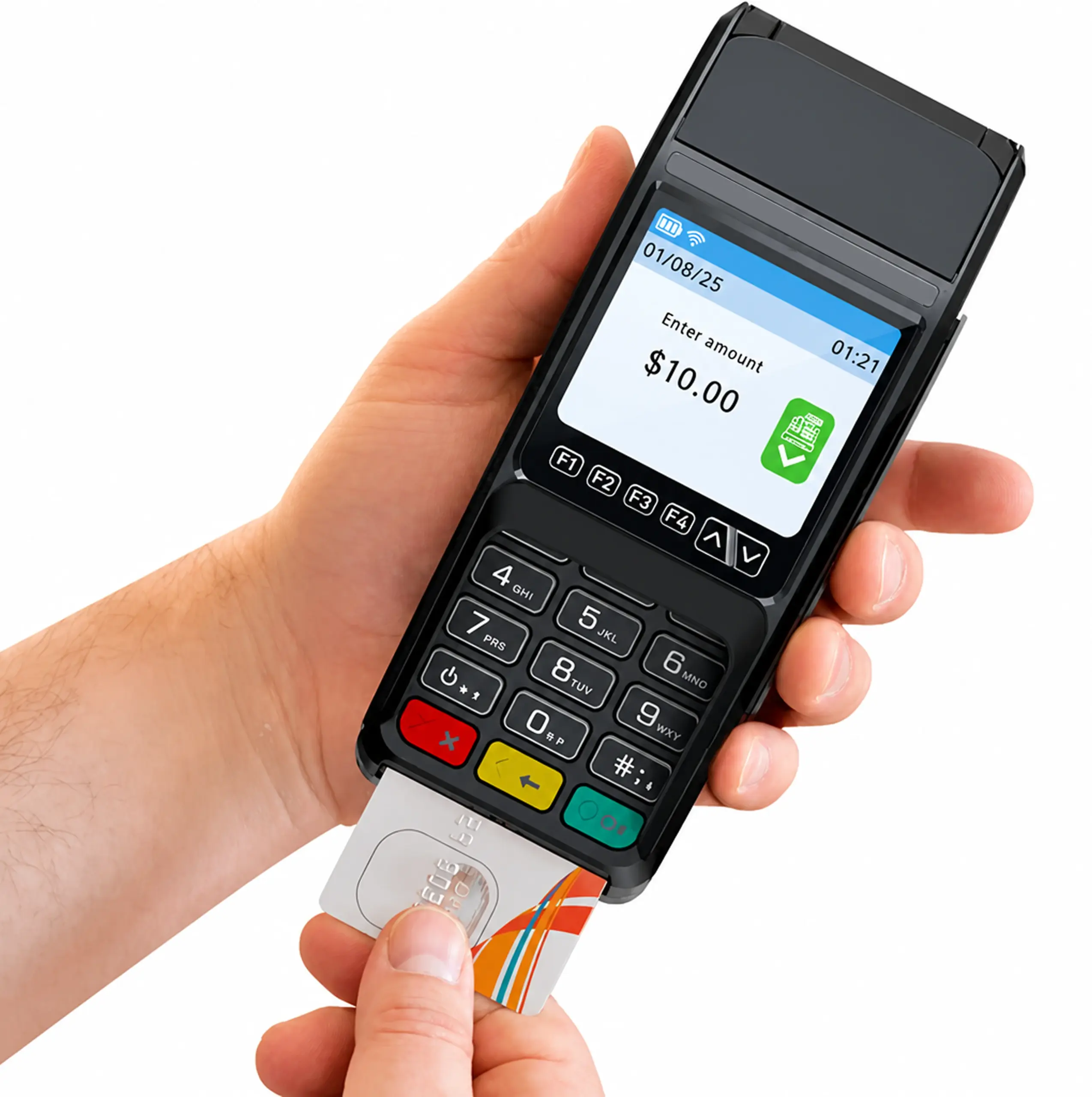

Dejavoo Z8 Countertop Credit Card Terminal

Take fast, secure in-person payments with a compact Linux countertop terminal that supports chip, swipe, and contactless tap, with on-device receipt printing.
Dejavoo Z8 Countertop Credit Card Terminal

A Compact Countertop Terminal Built for Everyday Checkout

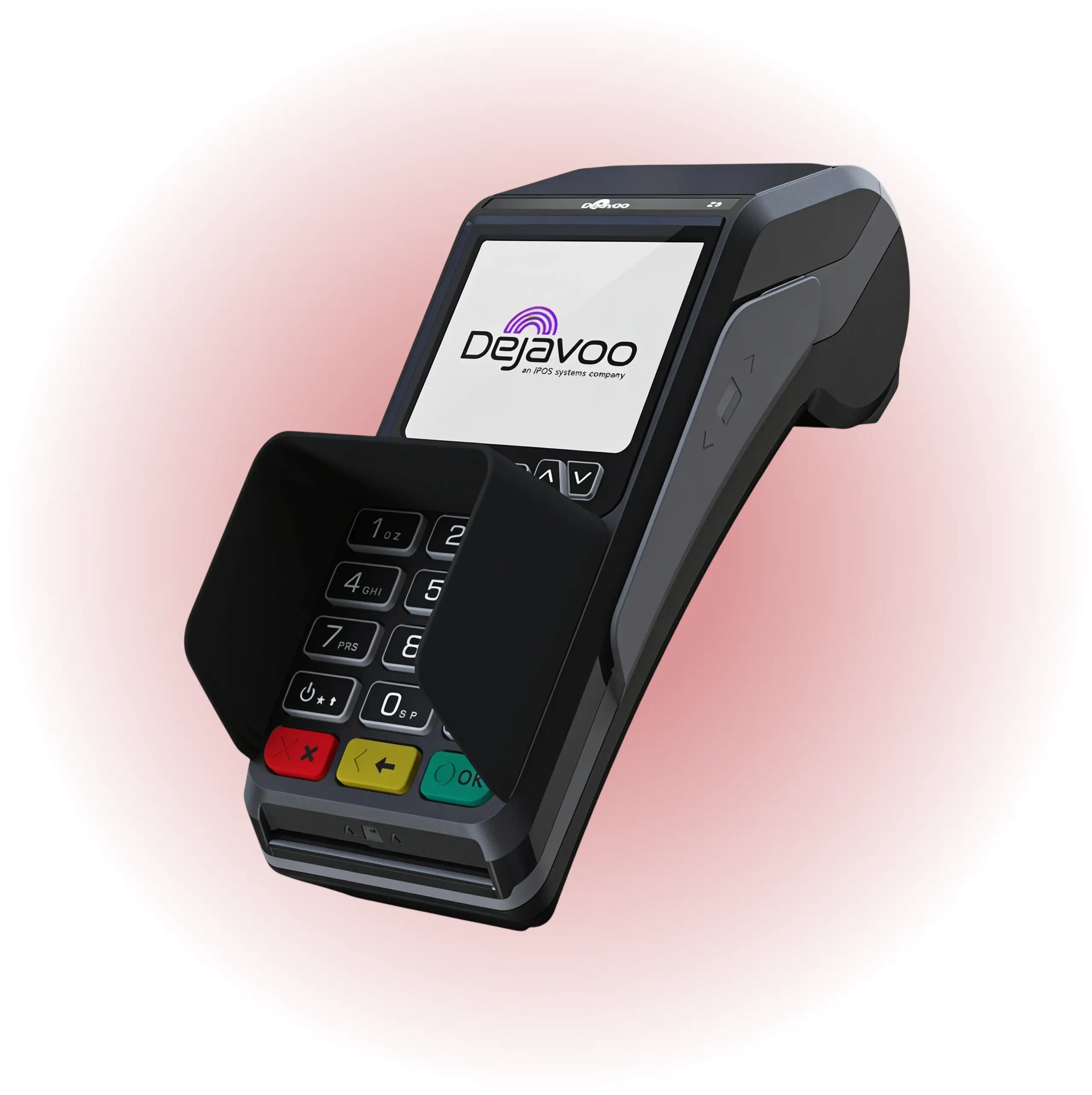
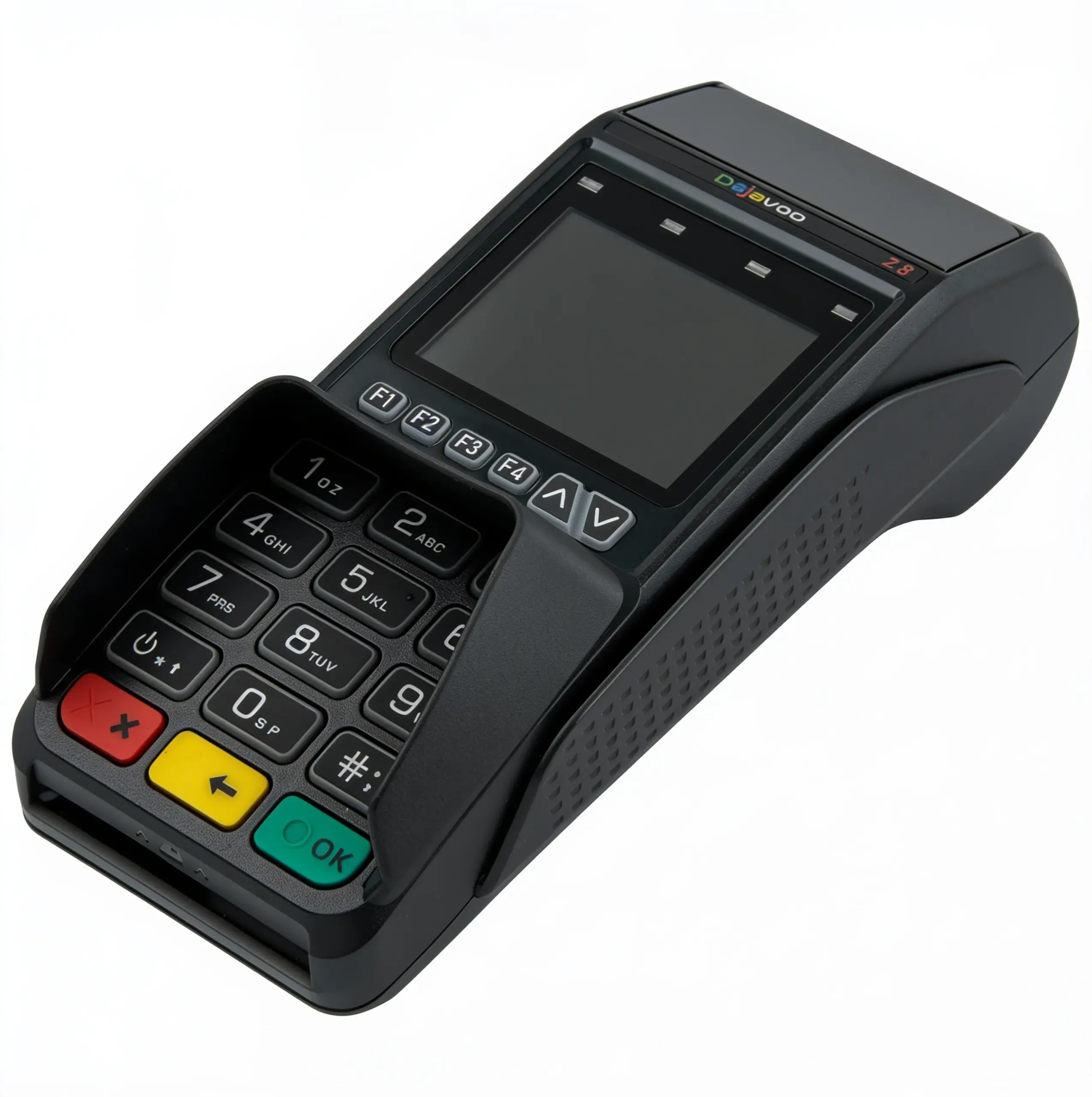
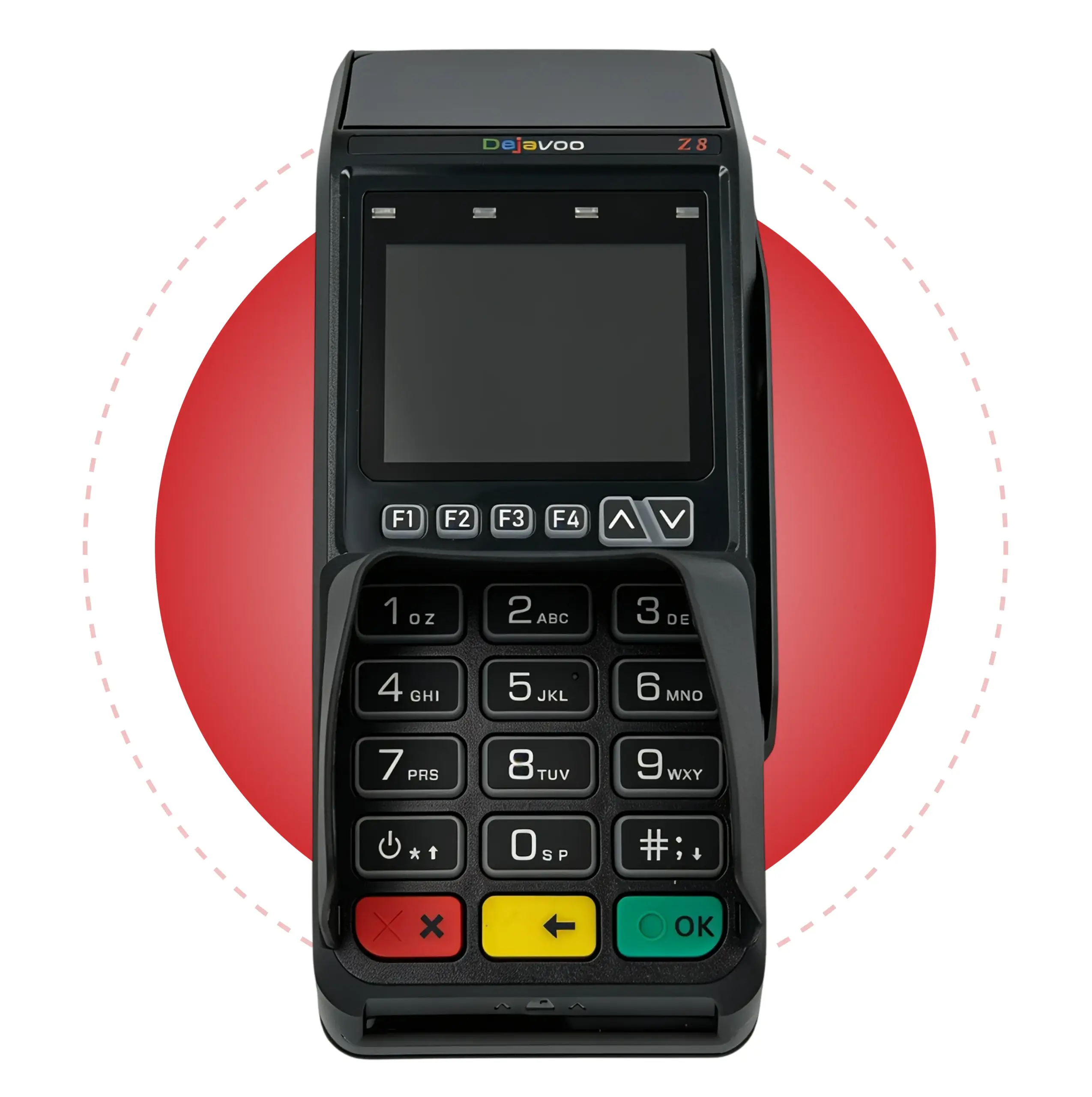
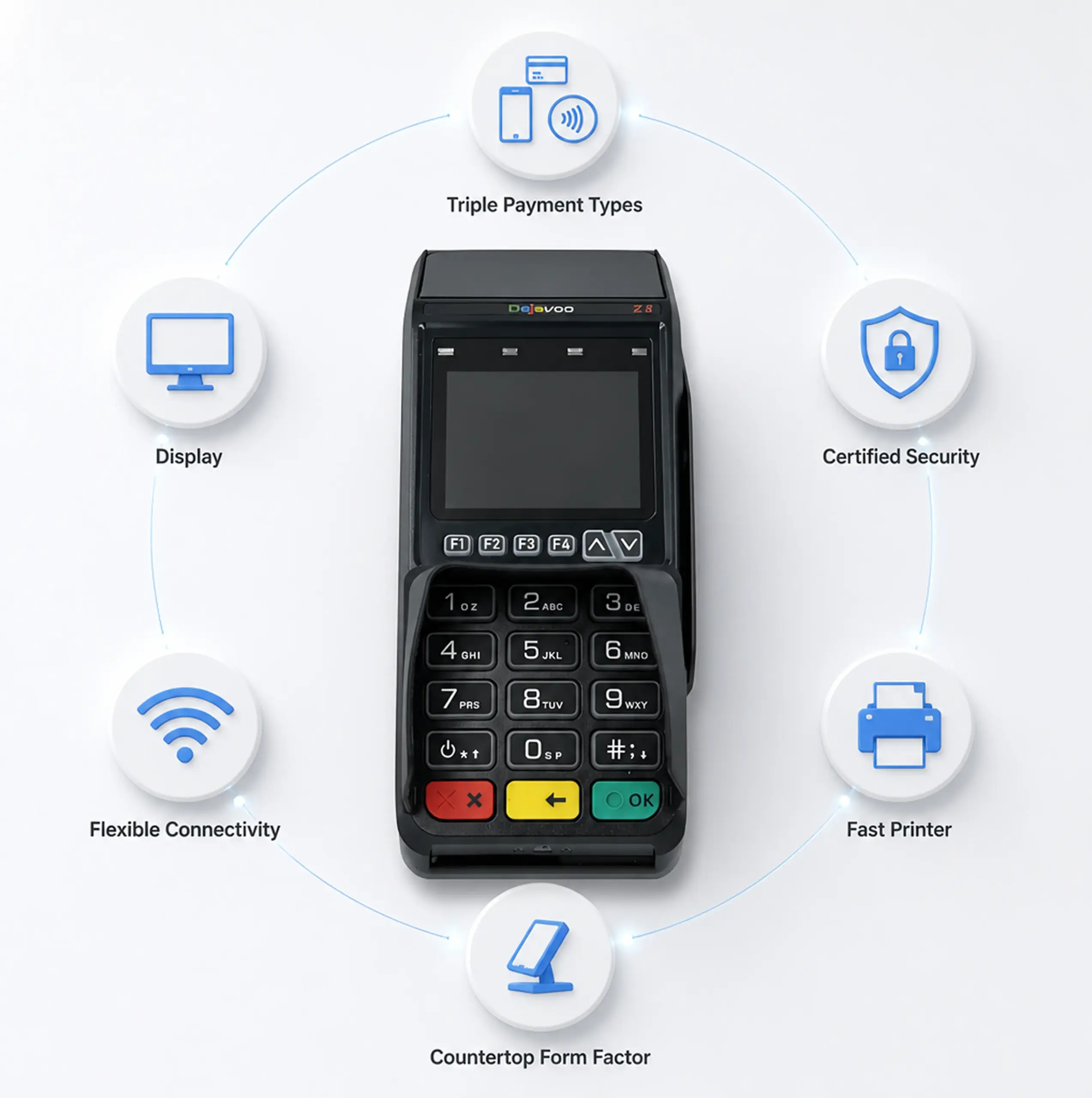
The Dejavoo Z8 is a space-saving countertop card machine designed for quick, reliable card-present payments. It supports EMV chip, NFC/contactless, and magstripe transactions, and prints receipts directly from the terminal, ideal for checkout counters where speed and simplicity matter most.
The Z8 is part of Dejavoo’s Linux Z Line and is commonly deployed with “Tri-Comm” connectivity (IP + Wi-Fi, with dial-up as an available option on certain models/configurations).
It’s the best fit for retail checkouts, service counters, quick-service environments, and any business that wants a straightforward standalone terminal with printed receipts.
Contactless payment terminal for host merchant services and payment processing.
Contactless credit card terminal for Host Merchant Services.

Benefits of the Dejavoo Z8

Dejavoo Z8 Device Specifications and Capabilities

Contactless payment terminal for Host Merchant Services, payment processing device, secure card reader.
Contactless payment terminal for Host Merchant Services on a dark desk.

Initiate Sales with Ease on the Dejavoo Z8

Run a Chip (EMV) Credit Sale

Manually Key in a Card

Run a Debit Sale (PIN)

Void, Return, and Batch Settlement on the Dejavoo Z8

Void a Card-Present Credit Transaction

Process a Return (Refund)

Settle (Close) Your Batch

Portable point of sale terminal for Host Merchant Services payment processing.
Contactless payment terminal by Dejavo for Host Merchant Services.

Ready to Set Up the Dejavoo Z8 with Host Merchant Services?

Want a handheld that can scan, print, and take payments, without forcing your team back to the counter? Request pricing and deployment options for the Dejavoo P8 through Host Merchant Services, and we’ll help you choose the right hardware configurations for your workflow.

"*" indicates required fields

This field is for validation purposes and should be left unchanged.
*
Do you currently take credit cards?

Frequently Asked Questions

Does the Dejavoo Z8 support tap-to-pay and mobile wallets?

Yes. The Z8 supports NFC/contactless payments (tap cards and mobile wallet-style contactless transactions when enabled), plus EMV chip and magstripe acceptance.

What internet/network connections does the Z8 support?

Dejavoo supports Ethernet and 2.4 GHz Wi-Fi, and Tri-Comm configurations often include dial-up as well.

Is the Z8 a touchscreen terminal?

The Z8 is positioned as a non-touchscreen Z-line model (keypad-driven). If you want a touchscreen countertop option in the same family, Dejavoo’s brochures commonly position the Z11 as the touchscreen counterpart.

What receipt paper does the Z8 use?

Dejavoo’s countertop terminal brochure commonly lists 2.25" x 80' thermal rolls for the integrated printer.

How do I close my batch on the Z8?

From the idle screen: F1 (Services) → Settlement → Settle Daily Batch, then enter the manager password if prompted.

What’s the default manager password?

Many Z8 configurations use 1234 as the default manager password, but your provider or your deployment profile can change it.
Easy merchant payment solutions with Host Merchant Services.