
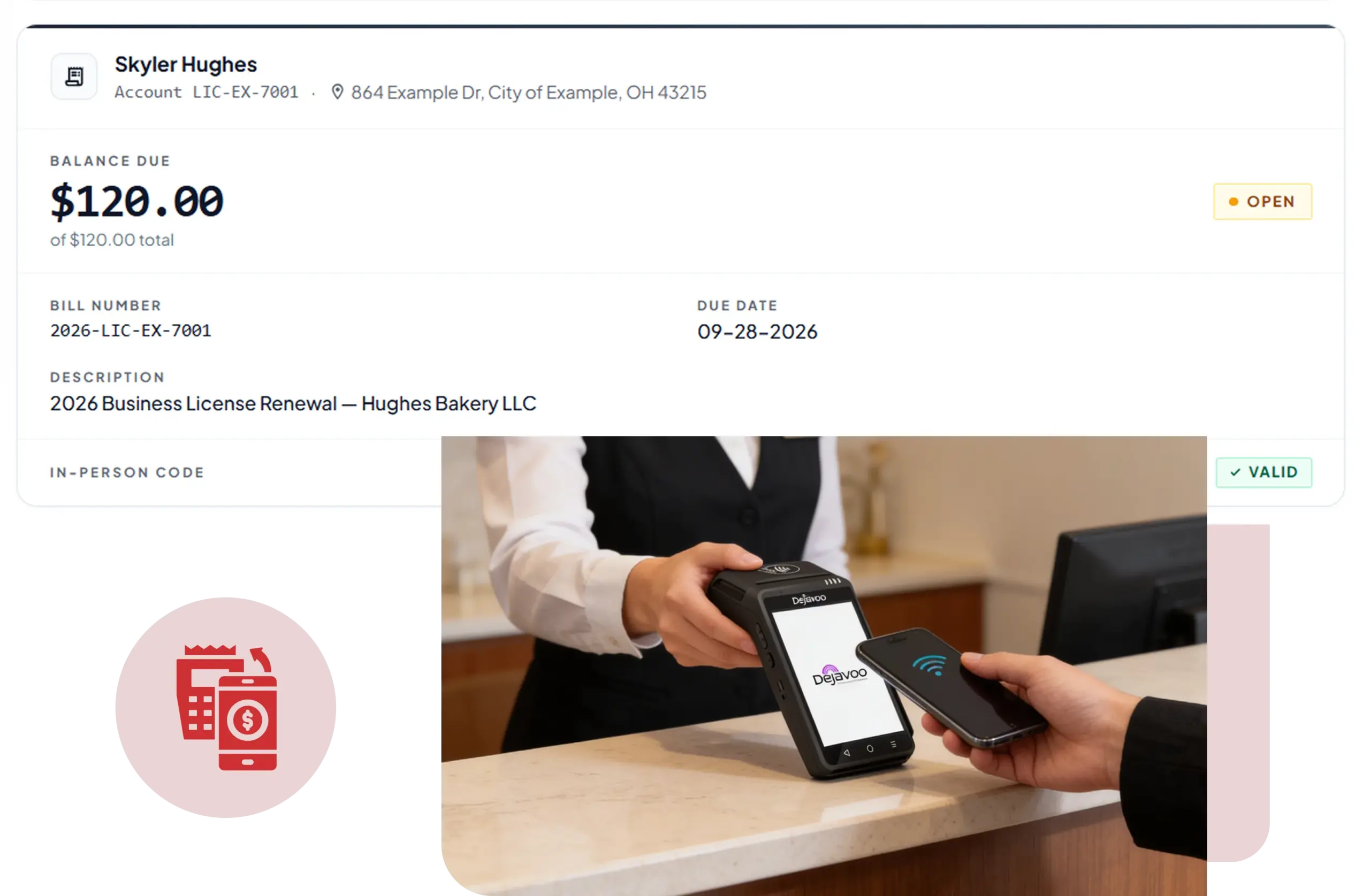
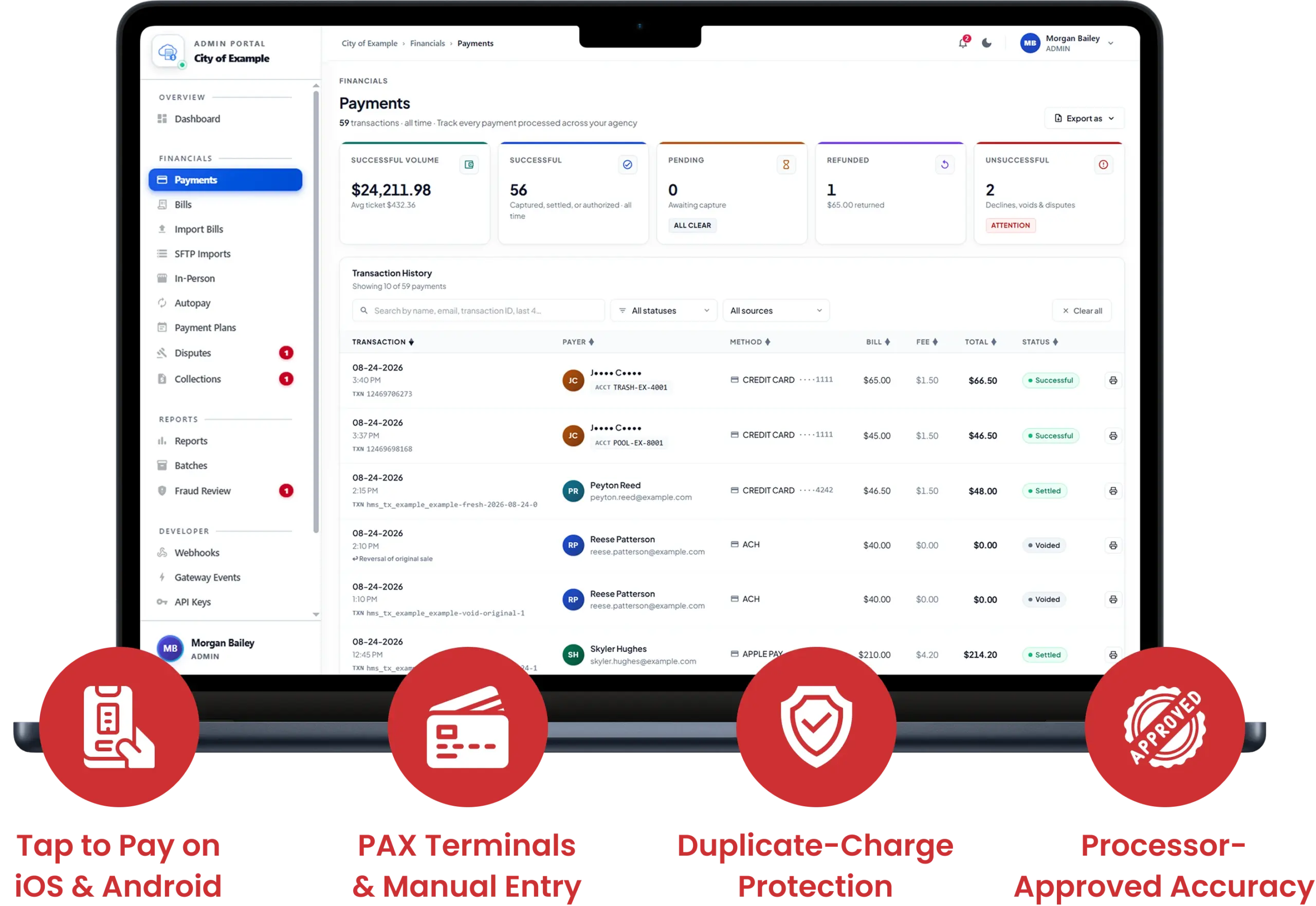
Tap to Pay, kiosk payments, PAX terminals, manual card entry, and cash, all on the same register.
Whether a customer checks out through Tap to Pay, pays with a saved card, pays at the kiosk, or pays an invoice, a retry after a failed transaction never charges them twice.
Change branches or entire merchant accounts on one device while payment transactions, staff accounts, sessions, and data remain completely separate.
Every sale that is recorded shows what was approved by the processor, and the decline reason is shown directly to the staff member.
Accept contactless cards and digital wallets through an iPhone. Staff can see the bank's reason for a decline. Every sale recorded is what the processor approved.
Supports contactless payments on Android devices and full payment terminals from PAX. All transactions are recorded and reported.
Secure manual card entry, cash sales, and split cash-and-card sales, with tips recorded through the card reader.
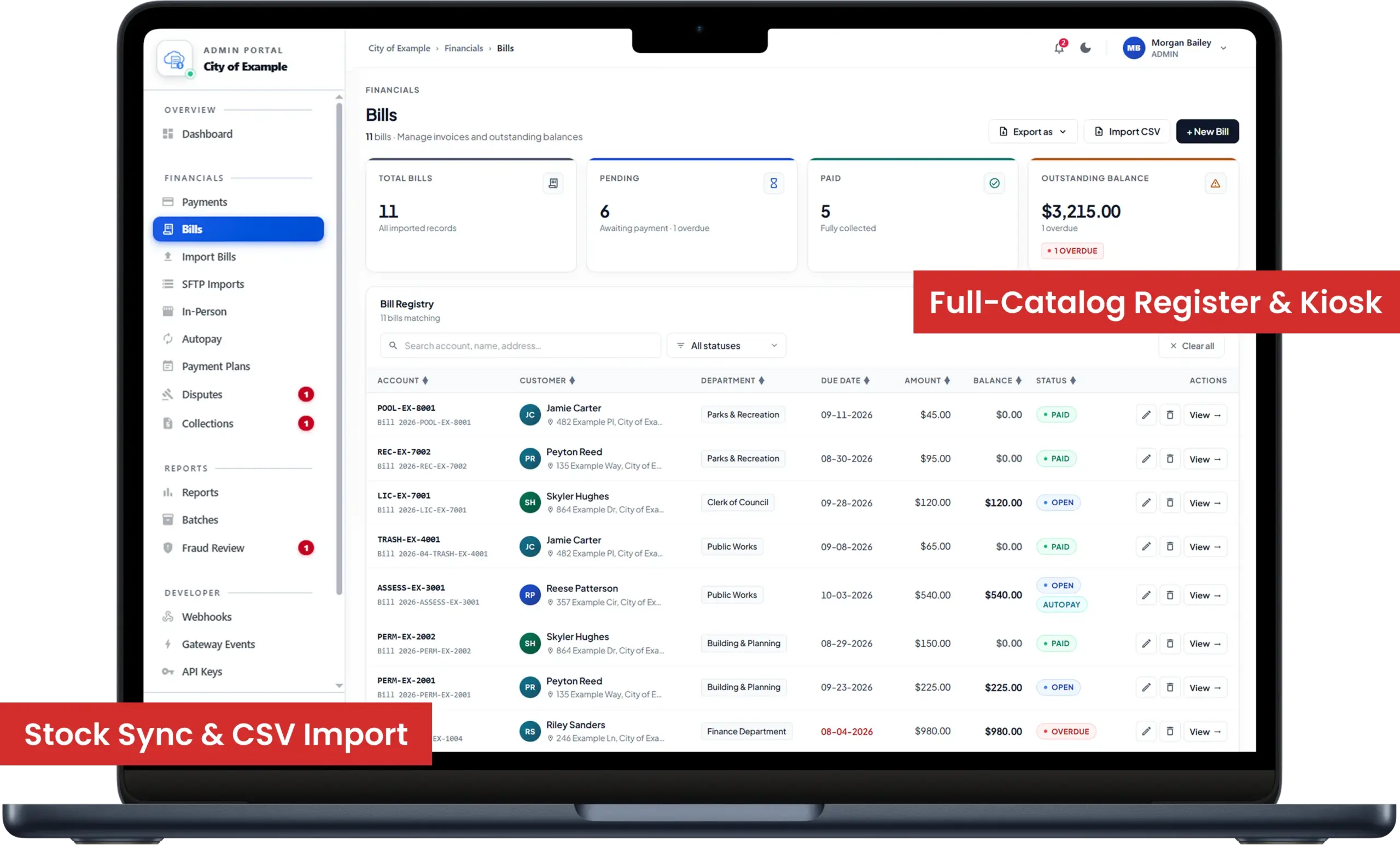
The Register and Charge screens have full-catalog selling capabilities with categories, stock limits, and product variants priced and stocked by size, color, and other options.
Customer-facing self-checkout with a PIN-protected exit, persistent lockdown, stock-aware product tiles, and totals that include tax.
Product Catalog adds product variants with option groups, and stock monitoring that stays consistent across multiple registers. It also includes bulk CSV import with duplicate detection.
Create, share, and charge invoices with due dates, tracking for invoices past due, reminders, and multi-rate tax.
Customer profiles that include history of activities and total revenue, payment methods stored on record, CSV export, and single-click invitations for access to customer portals.
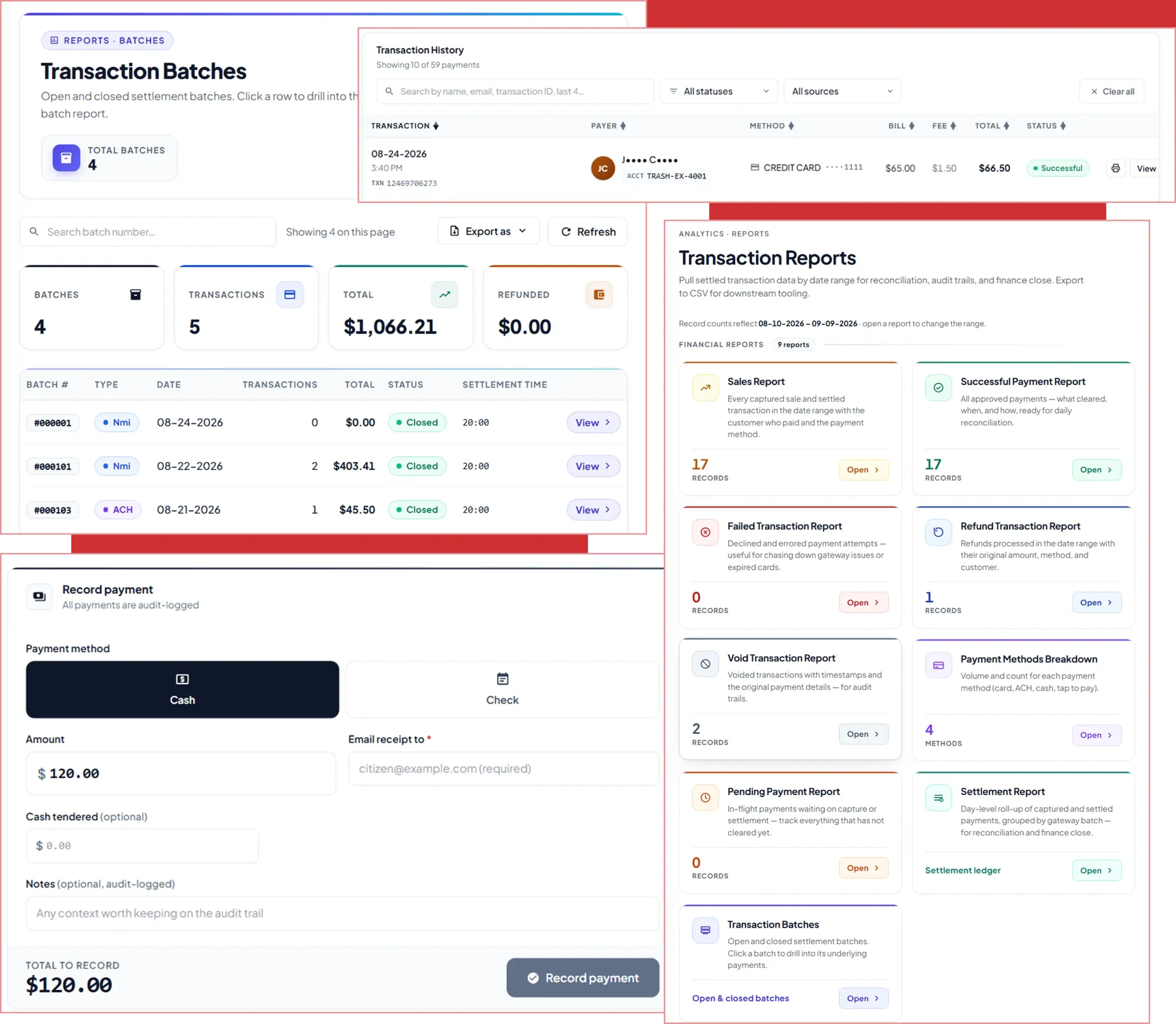
Review settlement batches with per-transaction detail, including authorization codes, processor references, and staff members. Day-grouped transaction lists are searchable and export to a print-ready PDF, with controls that prevent double batch settlement.
Server-side date range, status, and payment method filters, with CSV and PDF exports.
Start and end sessions, enter cash transactions and a running total for each branch cash drawer, with a server-side history of all sessions that can be viewed from any device.
Daily report along with sales, refunds, payment methods, and performance for items and staff for any date range you select, with filtered exports.
Automated end-to-end Bluetooth receipt printing, featuring automatic reconnection of printers, commands to open cash drawers, and clear error messages.
Payments, refunds, batch settlements, and other account activities available in a searchable, day-based activity feed with an unread notification counter; every notification directs the app to the correct view.
Staff administration with role-based permissions, individual PINs for shared devices, resendable invitations, and cash activity attributed to the employee logged in.
Switch between branches and merchant accounts on one device, with payments, staff, sessions, and data kept separate for each.
Merchant onboarding aimed at assisting the merchant during the initial phases of operation.
Sales figures, the total number of transactions, the average transaction amount, and the approval rate can be tracked over a custom range of time. The data presented on the app is synchronized with data presented in the web portal.
Guided Merchant Onboarding helps merchants with the sign-in, owner PIN, and device registration.
Add items and their variants, along with option groups. CSV bulk imports also available.
Create staff roles, set permissions, and add staff PINs. This helps you account for every cash transaction.
Process a sale by tap, PAX terminal, manual entry, or cash, at the register or the kiosk.
We use cookies to enhance your browsing experience, analyze site traffic, and support our marketing.You can accept all cookies, reject non-essential ones, or manage your preferences below. Learn more in our Privacy Policy.
Manage your cookie preferences below:
Essential cookies enable basic functions and are necessary for the proper function of the website.
These cookies are needed for adding comments on this website.
Google Tag Manager simplifies the management of marketing tags on your website without code changes.
These cookies are used for managing login functionality on this website.
Statistics cookies collect information anonymously. This information helps us understand how visitors use our website.
Google Analytics is a powerful tool that tracks and analyzes website traffic for informed marketing decisions.
Service URL: policies.google.com (opens in a new window)
Marketing cookies are used to follow visitors to websites. The intention is to show ads that are relevant and engaging to the individual user.
Facebook Pixel is a web analytics service that tracks and reports website traffic.
Service URL: www.facebook.com (opens in a new window)
OptinMonster is a powerful lead generation tool that helps businesses convert visitors into subscribers and customers.
Service URL: optinmonster.com (opens in a new window)