
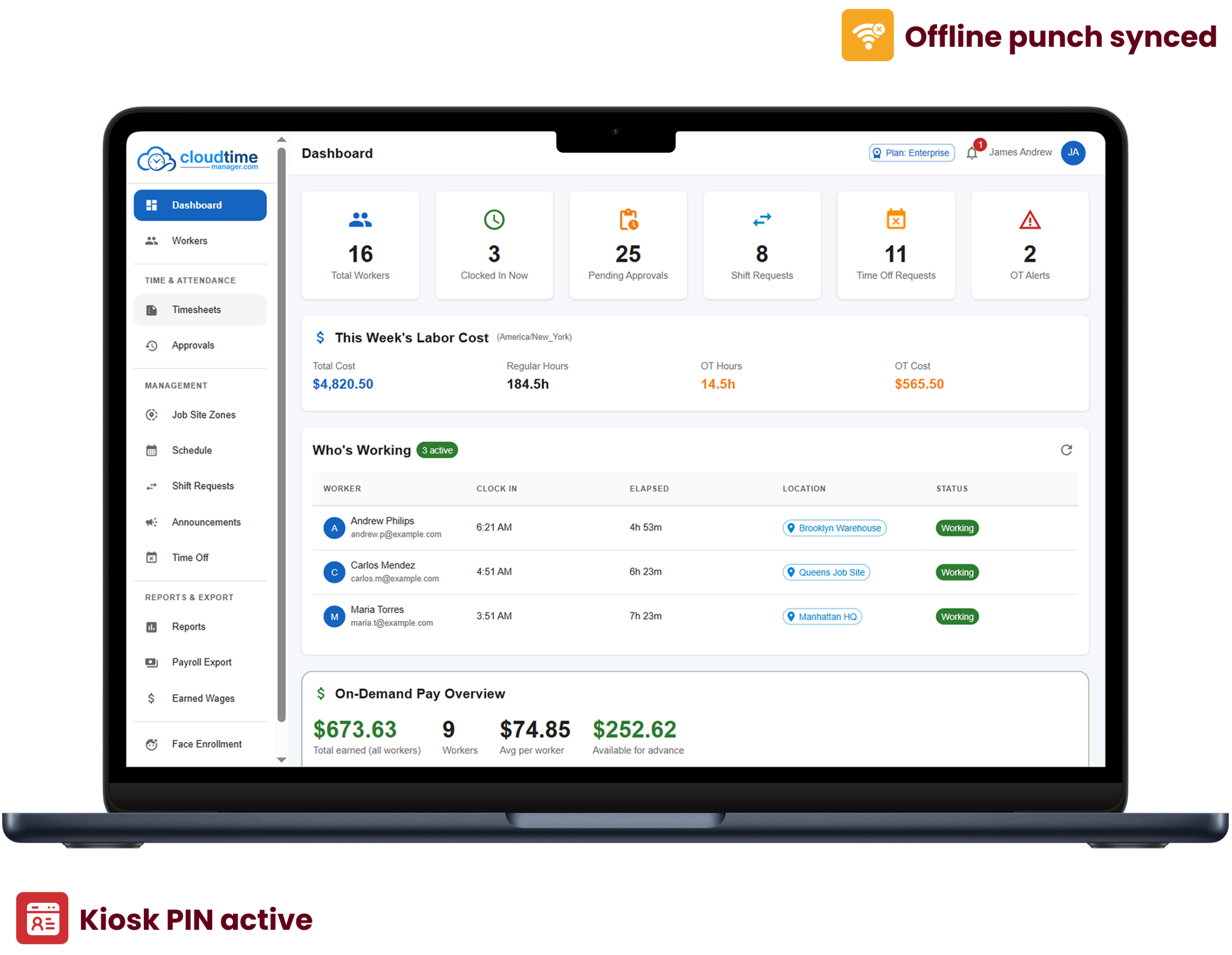
Run time tracking, scheduling, time off, and payroll exports for free.
Use geofencing, face matches, and photos to verify that employee punches are being made by the employee and at the desired location.
Time punches recorded offline are stored temporarily and synced to the server when the device regains internet connectivity, with the original punch time preserved.
Exports that are formatted for QuickBooks, ADP, Gusto, Paychex, or a generic template, based on stable employee IDs.
Employees can clock in/out via the web clock or a kiosk that includes an employee-specific PIN.
Clock in/out is determined by an employee's location within defined geofence zones, with a message showing the employee's closest work site if a punch occurs outside of the zone.
An employee's photo can be captured and verified against their biometric data. An administrator can enroll a face and control the retention of the biometric data.
Punches that were recorded when the device was not connected to the internet are synced by the system when the device reconnects. The exact time of the punch is retained.
Breaks can be scheduled, and timesheets match actual time worked.
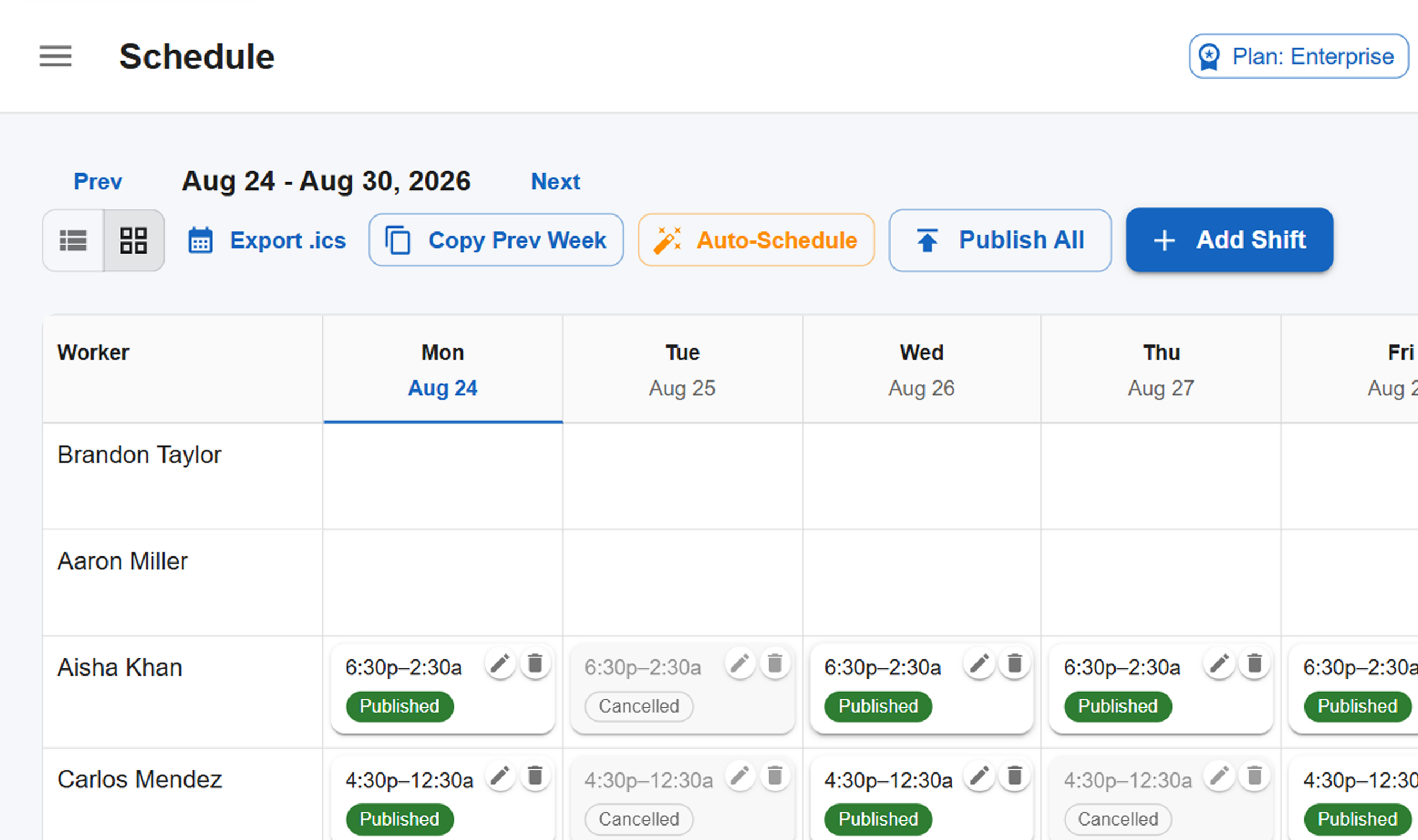
Create weekly shifts, distribute, and copy last week's shifts.
Create shift schedules automatically.
Available shifts are taken, and shift swaps are requested with status updates and tracking.
Requests include date ranges, notes, types, and an approval workflow.
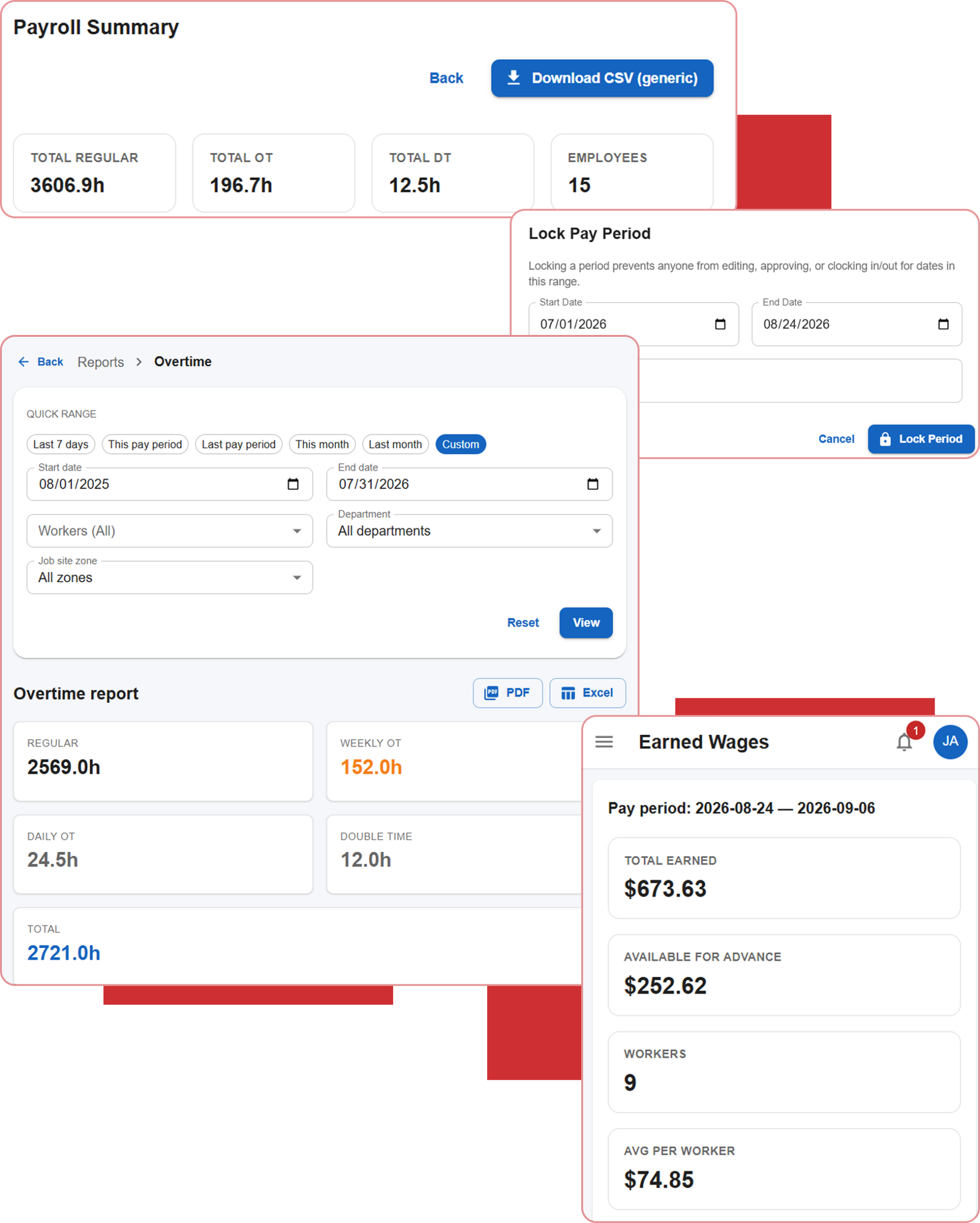
Payroll CSV exports customized for QuickBooks, ADP, Gusto, Paychex, and a generic template, based on stable employee IDs.
Multiple daily and weekly limits with overtime and double-time multipliers that include overrides for employee groups.
Once payroll is processed for an employee, the system will automatically lock the pay period. There will be no changes after processing.
Wage computations based on recorded time and predetermined rates.
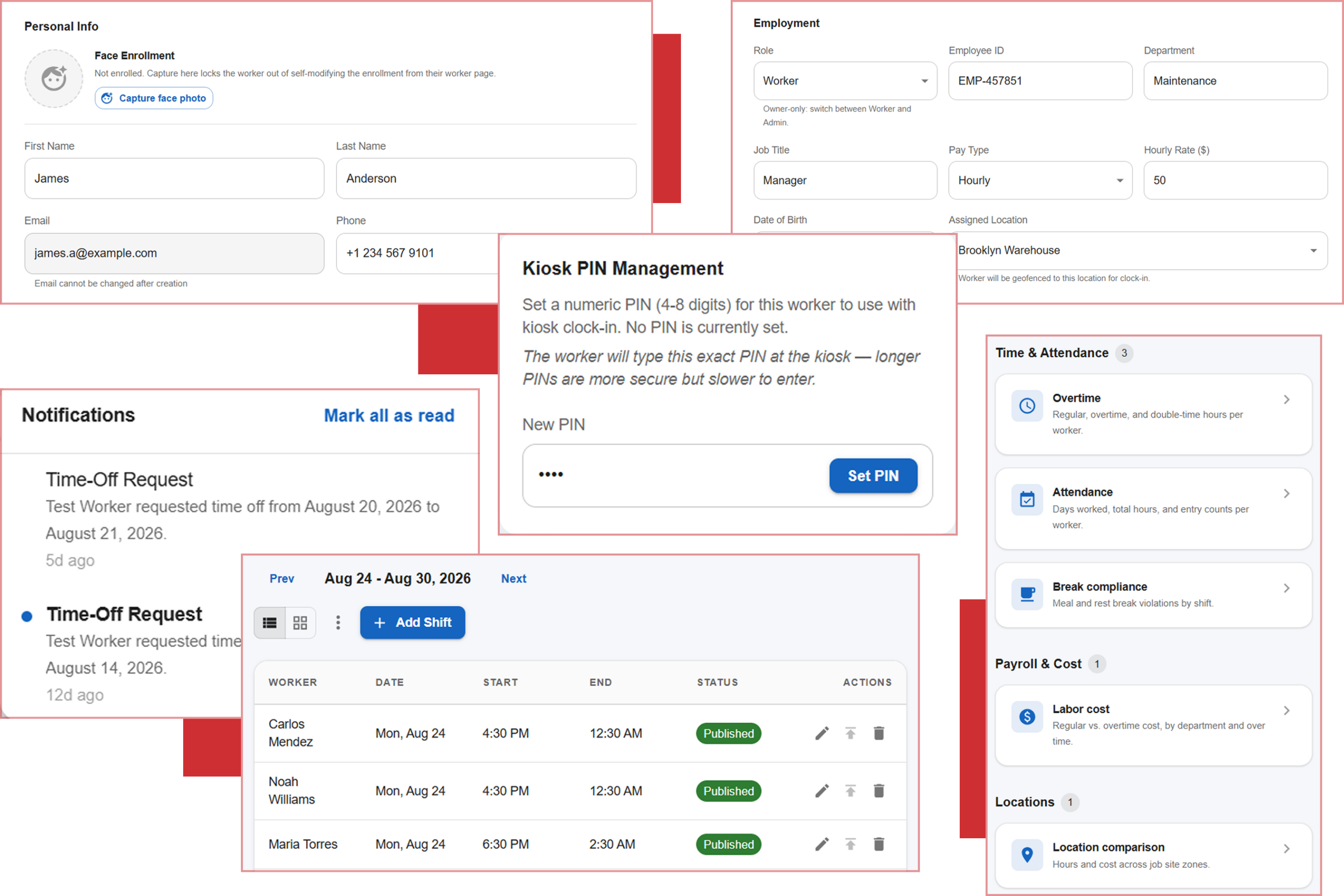
Worker profiles, departments, roles, and admin-controlled kiosk PINs.
Company announcements with a set expiry date and shown to workers in real-time.
Push or in-app notifications with a read/unread indicator.
Based on department, worker, or geofence zone. Includes labor-cost views.
Secure, token-based calendar feeds per location and per user.
Create profiles for workers, departments and roles. Draw geofence zones for each work site.
To create a schedule, you can draw it by hand, copy the previous week's schedule, or you can let the system schedule it automatically for you.
To turn on the time clock, click to activate the web and kiosk PINs. Choose settings for photo and face verification at punch time.
When a work period closes, lock it, and then format the hours for your payroll provider and export them.
We use cookies to enhance your browsing experience, analyze site traffic, and support our marketing.You can accept all cookies, reject non-essential ones, or manage your preferences below. Learn more in our Privacy Policy.
Manage your cookie preferences below:
Essential cookies enable basic functions and are necessary for the proper function of the website.
These cookies are needed for adding comments on this website.
Google Tag Manager simplifies the management of marketing tags on your website without code changes.
These cookies are used for managing login functionality on this website.
Statistics cookies collect information anonymously. This information helps us understand how visitors use our website.
Google Analytics is a powerful tool that tracks and analyzes website traffic for informed marketing decisions.
Service URL: policies.google.com (opens in a new window)
Marketing cookies are used to follow visitors to websites. The intention is to show ads that are relevant and engaging to the individual user.
Facebook Pixel is a web analytics service that tracks and reports website traffic.
Service URL: www.facebook.com (opens in a new window)
OptinMonster is a powerful lead generation tool that helps businesses convert visitors into subscribers and customers.
Service URL: optinmonster.com (opens in a new window)