
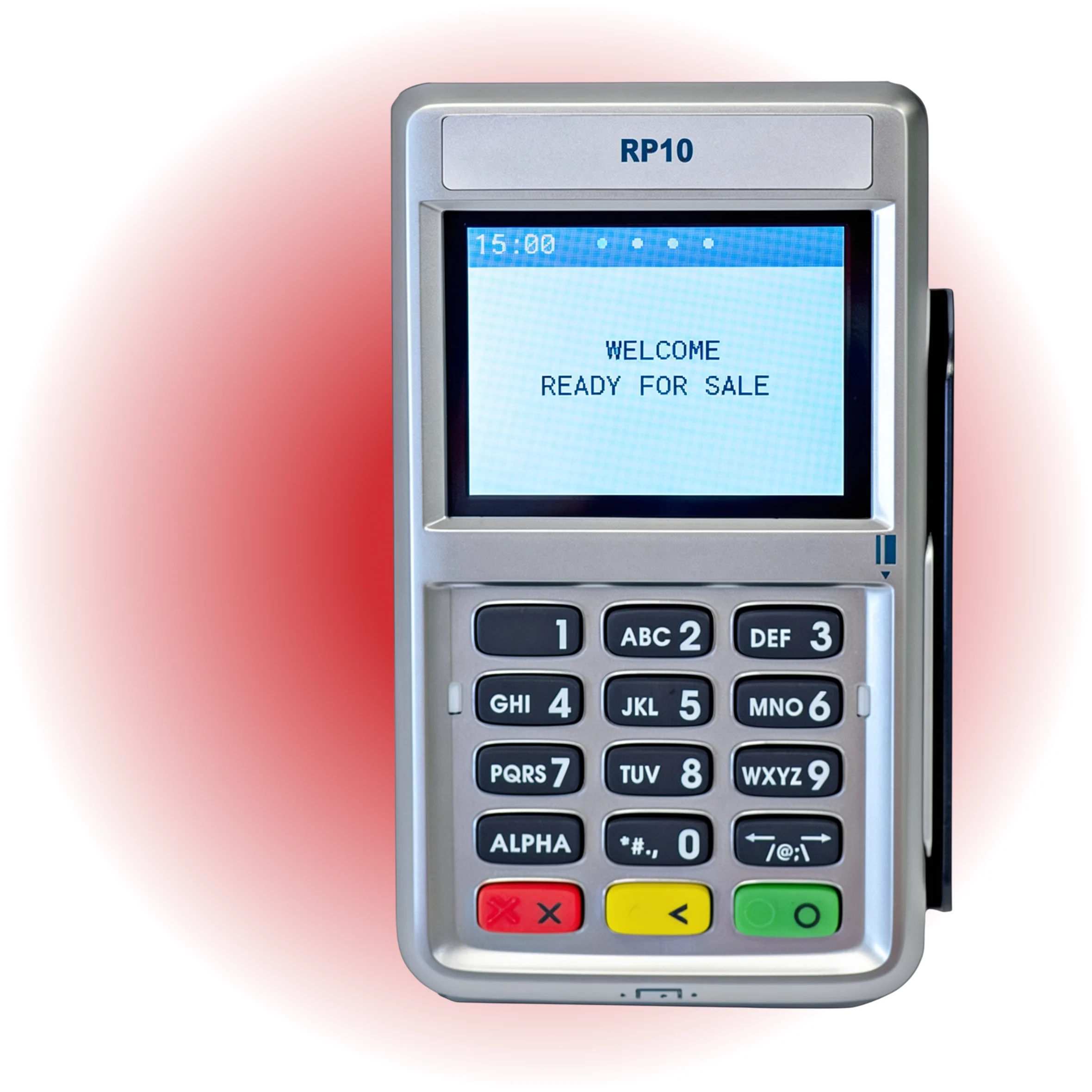
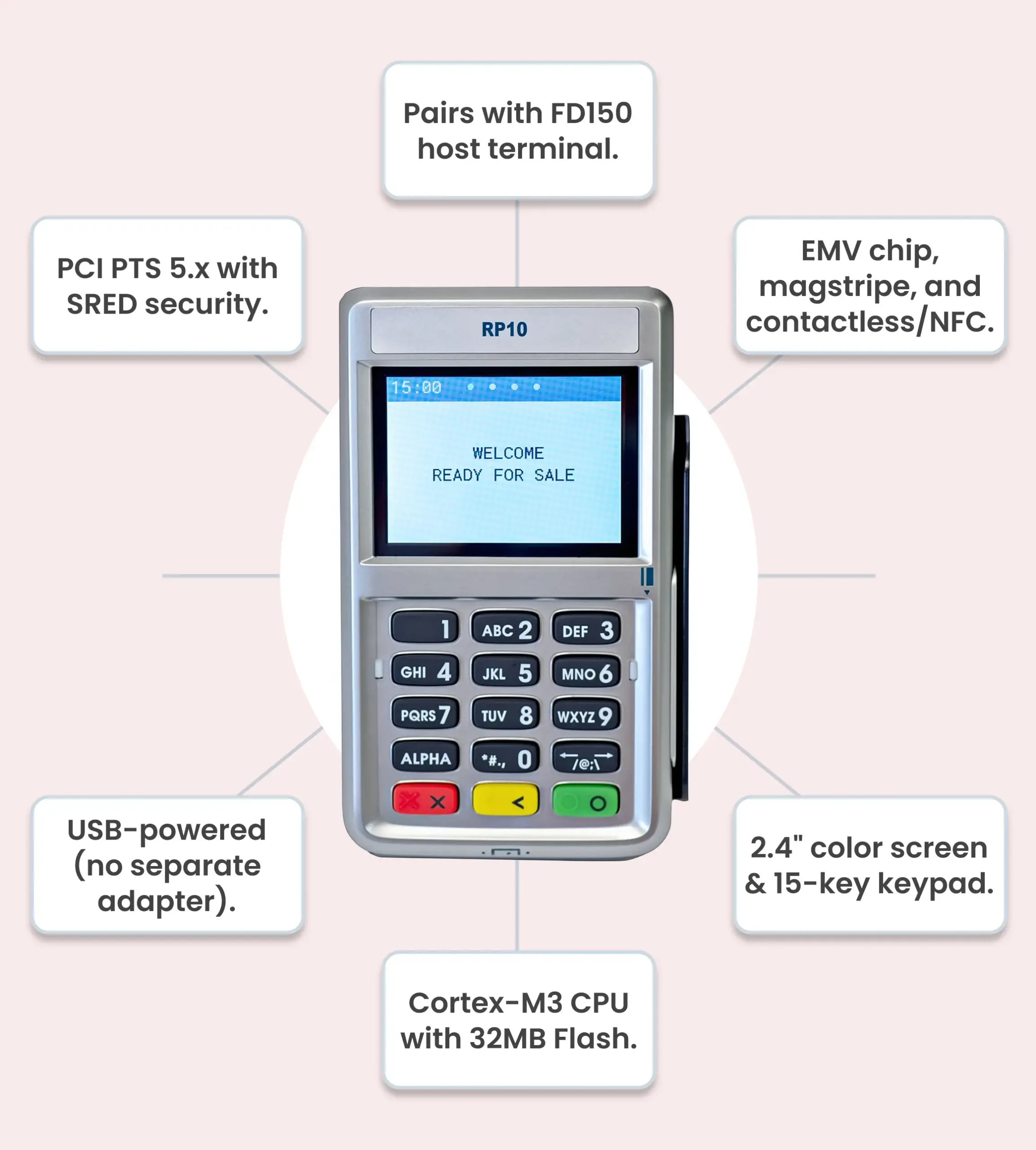
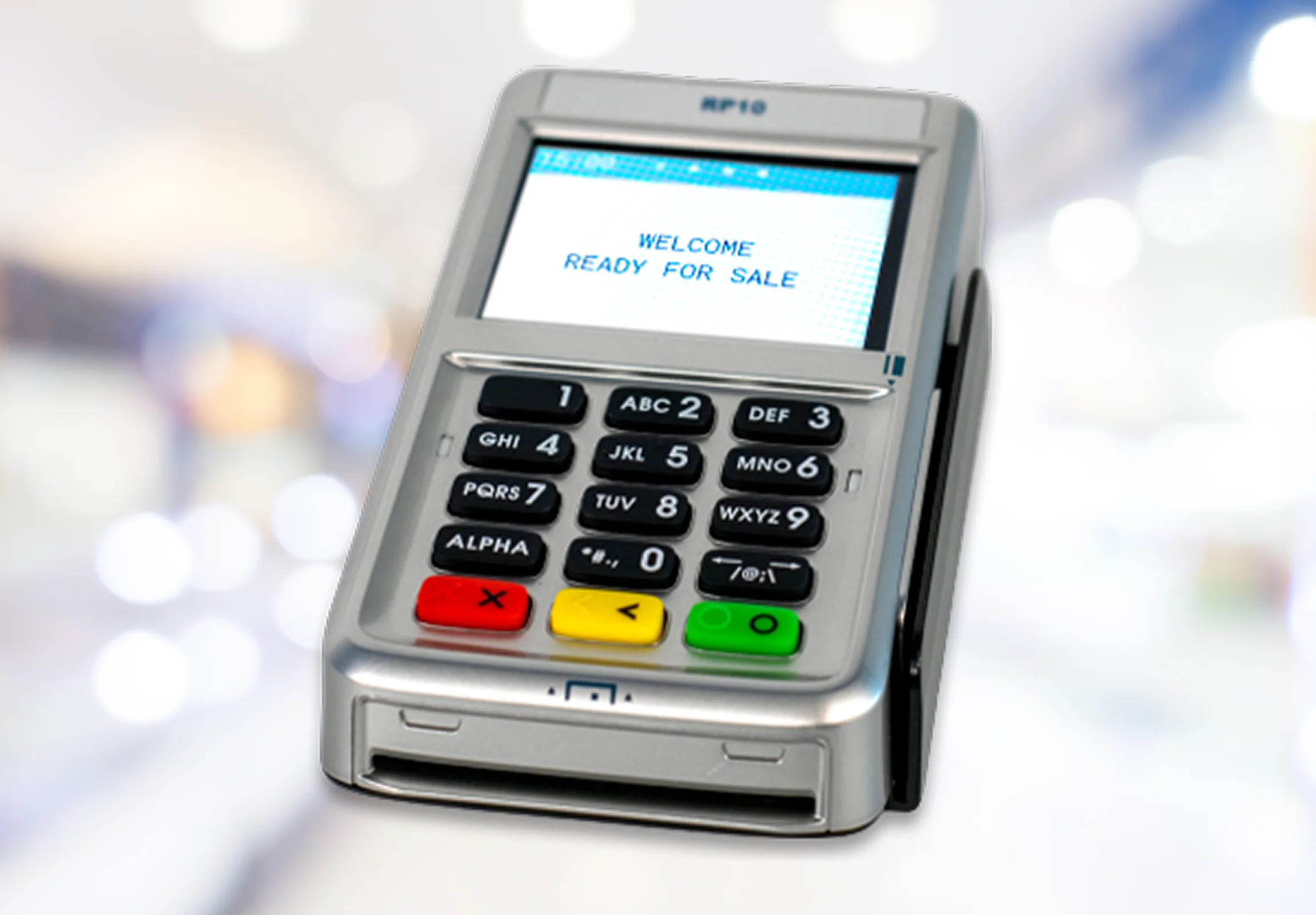
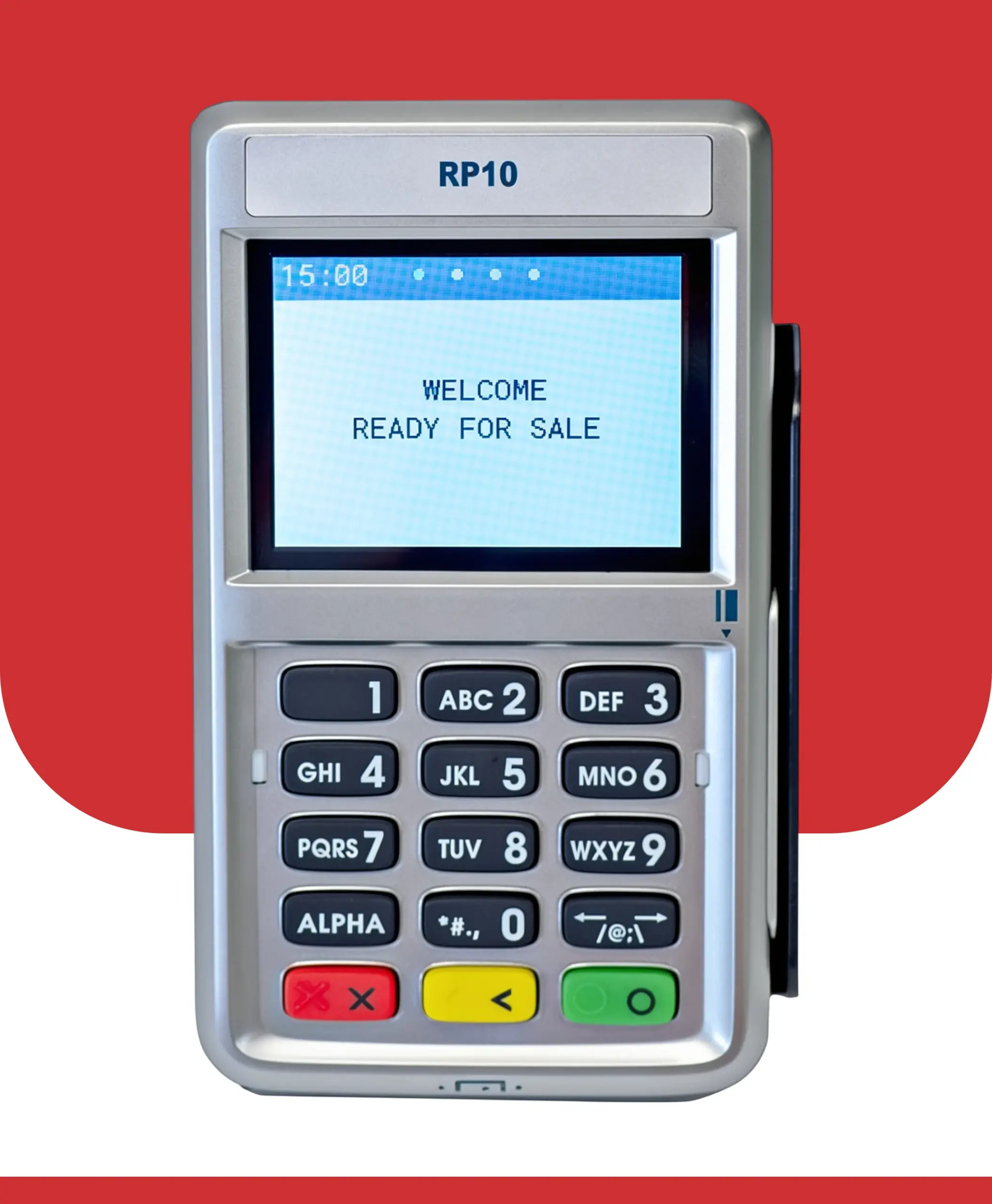
The First Data RP10 is the newer version of the FD35 and connects directly to the First Data FD150 countertop terminal. It’s built as a consumer-facing PIN pad so customers can enter, tap, or swipe their PIN. It helps speed checkout and reduce card hand-offs at the counter.
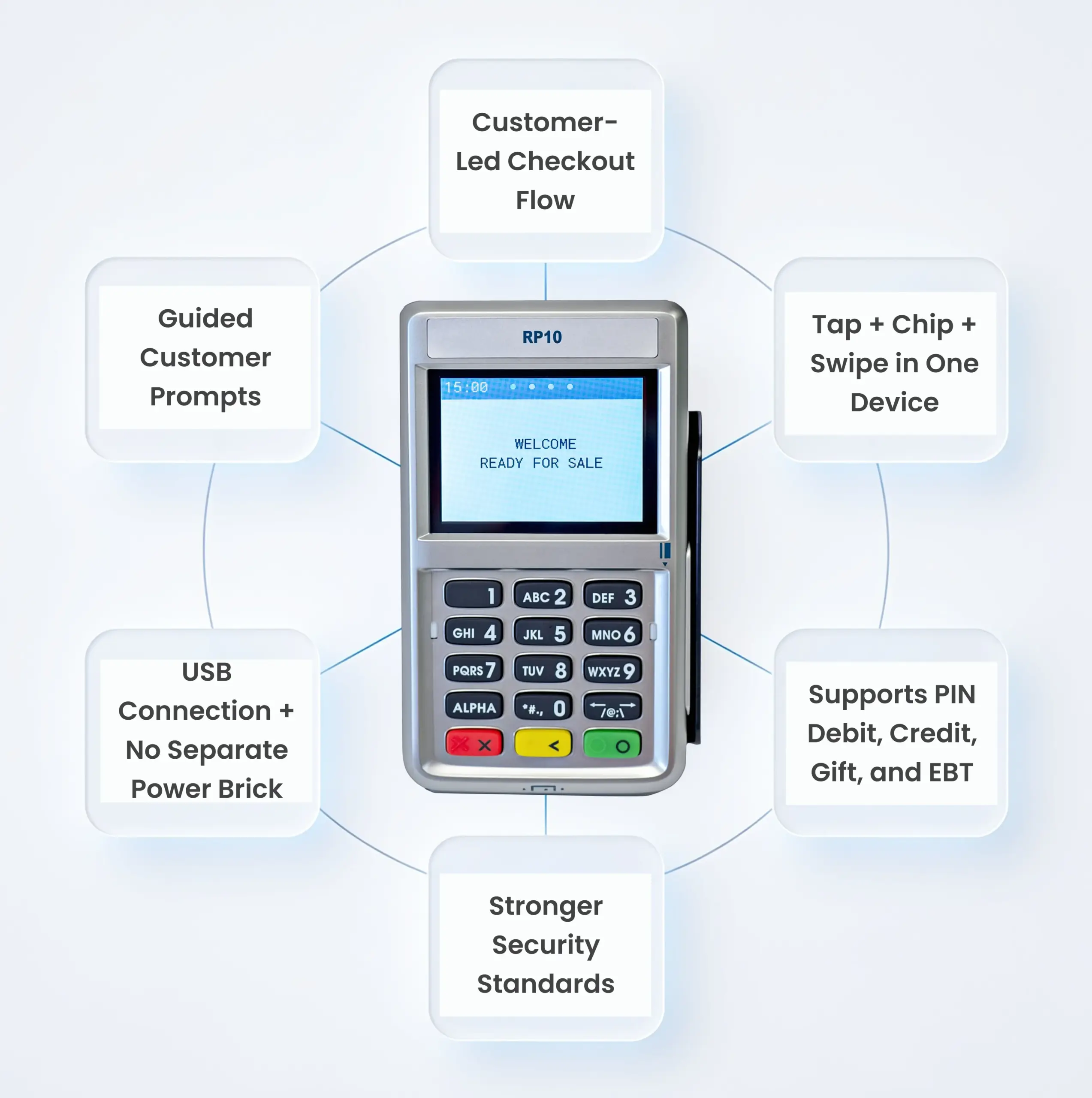
The RP10 supports EMV chip + PIN transactions, NFC/contactless payments, and traditional magstripe swipes, and it’s designed to connect over USB without requiring a separate power supply.
If you’re closing the day manually from the terminal:
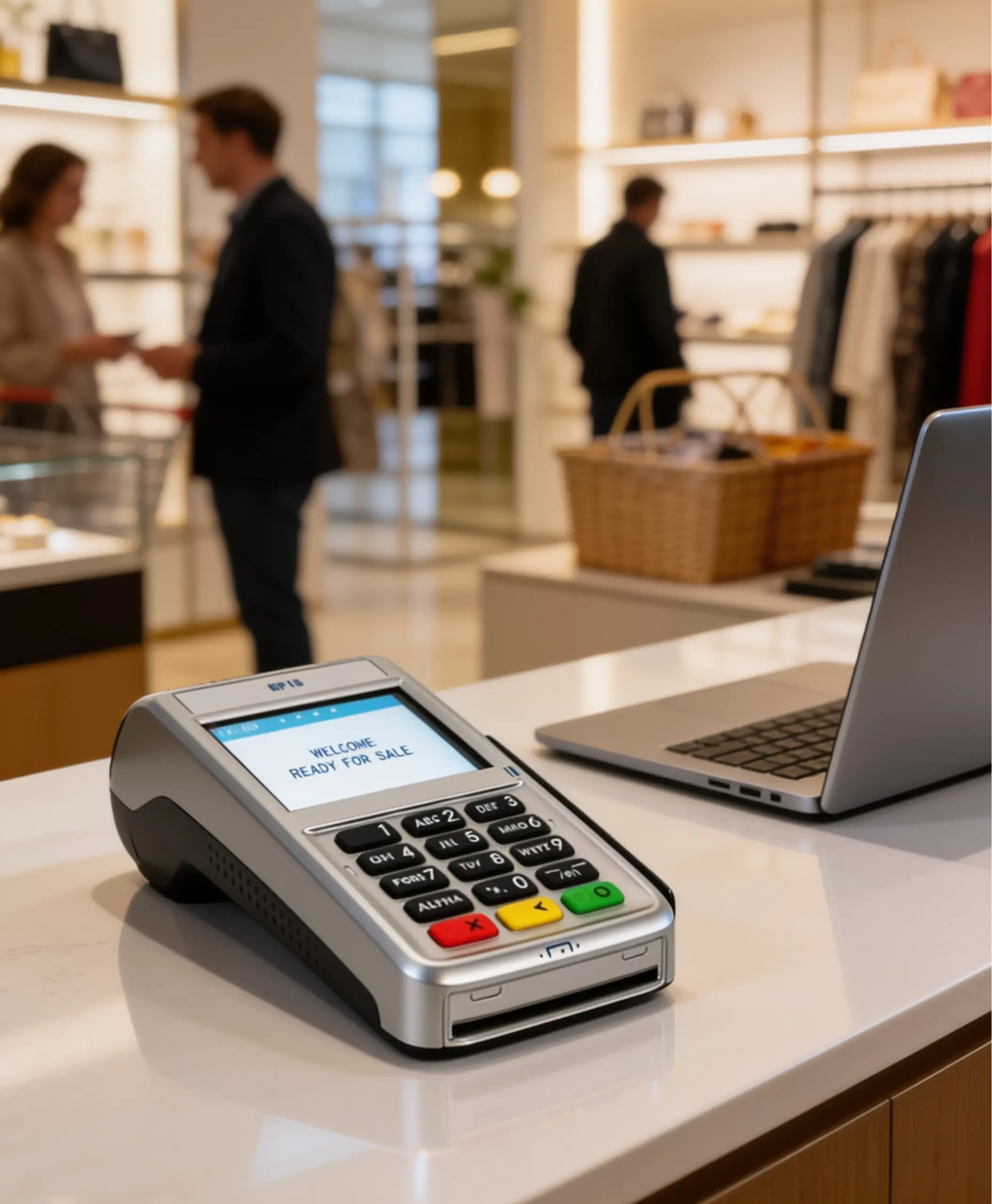

Ready to add a customer-facing PIN pad to your checkout flow? Fill out the form and we’ll confirm compatibility, share pricing/options, and help you get the RP10 connected and processing tap, chip, and swipe with minimal downtime.
"*" indicates required fields

We use cookies to enhance your browsing experience, analyze site traffic, and support our marketing.You can accept all cookies, reject non-essential ones, or manage your preferences below. Learn more in our Privacy Policy.
Manage your cookie preferences below:
Essential cookies enable basic functions and are necessary for the proper function of the website.
These cookies are needed for adding comments on this website.
Google Tag Manager simplifies the management of marketing tags on your website without code changes.
These cookies are used for managing login functionality on this website.
Statistics cookies collect information anonymously. This information helps us understand how visitors use our website.
Google Analytics is a powerful tool that tracks and analyzes website traffic for informed marketing decisions.
Service URL: policies.google.com (opens in a new window)
Marketing cookies are used to follow visitors to websites. The intention is to show ads that are relevant and engaging to the individual user.
Facebook Pixel is a web analytics service that tracks and reports website traffic.
Service URL: www.facebook.com (opens in a new window)
OptinMonster is a powerful lead generation tool that helps businesses convert visitors into subscribers and customers.
Service URL: optinmonster.com (opens in a new window)