
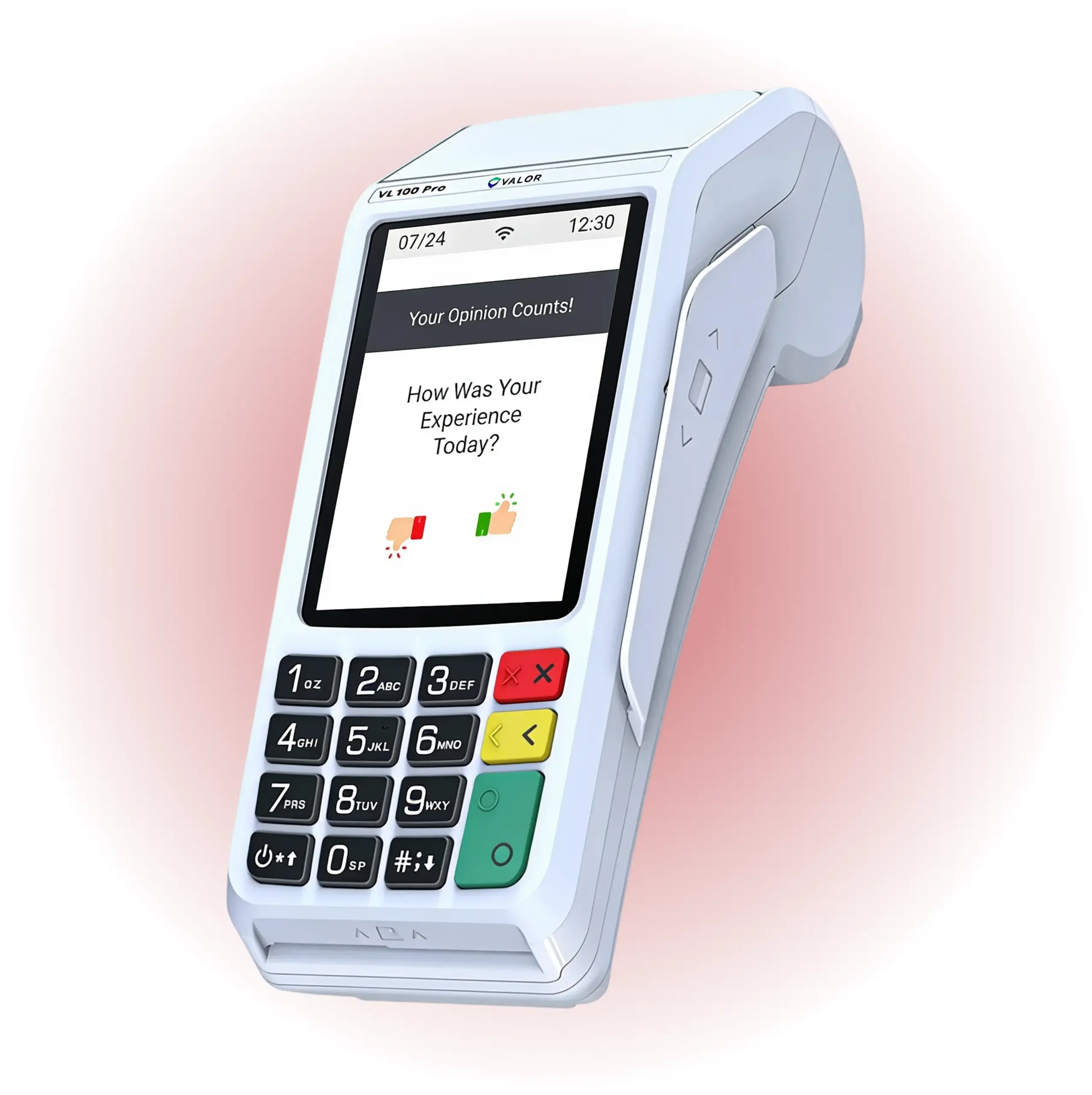
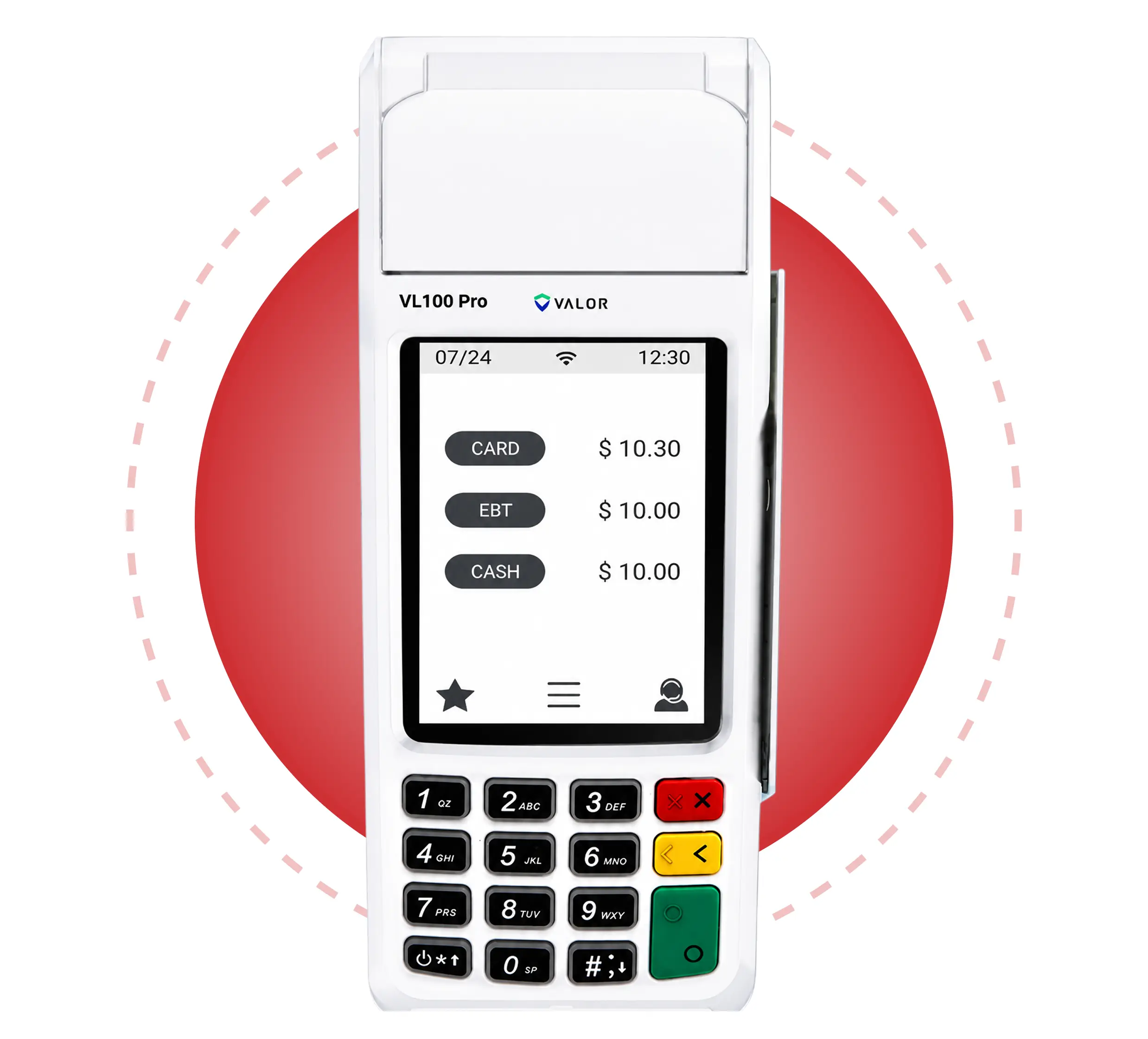
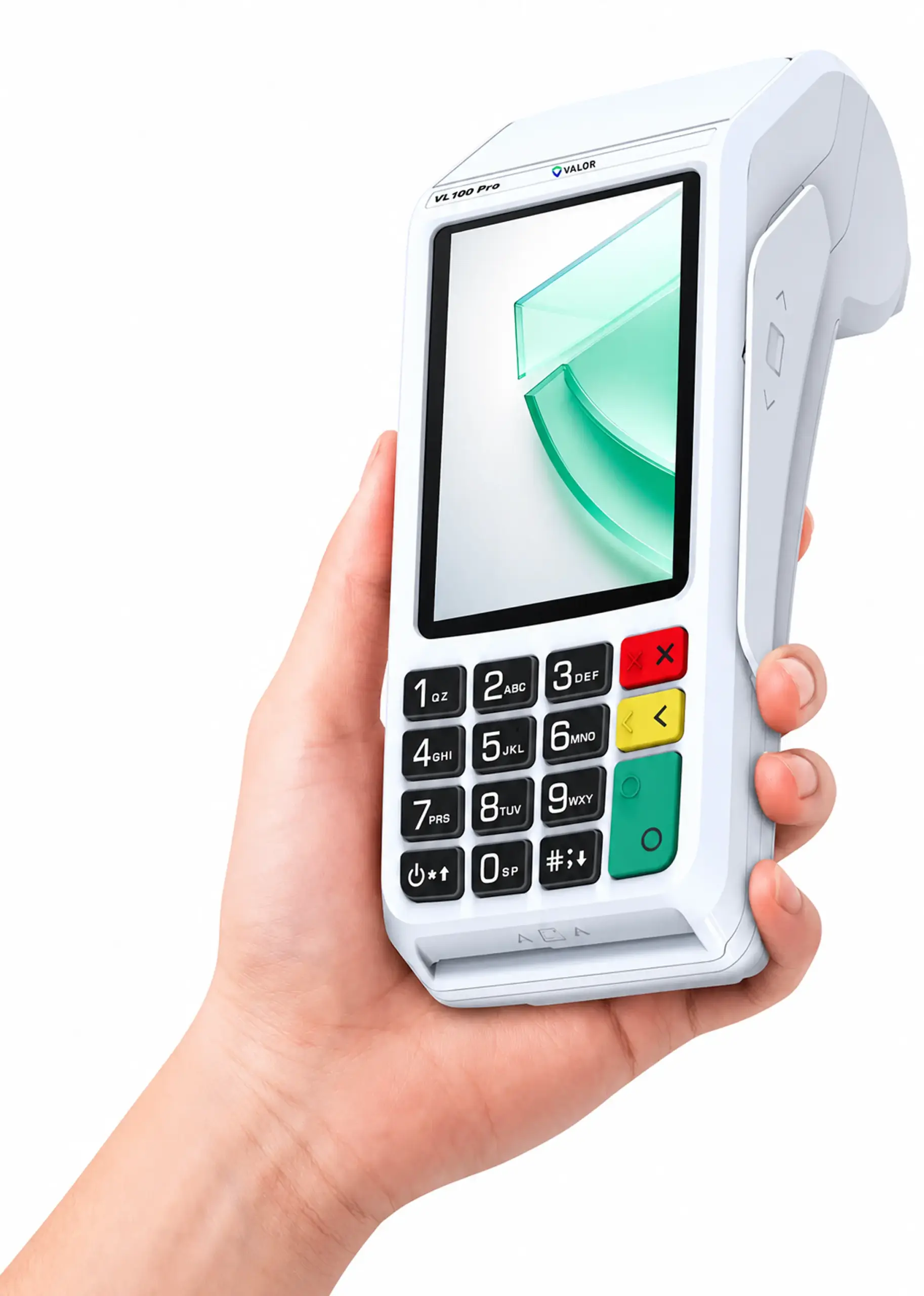
The VL100 Pro is an affordable yet powerful payment terminal that simplifies everyday transactions. Process contactless and EMV transactions on a wide 3.5-inch touchscreen, with secure connectivity options for seamless checkout.
Built for durability and speed, the VL100 Pro will surely help your business take secure payments, manage pricing options with ease, and serve customers faster than ever, whether you operate a retail business or provide services.
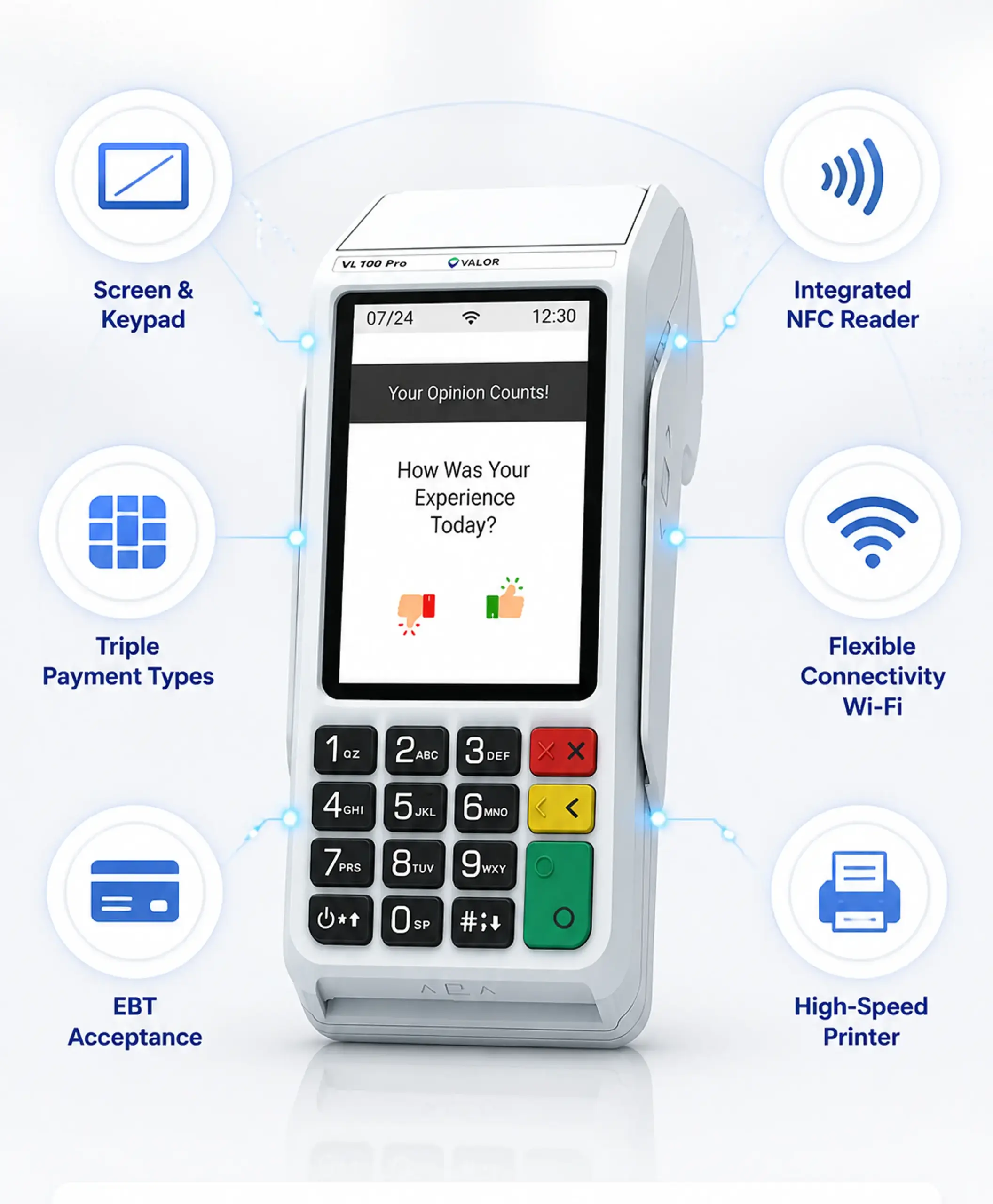
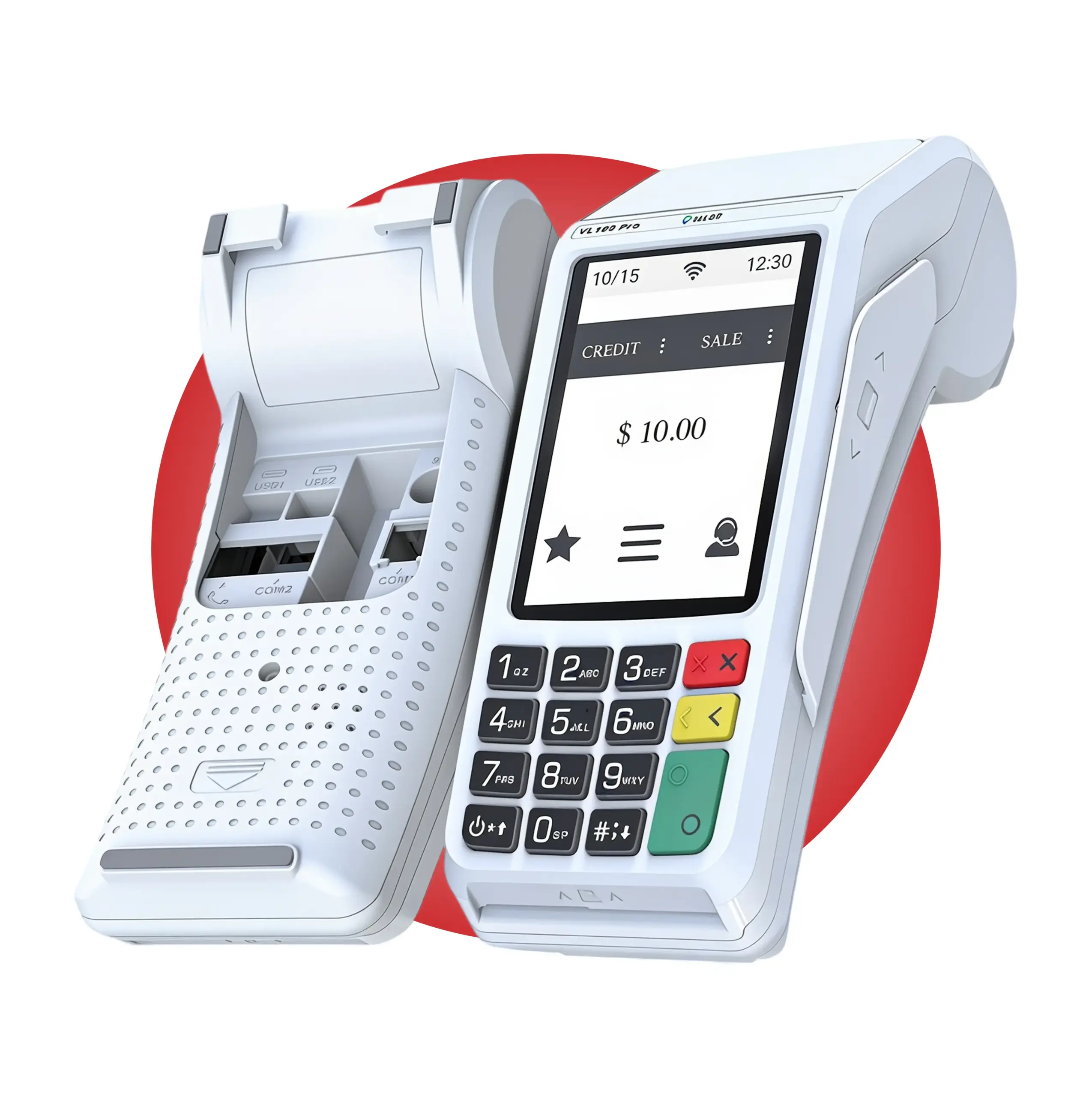
The 3.5-inch color touchscreen is paired with a built-in 15-key keypad to support fast navigation and efficient checkout. Backlit keys improve visibility and usability in various lighting conditions, helping cashiers complete transactions quickly and accurately.
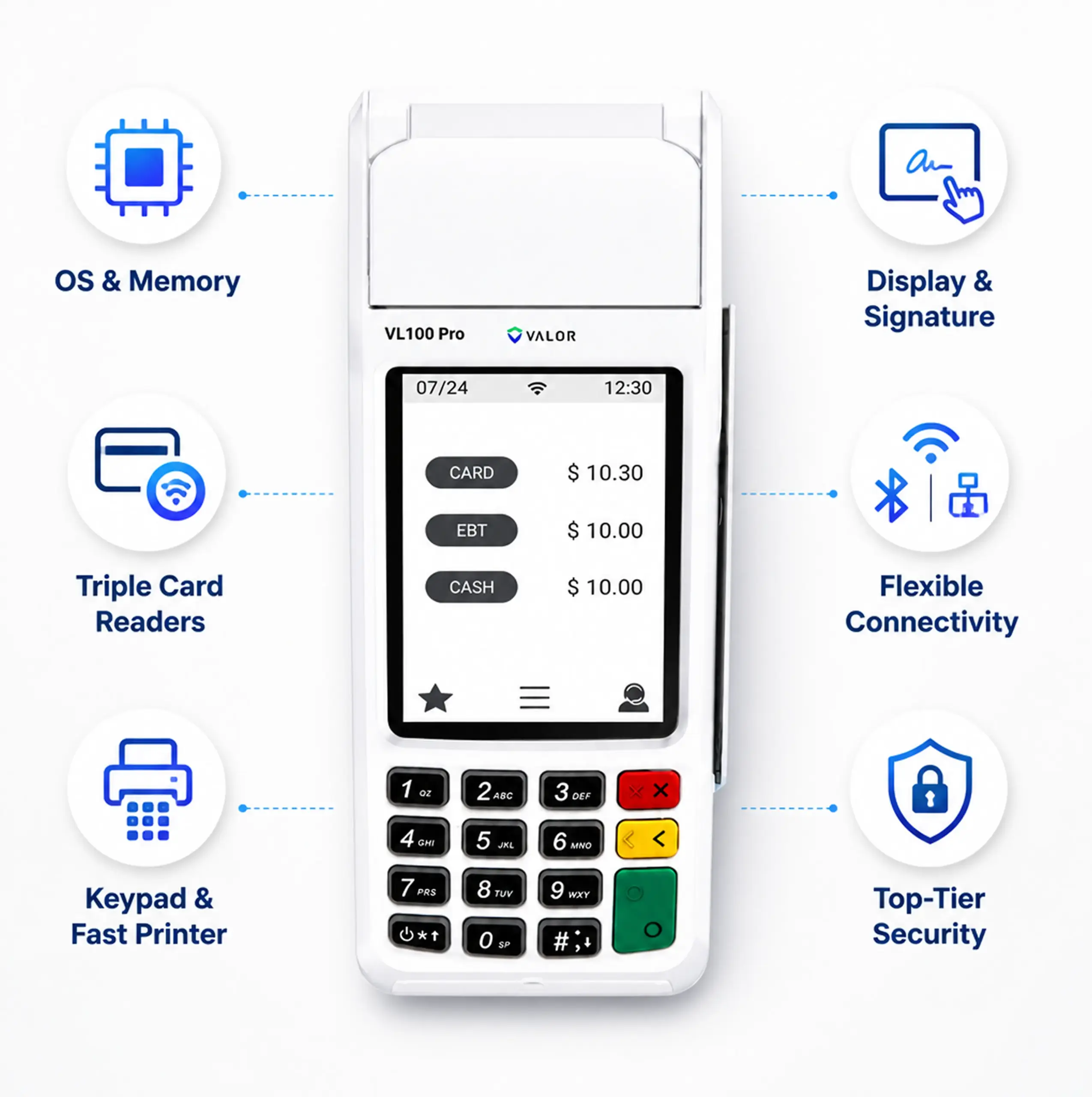
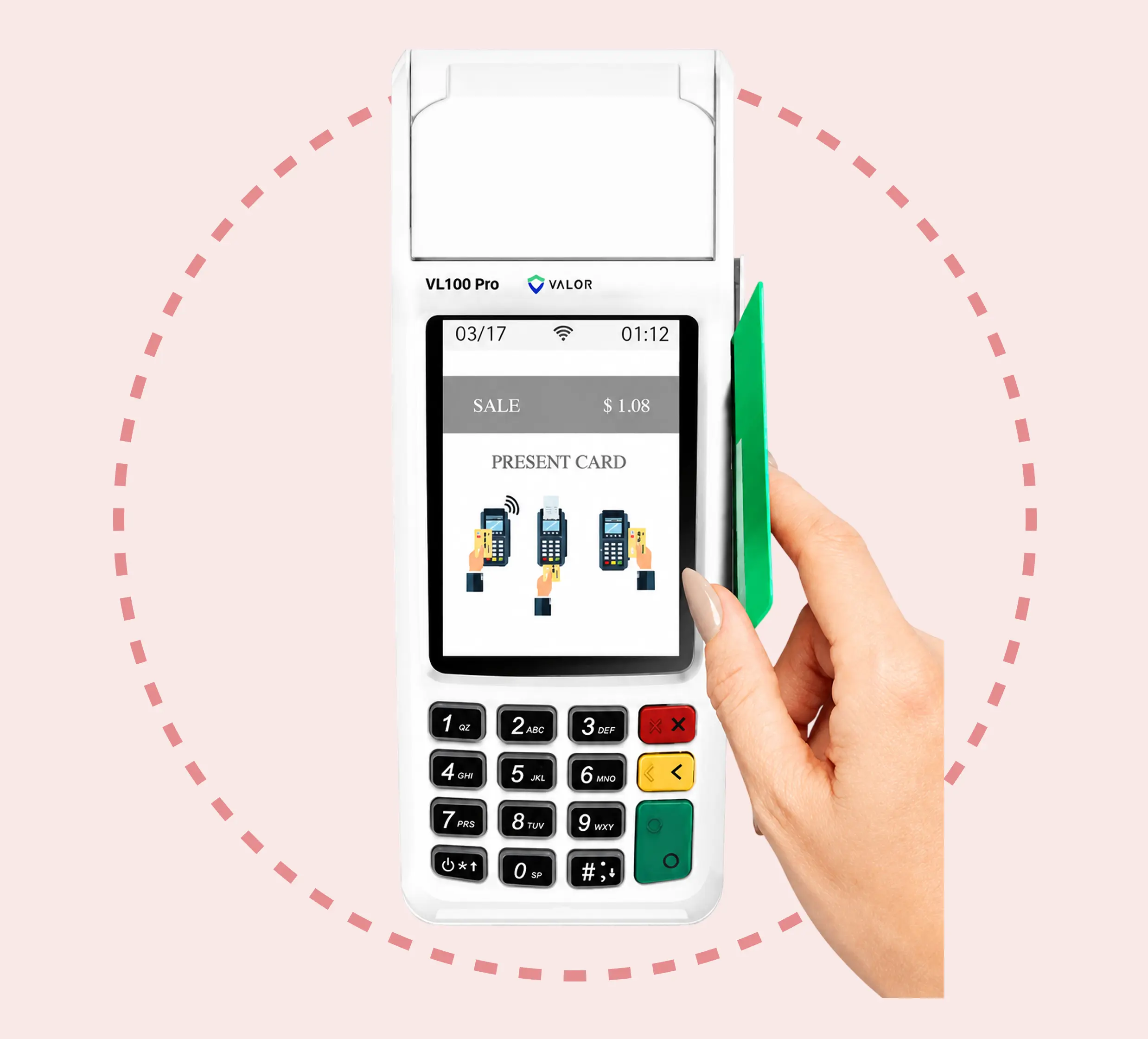
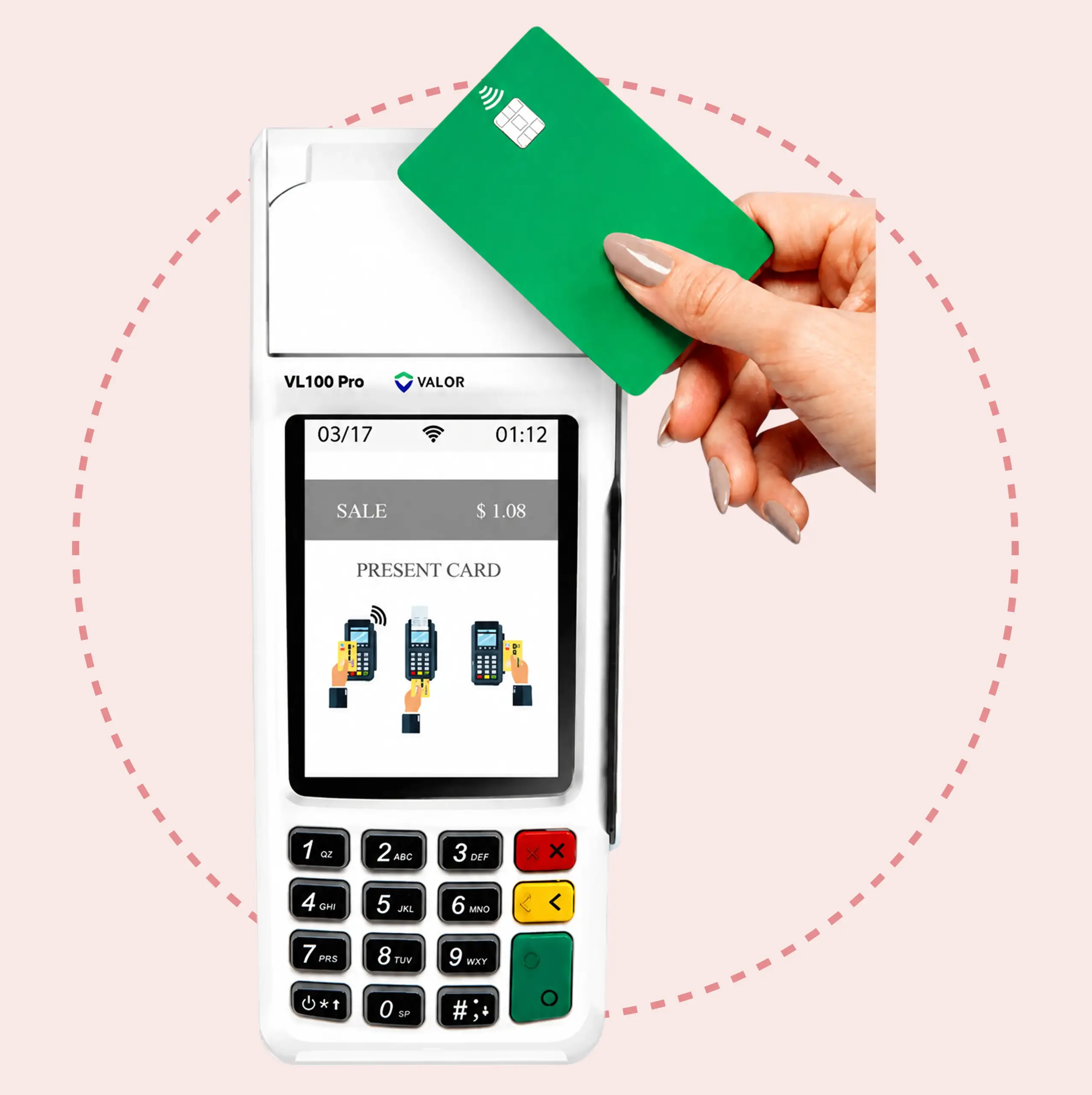
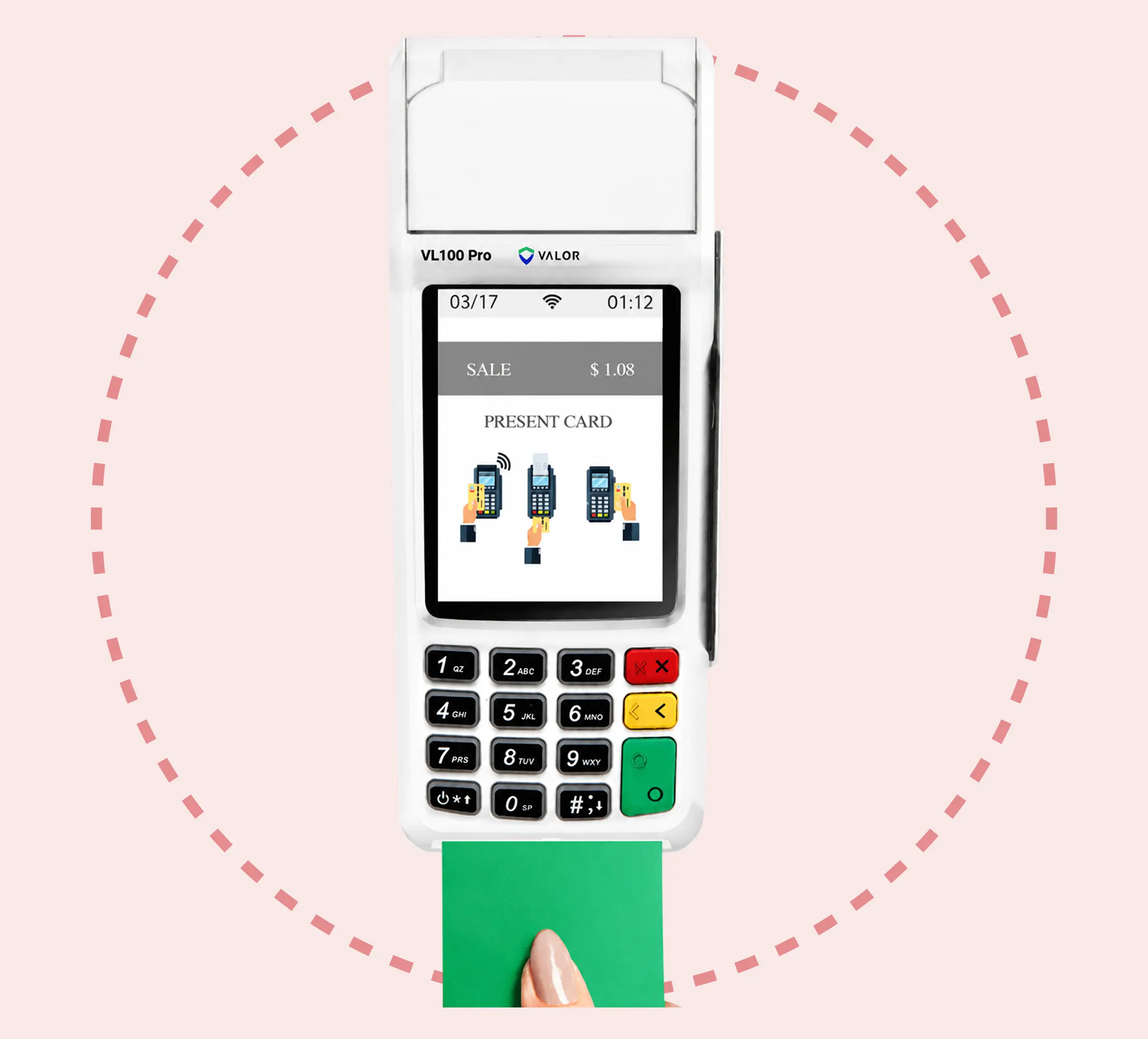
The terminal supports contactless, EMV chip, and magnetic stripe payments to cover all standard card-present transaction types. This ensures customers can pay using their preferred method without delays or additional hardware.
EBT functionality allows merchants to accept eligible benefit payments and serve a broader customer base. This capability expands transaction flexibility while maintaining secure and compliant processing.
An integrated NFC reader operating at 13.56 MHz enables fast tap-to-pay transactions. The device supports ISO 14443 Type A/B and ISO 18092 NFC standards for compatibility with major contactless payment methods.
The terminal supports Wi-Fi and Ethernet connectivity for stable in-store payment processing. USB and RS232 interfaces provide additional flexibility for integrating with peripherals and existing POS systems.
A built-in thermal printer delivers receipt printing speeds of up to 100 mm per second to keep lines moving. Merchants can also offer receipts via SMS or email, giving customers convenient delivery options.
Update or modify tip amounts for transactions within the open batch.
Reprint the receipt from the most recent transaction.
Close and settle the current transaction batch.
Set a general password or create custom passwords for settlements, voids, refunds, and fee removal.
Apply system parameter updates or install the latest device software version.
Configure or update internet and communication connection settings.
Restart the device by power cycling the system.
Allow your ISO to access and troubleshoot the device remotely.
View summary reports for the open batch, last settled batch, and detailed reports for the previous five settled batches.
"*" indicates required fields

We use cookies to enhance your browsing experience, analyze site traffic, and support our marketing.You can accept all cookies, reject non-essential ones, or manage your preferences below. Learn more in our Privacy Policy.
Manage your cookie preferences below:
Essential cookies enable basic functions and are necessary for the proper function of the website.
These cookies are needed for adding comments on this website.
Google Tag Manager simplifies the management of marketing tags on your website without code changes.
These cookies are used for managing login functionality on this website.
Statistics cookies collect information anonymously. This information helps us understand how visitors use our website.
Google Analytics is a powerful tool that tracks and analyzes website traffic for informed marketing decisions.
Service URL: policies.google.com (opens in a new window)
Marketing cookies are used to follow visitors to websites. The intention is to show ads that are relevant and engaging to the individual user.
Facebook Pixel is a web analytics service that tracks and reports website traffic.
Service URL: www.facebook.com (opens in a new window)
OptinMonster is a powerful lead generation tool that helps businesses convert visitors into subscribers and customers.
Service URL: optinmonster.com (opens in a new window)