
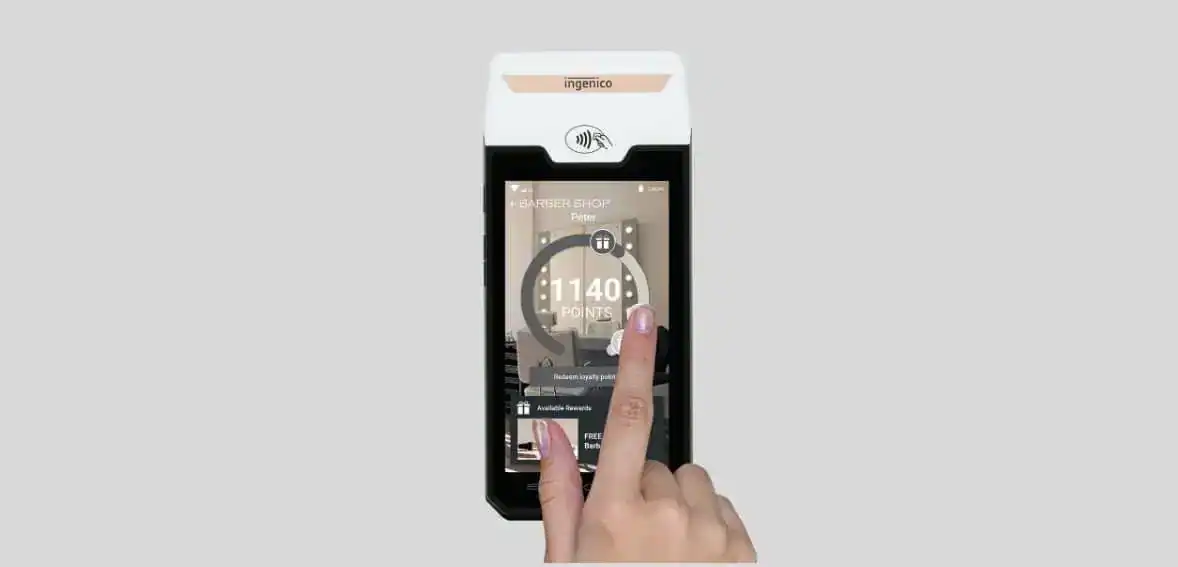
Operating on the Android platform, the AXIUM system provides a cutting-edge range of Point-of-Sale (POS) solutions, an extensive portfolio of payment applications, and a secure, future-proof operating system. With an integrated App Store for deploying business applications and a suite of turnkey services, including estate management, security, and customer care, the AXIUM platform stands out as a comprehensive and innovative solution for businesses.
This standalone device operates seamlessly, accepting diverse payment options, including EMV Chip & PIN, magstripe, contactless, QR code, and digital wallet-based payments. The AXIUM platform is designed to enhance the efficiency and versatility of your business transactions, ensuring a secure and forward-looking approach to point-of-sale operations.
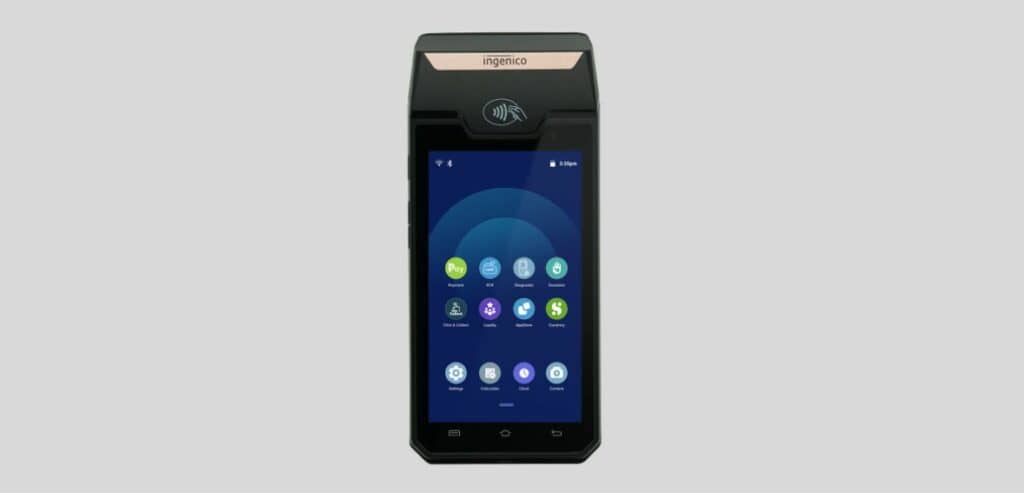
Leverage the robust capabilities of Android 10, delivering enhanced performance and a user-friendly interface. Access a diverse range of applications through the integrated Appstore for seamless business operations and adaptability.
Ensure uninterrupted connectivity with support for various networks, including Wi-Fi (5GHz and 2.4GHz), Bluetooth 4.2, and optional Ethernet through the MagicBox. The terminal’s network versatility guarantees reliable performance in diverse environments.
Equipped with a Cortex Quad-core A53, 1.3GHz processor, and a security core SC300 at 192MHz, the device ensures efficient processing and robust security. The Li-ion battery with 2200mAh capacity provides a substantial 7.2V power backup, equivalent to 4270mAh at 3.7V, ensuring continuous operation.
Experience seamless integration at the counter with an all-in-one compact device. Optionally, the MagicBox offers various wired connectivity solutions, enhancing flexibility in adapting to different business setups. The design prioritizes efficiency and convenience.
The terminal ensures secure payment transactions by raising the bar on security with PCI PTS v6 compliance and Ingenico security tools. The fast integrated printer optimizes checkout time, supporting EMV Chip & PIN, magstripe, digital wallets, and contactless. The inclusion of magnetic cards, smart cards, and NFC/contactless readers enhances transaction flexibility.
Deliver an engaging payment experience with a large 5” HD color touch display, featuring a highlighted contactless zone. The terminal’s life cycle management is fully outsourced with the TaaS package, providing comprehensive support throughout its operational lifespan.

Ensure the terminal battery is correctly installed. Once confirmed, press the <Power> button for approximately 1 second until the display illuminates, signaling successful activation.
To initiate the shutdown process, press the <Power> button for more than 2 seconds. Observe the display showing a designated figure, and then press <Power off> to complete the power-off sequence.
In the event of a depleted battery, the terminal will automatically shut off to conserve remaining energy.
If the device encounters abnormal functioning, such as a crash with no actions menu appearing while pressing the power button, take the following steps:
To effectively read a magnetic stripe card, ensure it is positioned bi-directionally, with the stripe facing the terminal. Execute a regular, smooth movement during the card swipe to guarantee a reliable reading. =
For contactless cards, bring the card firmly up to the active zone, maintaining proximity to the reader throughout the transaction. LED lights on the front of the terminal provide visual cues, indicating the ongoing processing of the transaction.
When dealing with smart cards, insert the card horizontally with the metal chip facing upward. Maintain this position throughout the transaction to facilitate optimal communication between the card and the terminal.
Ensuring an optimal experience when utilizing the front camera for your Ingenico GROUP AXIUM DX4000 Portable involves a few key considerations:
Adjust the brightness of your mobile phone to the highest level or a minimum of 2/3 of the maximum brightness. This ensures optimal visibility and clarity during the scanning process.
Place the mobile phone’s screen facing the front scanning head located above the terminal screen. Keep the phone stationary to facilitate an accurate and efficient scanning process.
Ensure that the mobile phone’s screen is parallel to the front scanning head. This alignment is crucial for a seamless interaction and successful scanning.
Maintain a vertical distance between the mobile phone screen and the front scanning head within a 10 to 30 cm range. For the optimum experience, a distance of 20 cm is recommended. This guideline enhances the accuracy of the scanning process.
The terminal will emit a distinct beep upon successful scanning, confirming the completed process. This feedback ensures users are aware of the successful execution of the scanning operation.
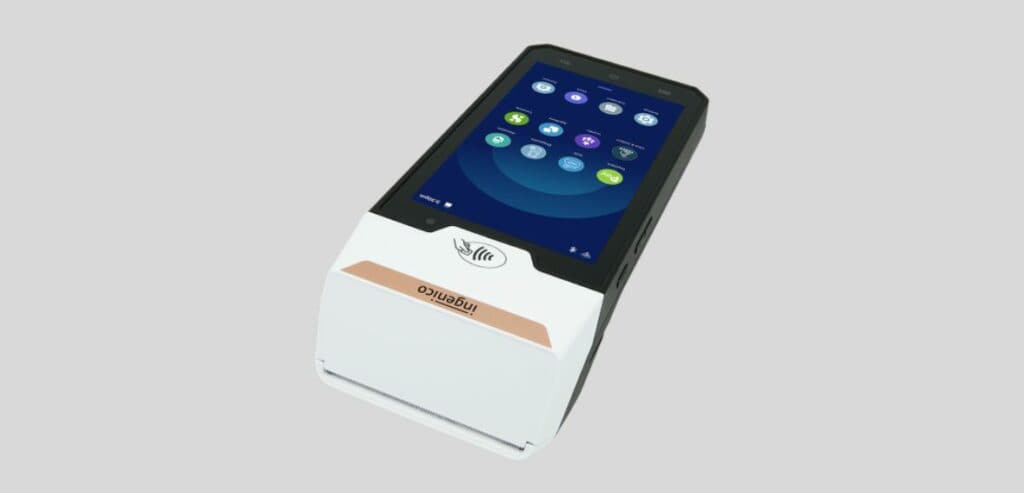
Image source
The Ingenico AXIUM DX4000 Quick Reference Guide provides a comprehensive overview of this advanced POS solution. Operating on the Android platform, the AXIUM system offers cutting-edge POS capabilities, a secure operating system, and an integrated App Store for business applications. With features like diverse payment options, powerful processors, enhanced security, and a compact design, the AXIUM platform ensures efficient and secure business transactions.
The guide covers essential aspects, including power management procedures, card reading methods, and optimizing the front camera use. Additionally, it emphasizes exclusive power supply usage, package preservation, and paper roll verification for a seamless and secure experience. Following these guidelines will contribute to the optimal functionality and longevity of the Ingenico AXIUM DX4000 Portable Terminal.
