Posted: January 06, 2023
| Updated: January 10, 2026 at 9:25 PM
Tanning salons have always sought to offer best-in-class differentiated services, resulting in the best possible customer experience for their typical hectic and busy schedules. As more and more consumers are looking for experiences over material items, customers are seeking quality, a seamless visit experience, and hassle-free choice of payment capabilities.
There are a host of services on offer, including UV tanning, sunless tanning, spray-on, and airbrush tanning. These services are often complimented with additional offers such as merchandising, yoga and spa services, and Cryotherapy. All the various service lines offered to a host of customers throughout the year make tanning salon software that much more important for customer satisfaction, as well as efficiently managing the tanning salon.
As a result, we look at the five best tanning salon software that are currently available in the market. Our criteria for this list of the five best tanning salon software include payment processing capabilities, point of sale systems available and their integration capabilities with the tanning software, customer support, pricing, and finally, the ability of the tanning salon software to streamline operations via tertiary services, such as reporting and analytics, customer and employee management, and client outreach.
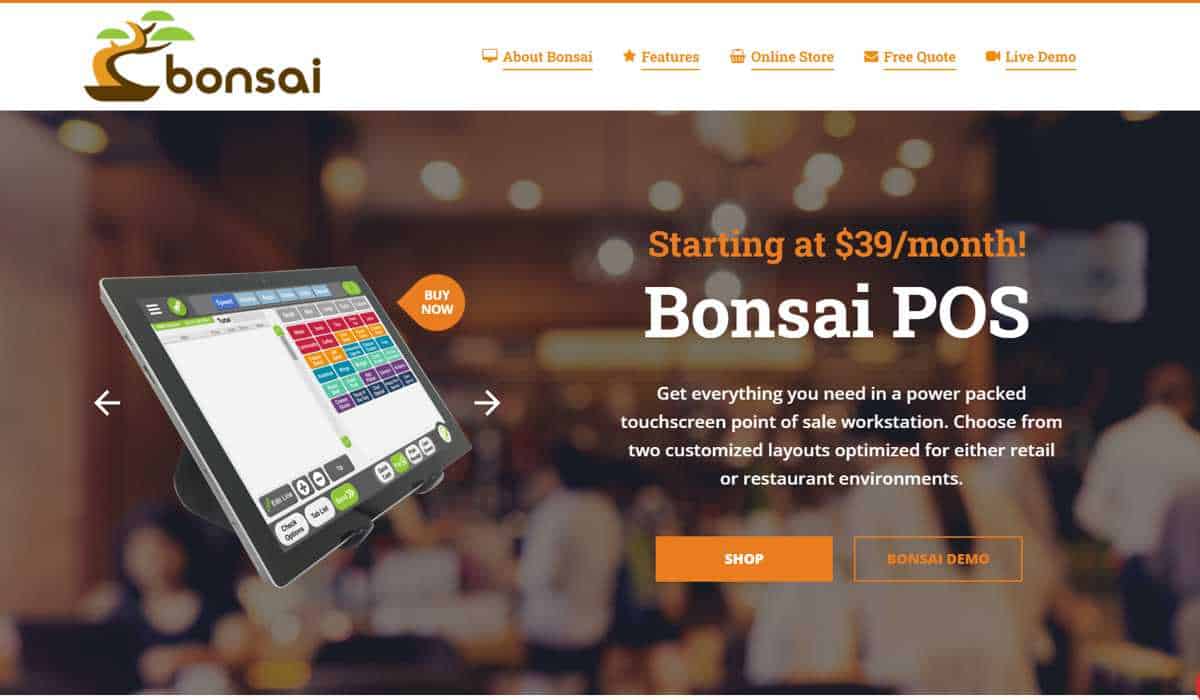
One of the best tanning salon software currently available. Bonsai has made a name for itself in many service-based industries, and the company’s POS offerings offer tremendous value for money.
The tanning salon software provider offers a sophisticated POS system that combines a suite of features, customer outreach and loyalty program capabilities built in, sleek hardware, and staff and inventory management tools.
POS systems – The POS solution offered Bonsai is packed with features. Tanning salons can easily integrate secure payment processing and seamlessly process payments for EMV chip cards, collect payments via NFC, and traditional magnetic stripe card processing.
Support – This is one of the best features of the tanning salon software provider. The company offers US-based client support, available 24/7/365.
Pricing
Payment processing is fixed at a lifetime rate of Interchange + an agreed upon markup and per transaction fee negotiated between the merchant and the POS company.
Monthly costs for the Bonsai software can range from $39.95 – $69.95
The POS system may cost an average of $1,200 based on need and scope at the location.
Tertiary Services – There are abundant add-on options available for Bonsai’s tanning salon software solution. The additional features include;
Bonsai Mobile Analytics app, which includes real-time sales analytics and customized reporting.
Appointment booking and waitlist features.
Inventory tracking tools that offer low-stock alerts in real time.
This salon software is a great option for tanning salons that need software which is easily customizable if the business has many service providers. The company has a number of niche features as the software caters mainly to salons and spas.
Support – MangoMint has a great feature that allows customers to reach out via the software’s in-app chat support function if businesses have any inquiries and would like help with the salon software at any time. The company also mentions on-demand phone support.
Pricing
MangoMint’s payment processing rates are 2.4% + $0.15/transaction for in-person payments and 2.8% + $0.20/transaction for online payments. For salons processing payments of more than $50,000 per month, MangoMint offers discounts that are discussed based on specific enterprise-client fee arrangements. The company has no long-term contracts, as it employs a month-to-month billing cycle.
MangoMint’s salon software price ranges are as follows;
Essentials – $165 per month for small businesses with up ten service providers and three locations. Additional locations cost $95 per month
Standard – $245 per month for medium-sized businesses with up 20 service providers and five locations. Additional locations cost $135 per month
Unlimited – $375 per month for large, salons with unlimited service providers and locations
The company offers several tertiary services for a cost, which include:
Integrated forms of all kinds have a standard cost of $50/per month and an additional $25 per month for each additional location.
The Essential Plan charges $25 per month for integration with MailChimp and WaiverForever marketing apps, each. There are no costs for this integration with the Standard and Unlimited plan offerings
There is Shopify and Webhooks integration available with only the Standard and Unlimited plans which cost $50 per month each, but the Shopify monthly cost is waived as part of the Unlimited plan.
MangoMint offers a display and iPad-based POS solutions, along with a mobile card reader. For $100, the company also offers a Bluetooth card reader that can plug into a smartphone.
Many tertiary services come as part of the MangoMint software, starting with the Essentials plan, which includes:
A close second to Bonsai in offering one of the best tanning salon softwares currently available to tanning businesses. The company got its start in 2009 and remedied a nerve-wracking pain point for businesses. Square offered a quick payment processing setup procedure and pioneered payment processing with mobile card readers that could easily connect to smartphones, bringing mobility to all types of businesses. The company has expanded its lineup of POS terminals and has launched the Square app store, allowing businesses quickly to add whatever features they need from payments and POS software. Today, the company offers tanning salon software that is ideal for relatively small tanning salons.
Support – Square has invested a considerable amount of effort during the past few years to develop the company’s Support team. Square now even offers support via social media. The company has an extensive online resource library to answer any questions users may have. Square also fosters a great seller community that merchants reach out to with any inquiries.
Pricing
Payment processing rate is 2.6% + $0.10/transaction for in-person dipped, swiped, and tapped transactions. Those rates increase if the transaction is online or the card information has to be keyed in.
Monthly costs vary depending on the Square add-on features businesses need to use. Below are some examples of their features and costs
Square Appointments – $29/month for the Plus tier / $69/month for the Premium tier
Square Payroll – $29/month + $5 for each employee
Square Loyalty – $45/month
Square Marketing – $15/month
Square Invoice – $20/ month
The POS system is offered for free.
Square also has a range of POS solutions that tanning salons can select from. The company has taken traditional and boxy-looking hardware and has turned them into sleek and sexy devices that include two-way screens called Square Register, a single screen called the Square Stand and host of mobile card readers – one for contactless and chip transactions and another for magnetic stripe card transactions. , ranging from
Tertiary Services – As you can see from their pricing options, there are a host of additional services Square offers, mostly for an additional cost. The company has its own app store that businesses can use to select the specific tools and features they need and buy.
One of the best options for tanning salon softwares, Vagaro also specializes in catering to spas and yoga studios. The company has more than 100 add-on features for businesses to choose from. However, the company’s strongest functionality, which makes it stand out among the competition, is Vagaro’s booking and appointment-setting tool, utilizing a very easy-to-understand drag-and-drop user interface.
Support – Vagaro is proud of its Customer Support. There is a section on its website’s landing page showcasing the company’s support record. The company offers 24/7 support via chat, email and phone, and most incoming calls to its support desk are answered within three minutes. Vagaro client’s customer satisfaction rate is an impressive 95%.
Pricing
The company has processed $2.3 billion in payments for 174,000 businesses in Australia, Canada, the UK, and the US. Vagaro’s payment processing rate is 2.75% for dipped, swiped, and tapped transactions. Those rates increase to 3.5% + $0.15/transaction if the transaction must be keyed in. There is a discount in rates for businesses that processes more than $4,000 per month, the rate of which is 2.2% + $0.19/transaction for dipped, swiped, and tapped transactions and 3.0% + $0.19/transaction for keyed-in transactions.
The company has a monthly fee ranging from $25 – $85, depending on appointment volume. Furthermore, there are over a hundred features that are all available at an additional cost of $10 per month per feature. Some of those features include;
Customer Reminders via email and texts
Customer Tracking
Various client outreach forms
Accounting and Payroll integration with QuickBooks, Xero, and Gusto
Website builder
Client Loyalty programs via gift cards
Reporting and Analytics
The company offers a free mobile card reader when you sign up for the company’s payment processing service. Businesses can purchase other POS equipment directly from the vendor or through Vagaro.
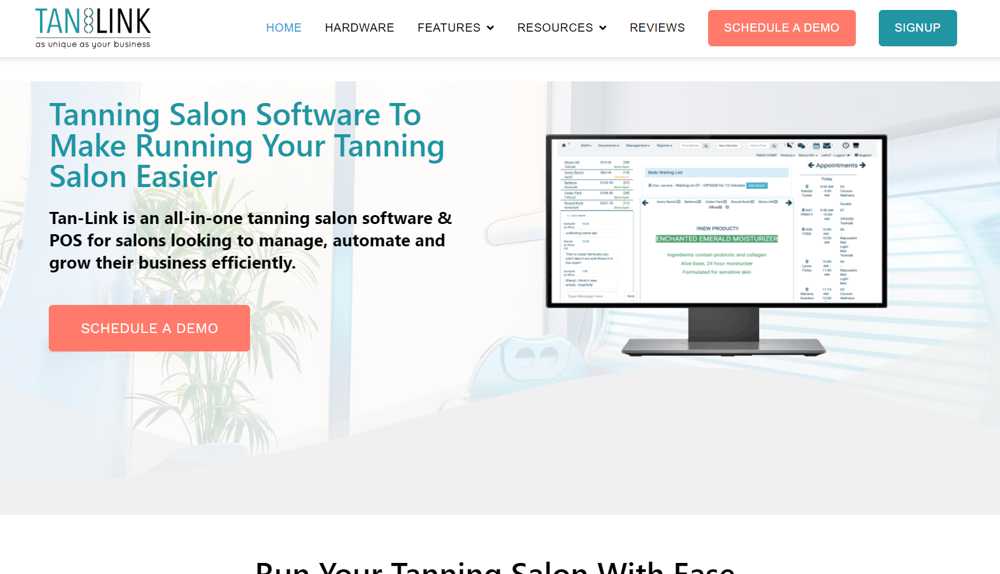
Tan–Link is the best tanning salon software for those salons that have a high rate of membership clients. It’s another software targeted purely to salons and has many features that specifically cater to their needs.
Support – Tan–Link has a dedicated page for a comprehensive resource library
Pricing
Tan–Link software cost is broken down into tiered plans ranging from $129 per month to $199 per month, per location. There is an enterprise plan of $250 per month per location and includes differentiated features such a data imports and custom-made reports.
The company offers add-ons such as 24-hour kiosks and customized security offerings, all at additional costs, which the company does not disclose on its website.
Tan–Link easily integrates with many different payment providers. However, the company does not mention specific payment processing rates that it has secured with any vendors and offers directly.
Tan–Link does not directly sell POS systems, however, the company does advise businesses to use iPad tablets and card readers. Tan–Link recommends adding on additional hardware depending on the need of the business to include a desktop, barcode scanners, etc.
Many tertiary services come as standard with the Tan–Link software specifically addressing tanning salon needs, including:
Real-time status of tanning beds
Curbside check-ins
Recurring billing
Employees, inventory, and customer management functionality
Reporting dashboards and tools
Loyalty programs
Making software decisions are never easy. The decision becomes even more pronounced if they involve the financial well-being of a business. Tanning salon software is instrumental in making the operation of the business more efficient, allows the salon to offer top-notch customer service, and save money in the process. In offering the five best tanning salon software, we presented specific options informed by our deep industry expertise in tanning salon payments processing. Certain features are vital to the healthy operation of tanning salons, such as the ability to integrate a range of payment processing options, great customer support, pricing that is value-driven and accommodative to the size of the business and software that offers niche add-ons to address tanning salon needs.
Needless to say, with the range of options available, many service providers will offer free trials. Tanning salon business owners are advised to carefully consider the level of handholding and guidance offered during the trial period to gauge the overall expertise and level of service of the different service providers.
Cookie Consent
We use cookies to enhance your browsing experience, analyze site traffic, and support our marketing.You can accept all cookies, reject non-essential ones, or manage your preferences below. Learn more in our Privacy Policy.
Cookie Preferences
Manage your cookie preferences below:
Essential cookies enable basic functions and are necessary for the proper function of the website.
Name
Description
Duration
Cookie Preferences
This cookie is used to store the user's cookie consent preferences.
180 days
These cookies are needed for adding comments on this website.
Name
Description
Duration
comment_author_email
Used to track the user across multiple sessions.
Session
comment_author_url
Used to track the user across multiple sessions.
Session
comment_author
Used to track the user across multiple sessions.
Session
Google Tag Manager simplifies the management of marketing tags on your website without code changes.
Name
Description
Duration
cookiePreferences
Registers cookie preferences of a user
2 years
td
Registers statistical data on users' behaviour on the website. Used for internal analytics by the website operator.
session
These cookies are used for managing login functionality on this website.
Name
Description
Duration
wordpress_logged_in
Used to store logged-in users.
Persistent
wordpress_sec
Used to track the user across multiple sessions.
15 days
wordpress_test_cookie
Used to determine if cookies are enabled.
Session
Statistics cookies collect information anonymously. This information helps us understand how visitors use our website.
Google Analytics is a powerful tool that tracks and analyzes website traffic for informed marketing decisions.
Contains information related to marketing campaigns of the user. These are shared with Google AdWords / Google Ads when the Google Ads and Google Analytics accounts are linked together.
90 days
__utma
ID used to identify users and sessions
2 years after last activity
__utmt
Used to monitor number of Google Analytics server requests
10 minutes
__utmb
Used to distinguish new sessions and visits. This cookie is set when the GA.js javascript library is loaded and there is no existing __utmb cookie. The cookie is updated every time data is sent to the Google Analytics server.
30 minutes after last activity
__utmc
Used only with old Urchin versions of Google Analytics and not with GA.js. Was used to distinguish between new sessions and visits at the end of a session.
End of session (browser)
__utmz
Contains information about the traffic source or campaign that directed user to the website. The cookie is set when the GA.js javascript is loaded and updated when data is sent to the Google Anaytics server
6 months after last activity
__utmv
Contains custom information set by the web developer via the _setCustomVar method in Google Analytics. This cookie is updated every time new data is sent to the Google Analytics server.
2 years after last activity
__utmx
Used to determine whether a user is included in an A / B or Multivariate test.
18 months
_ga
ID used to identify users
2 years
_gali
Used by Google Analytics to determine which links on a page are being clicked
30 seconds
_ga_
ID used to identify users
2 years
_gid
ID used to identify users for 24 hours after last activity
24 hours
_gat
Used to monitor number of Google Analytics server requests when using Google Tag Manager
1 minute
Marketing cookies are used to follow visitors to websites. The intention is to show ads that are relevant and engaging to the individual user.
Facebook Pixel is a web analytics service that tracks and reports website traffic.