Posted: October 16, 2026
A fake email, stolen password, or unauthorized refund can seriously damage a small business. Payment fraud can occur not only through a sophisticated cyberattack but also when an employee clicks a phishing link, shares a password with strangers, or pays an invoice that wasn’t properly verified. These mistakes can have significant consequences for small businesses. A local shop could lose money due to fraudulent refunds; a salon could suffer an account hijacking, resulting in theft of the client’s card data; and a contractor could pay a scammer posing as a supplier.
Cybersecurity Awareness Month is a great opportunity to ensure that your company safeguards payments. You don’t need a large IT department or heavy investment to secure your systems. Specific actions, such as two-factor authentication, access limits, double-checking refund requests, and employee training, can significantly improve protection.
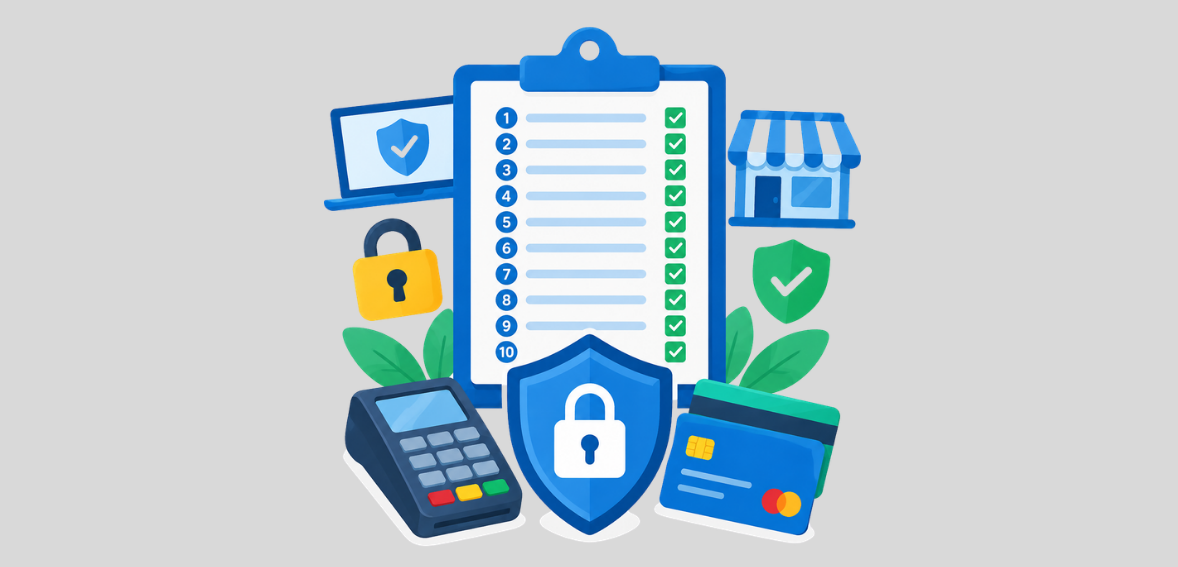
This payment security checklist for small businesses covers 10 simple steps to help protect payment devices, employee accounts, refunds, supplier payments, and customer information.
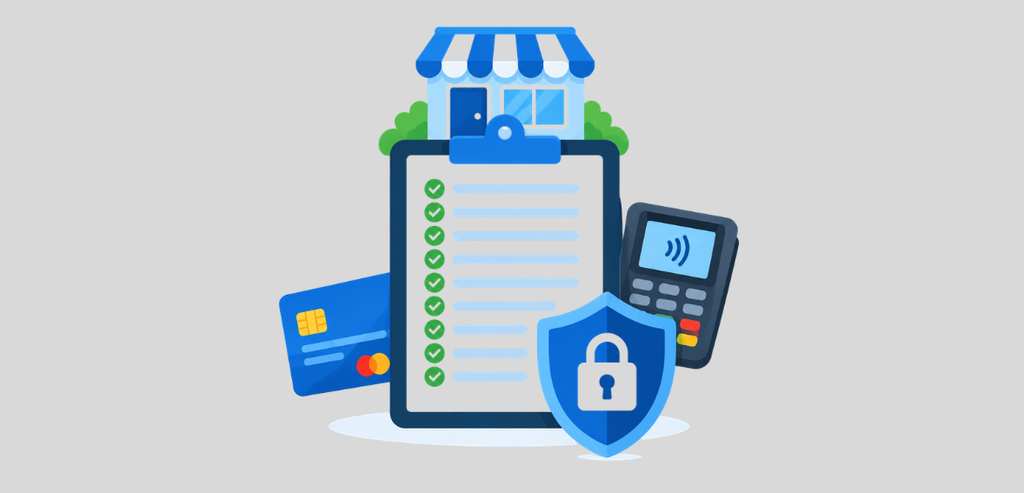
Payment terminals and card readers are essential to your business, so you should keep them secure and monitored at all times. Payment terminals and card readers can be hacked by criminals, so it is critical to keep them safe and check them periodically. Never use any card reading device if you suspect that it has been tampered with in any way.
Make sure your terminal and card readers have intact seals, no loose parts, unrecognizable attachments, bent or broken cables, or other irregularities. If you notice any suspicious features on your devices, stop using them and contact your payment provider.
Keep payment devices in a secure location when they are not in use. Only authorized personnel should have access, and employees should be trained to report any anomalies. In addition, make sure that you always apply the latest security updates that can be provided by the payment device supplier. Do not connect them to networks unknown to you and do not use unapproved equipment for your payment system.
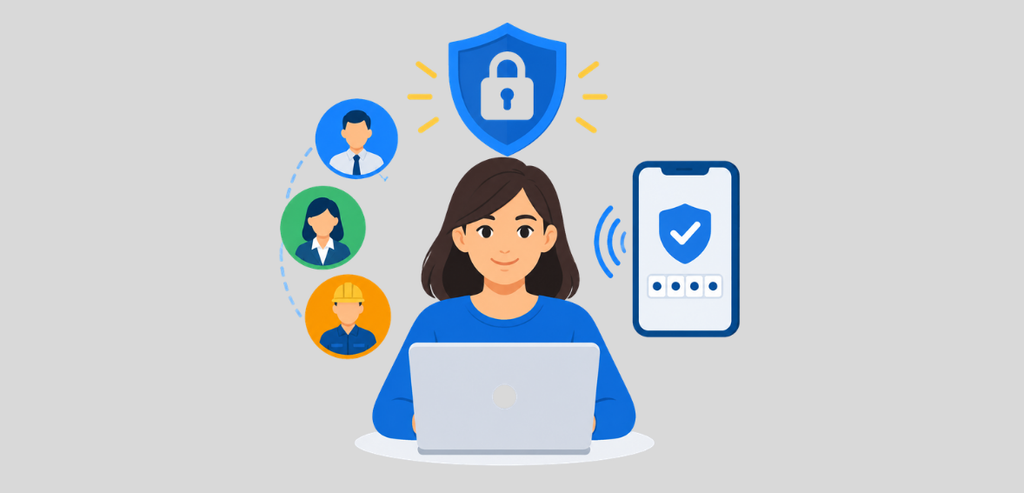
Payment systems give employees access to vital information and allow them to perform specific operations, including issuing refunds, changing account settings, and viewing transactions. As a result, criminals could benefit from illicit access to an employee’s account.
Use unique user accounts to limit access to payment accounts. This also helps identify who made unauthorized system changes and restricts their access after they leave the company. Create a strong, unique password for each employee instead of sharing one, and turn on two-factor authentication for every payment and banking login. This makes each employee’s activity traceable and lets you cut off access the day someone leaves.
Refunds and voids are common in business, but they can be abused by criminals or dishonest employees to misappropriate funds or conceal fraudulent payments. A refund returns money on a transaction that has already settled. A void cancels a transaction before it settles. Establishing clear policies for refunding and voiding transactions is essential to prevent asset theft.
Set clear policies for issuing refunds and canceling transactions, and ensure that they are followed. For instance, a manager should authorize all monetary refunds.
Maintain a detailed record of all refunds, including their rationale, size, initiating employee, and any other relevant information. Moreover, track all voids for suspected fraud. Typically, fraudulent activity can be identified by unusually high refunds, several voids at the end of a shift, or refunds just below the authorized limit.
Ensure that employees are aware that they cannot issue a refund to a different card or account at the request of a customer. Remind them to follow your approved refund process with your payment provider. These regulations and compliance will reduce the risk of payment fraud and help detect and investigate errors and fraudulent transactions.
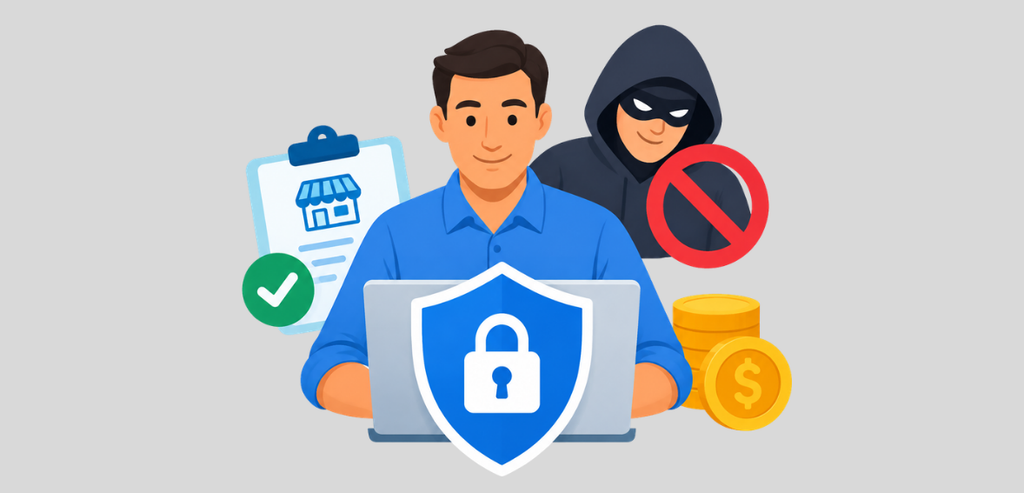
Vendor payment fraud schemes often begin with a deceptive message. This message could lure the victim into sending money to a false bank account controlled by scammers. The email might appear to come from a legitimate supplier or use a name similar to the actual vendor.
Business Email Compromise, also known as vendor impersonation fraud, works by criminals either hacking into an organization’s email account or using a spoofed email address to request payments to be sent to fake accounts. Never change a supplier’s banking information based on an email or text. Before making any changes, call the supplier using another phone number you have on file. Do not call the number that was sent to you in the message.
For large payments, ask a second person to verify and approve the payment. Maintain a record of all changes to supplier information, including the person approving it.
Employees should also be wary of urgency, unexpected requests, and invoices demanding immediate payment to avoid a penalty or other action. Pressure tactics are often used to deter the victim from scrutinizing the request.
Payment security is determined by the employees and their level of awareness. Even the best software can be hacked and compromised if an employee reveals a password, clicks a phishing link, or makes a mistake when a fraudulent payment request appears on their screen.
A single conversation can teach employees the fundamentals of staying safe. That is why 15 minutes of your time can make a real difference.
Show employees what to look for in malicious emails, phishing attempts, attachments, and messages asking for a password or verification code. Remind them to be wary of requests that come from a manager, bank, payment processor, or vendor.
Tell employees to stop and think before acting on an urgent request. If they are asked to change account information or transfer funds, they should always confirm this request through a different channel.
Account takeover occurs when criminals illegally access an individual’s account. Criminals can gain illegitimate access through compromised passwords, forgeries, malicious software, or other means. Attackers can easily access the payment dashboard, business email, and bank account funds.
The intruders can alter sensitive information, including modifying account settings and customer databases, initiating illegal refunds, and rerouting payments. It is recommended to use a secure and unique password for the payment page, business email, and bank accounts. Use two-factor authentication to add an extra layer of security to the email and accounts.
If you think that your account is compromised in any way, you should contact your provider right away. Make sure they secure your account, change your passwords, remove any unauthorized access, and review your activity. If you think that your money has been stolen, you should contact your bank as soon as possible.
Outdated software can contain security vulnerabilities that malicious actors might exploit. This applies to payment applications, computers, mobile devices, browsers, and the systems that employees use to store customer data. Update software from trusted vendors whenever possible, and set products to update automatically if they are supported and maintainable.
Remove applications and accounts the business no longer needs; unused software can pose additional risks, especially if it is no longer supported or maintained. Protect business devices with reputable security software where appropriate, and use screen locks to prevent unauthorized access to payment or customer information when the device is not in use in public places.
Small businesses need to collect and keep only the data they require. Avoid storing customers’ payment data, as hackers or cybercriminals can compromise their systems or accounts. Businesses must not save the card’s verification code after a transaction is approved. Avoid recording card information manually in files, spreadsheets, emails, or any digital platform.
Payment data must be stored using the payment provider’s software, as it offers stronger protection for customers’ data. Tokenization, for instance, replaces customers’ card information with a unique token used to process transactions without using the actual card details.
Furthermore, businesses must limit access to customer data and use safe, reliable digital tools when handling customer information. Employees who handle customer data must be trained to handle it properly and understand the precautions and procedures needed to protect the business’s data.
Regular transaction analysis can help your business detect suspicious activity early. You don’t need to review every transaction regularly, but you do need to know which transactions are normal for your business and which aren’t.
Unusual transactions may include several small payments or a series of declined payments, unexpected refunds, unrecognized user accounts, or changes to payment methods.
Payment security should not be a yearly “tick a box” activity. Your company may have added new people, upgraded payment software, bought new terminals, or acquired the ability to receive payments through other channels. All of which could introduce vulnerabilities.
Take time every quarter to ensure people who no longer work for you have their access revoked, two-factor authentication is turned on for your financial accounts, and other measures are in place.
Payment security doesn’t have to be complicated. Still, it requires constant attention. During Cybersecurity Awareness Month, small businesses should take a moment to complete this list, identify weaknesses, address recurring issues, and strengthen their overall security. Double-check the basics, ensure employees follow standard operating procedures, review transactions quarterly, and inspect software for unauthorized access.
Start with standard measures, such as securing logins, enabling two-factor authentication, restricting refunds, confirming vendor payments, and keeping software updated. Also, set aside time every quarter to review transactions and account access.
Make payment management simpler. Sign up for free. The platform is free to use, with costs covered through payment processing.
Common risks include phishing, stolen passwords, account takeover, and fraudulent payments.
Review payment access at least once every quarter and whenever an employee leaves or changes roles.
Stop using the terminal, secure it, and contact your payment provider immediately.