

Successful transactions can be ensured and headaches can be avoided by understanding the reasons behind the rejection of your Venmo payment and resolving the issue. Venmo protects payment by allowing only genuine transfers between friends and acquaintances, but sometimes valid payments get halted due to minor issues. Is your Venmo payment declined? This article discusses the primary reasons for the failure of Venmo payments and provides practical steps to overcome these errors and prevent future issues.
Venmo uses your connected bank account and debit card to transfer funds between users’ accounts. When you encounter Venmo payment declined, there is an issue that stops that specific transaction from going through successfully. Common causes of declined payments include insufficient funds in your bank account, incorrect recipient information, setting payment limits too low, and detecting potential fraudulent activity. Venmo customer support may also need to manually review declined payments before releasing the funds.
By learning why certain Venmo payments get stuck and taking appropriate follow-up actions, you can resolve the situation quickly and ensure your future transfers occur without problems. We’ll cover potential issues related to accounts, limits, connectivity, and more. Plus, recommendations for double checking account settings and information to minimize the chance of future payment declines on Venmo.
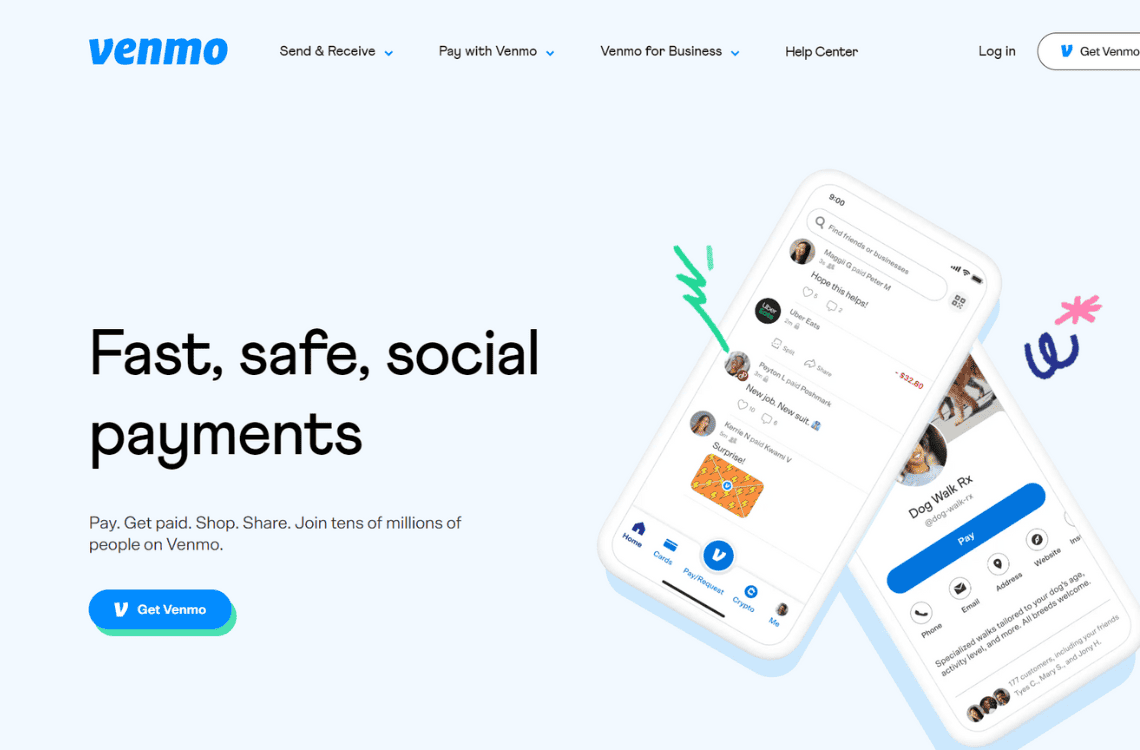
One of the most common reasons Venmo declines a payment is because the sender has insufficient funds in their linked bank account. When you initiate a Venmo transfer, Venmo first checks to ensure your bank account has enough money to cover the payment before approving the transaction. If your bank balance is too low, even by just a few dollars, Venmo will decline the payment due to insufficient funds.
If your Venmo payment was declined for this reason, the resolution is simple – make a smaller payment or deposit more money into your bank account. Then resubmit the declined payment to Venmo. Sometimes users accidentally enter a larger payment amount than they realize is available in their bank account. But by ensuring you have at least the total amount you want to send before initiating the payment, you can avoid this common Venmo payment declined problem.
If you frequently send Venmo payments and have your Venmo payment declined due to insufficient funds, it’s worth depositing an additional cushion of funds (e.g. $50-$100) into your bank account. This buffer will help cover any minor discrepancies between your balance and the actual payment amount, alleviating the need to make multiple attempts at the same transfer due to small funding gaps. The key is to verify the available balance shown in both your Venmo app and bank account matches before sending a Venmo payment to avoid any payment declines.
Another common reason Venmo payments get declined is due to temporary connection issues with either the Venmo app, your internet connection, or your phone. When you press ‘Pay’ on the Venmo app, your phone needs an active data or WiFi connection to send the payment instructions to Venmo’s servers.
If you have a spotty WiFi signal, a weak data connection, or your app or phone freezes up right as you try to make a payment, Venmo may not receive the payment information correctly. This can cause the payment to be flagged as unclear and declined.
The resolution for this type of declined payment is simple – wait a few minutes and try sending the payment again. Before retrying, it’s a good idea to restart both the Venmo app and your phone to clear out any bugs or authentication issues. You may also want to physically move to an area with a better WiFi or data signal.
Having your Venmo account improperly connected to your bank account is a common headache that can cause Venmo payments to be declined. Fortunately, fixing this issue and resolving declined payments is relatively straightforward.
The first step is to double-check that your Venmo and bank accounts are correctly connected within the Venmo app settings. Open the Venmo app and go to your profile tab. Then tap “Payment Methods” and select “Bank Accounts”. Make sure your bank account is listed there showing an active status.
If Venmo isn’t connected to your bank account for some reason, select “Add a bank account” and follow the on-screen prompts to securely link your account. You’ll need to verify your bank’s login credentials to complete the connection.
Once your bank account shows as actively connected in the Venmo app, try resubmitting the payment that previously got declined. This time, Venmo should have no problem pulling funds from your account to complete the transfer.
Another reason your Venmo payment could have been declined is that you accidentally entered the wrong information for the recipient. For a payment to go through successfully, Venmo must be able to match the recipient’s details, like name, Venmo username, or email address, exactly to an active Venmo account.
If even one letter is incorrect in the recipient’s username or email address, or their name is spelled wrongly, Venmo will be unable to locate their account and will decline the payment. This issue is a common headache for Venmo users since mistakes are easy to make when manually entering someone’s account information.
The good news is that fixing a declined payment due to wrong recipient information is simple. All you need to do is carefully re-enter the recipient’s correct Venmo username, email, or phone number. Here are the steps:
Another reason why your Venmo payment may have been declined is that you exceeded your assigned payment limit. Venmo places temporary spending and sending limits on new users and sometimes existing users as a security and risk assessment measure.
If you attempted to send a payment amount higher than your current limit, Venmo would automatically decline the payment due to the limit being exceeded. The good news is that Venmo payment limits are easy to increase, either temporarily for a specific transaction or permanently for your account.
If your payment was declined due to exceeding your limit, here’s how you can resolve it:
Another potential reason you may encounter “Venmo payment declined” is if Venmo’s system detected suspicious activity associated with your account. Venmo has fraud protection measures in place to ensure payments are legitimate and between consenting parties.
Sometimes a large or unusual payment from an account triggers Venmo’s risk assessment system to automatically decline the transaction for review. This is meant to protect users from unauthorized transactions or payments sent by mistake.
If your payment was declined due to suspected fraud or error, here’s how to proceed:
Another reason your Venmo payment could be declined is if the payment note attached to it violated Venmo’s policies. To comply with financial regulations, Venmo prohibits certain types of transaction descriptions, even between consenting users.
If your payment included a note referring to items like drugs, alcohol, weapons (merchant services for guns), or illegal services, Venmo’s automated systems may have flagged it for review and instantly declined the payment. Some non-offensive terms can also erroneously trigger Venmo’s filters. Venmo does not provide payment services for high risk merchants or high risk industries.
Was your Venmo payment declined issue due to the payment note? Here’s how to fix it:
However, if your account has now been flagged for a policy violation, you may need to confirm your identity with Venmo and explain the situation before the funds will be released. Venmo also reserves the right to permanently limit your account for repeated offenses.
Why is Venmo payment declined? Now that you’ve resolved an instance of Venmo declining one of your payments, you’ll want to take steps to avoid similar problems in the future. Here are some recommendations for maximizing the reliability of your Venmo transactions going forward:
Add more funds – If your payment was declined due to insufficient funds, consider depositing an additional $50-$100 into your bank account as a buffer. This will cover any small discrepancies that cause payments to be $1-$5 short and get declined.
Check internet connections – Before making a Venmo payment, ensure your WiFi signal and mobile data connection are strong. Then completely close and reopen the Venmo app to clear any issues. Taking these simple steps can avoid connection-related payment declines.
Double-check recipient info – Always double and triple-check that you’ve entered the correct Venmo username, email, or phone number for the payment recipient to avoid input mistakes. Ask the recipient to read out their details to you to be certain.
Limit your payment amount – If encountering frequent payment declines, try sending payments under your current limit as you wait for an increase to be approved. You can always split larger payments into multiple installments.
Remove payment notes – Only attach generic notes to your Venmo payments to avoid violating any policies that could get your transaction flagged. Leave the payment description blank if unsure.
Keep your PIN secure – Make sure no one else has access to your Venmo PIN code which could allow unauthorized activity on your account and cause legitimate payments to get declined.
Regularly check your activity – Routinely review your Venmo transactions for any suspicious or unauthorized activity that could lead to your account being flagged and future payments being declined until the issues are resolved.
Contact Venmo support – Don’t hesitate to reach out to Venmo’s customer support team directly via email or phone if you have any repeated issues with declined payments. They can likely resolve the problem and provide tips to prevent reoccurrence.
