
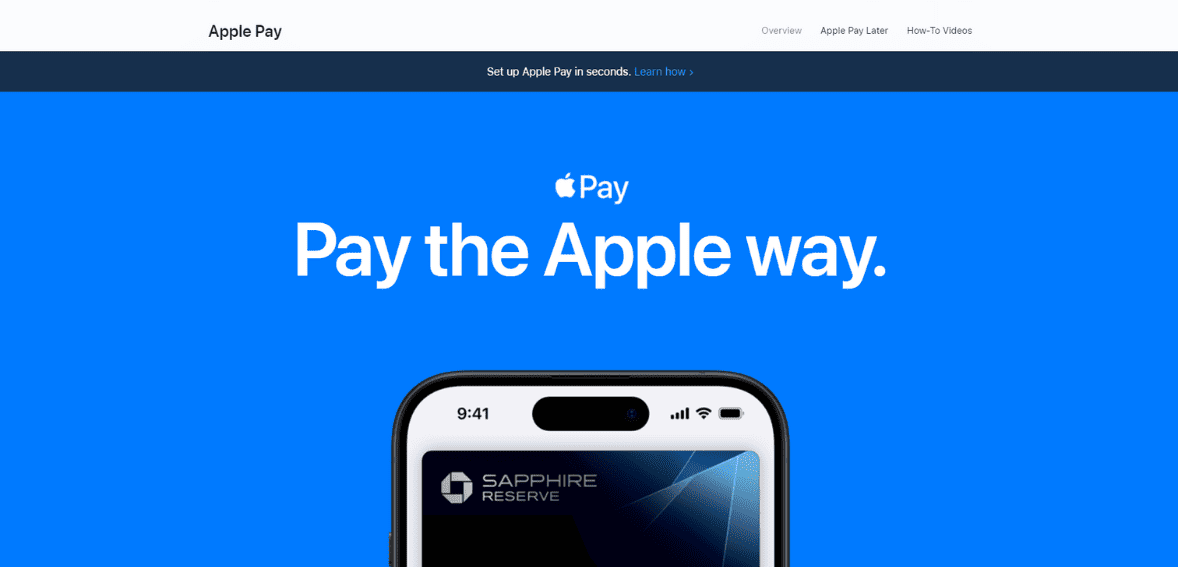
Apple launched the Apply Pay e-wallet in 2014 to enable mobile payments. Since then, it has gained immense popularity in the digital payment industry. Online payments are convenient for users, as they no longer need to bring cash or credit cards to brick-and-mortar stores. All they need to do is hold the smartphone in front of the store’s QR code and enter the amount. So, what is Apple Pay, and how does it work?
Apple Pay is a payment app for Apple mobile users. It was designed to make digital transactions convenient and safer for customers. Now, people can pay using their Apple wallets without carrying cash and credit cards to every store. This e-wallet allows you to process multiple transactions using your device.
Considering the number of people who request online payment services, businesses have started integrating Apple Pay and other e-wallets into their payment ecosystem to increase sales.
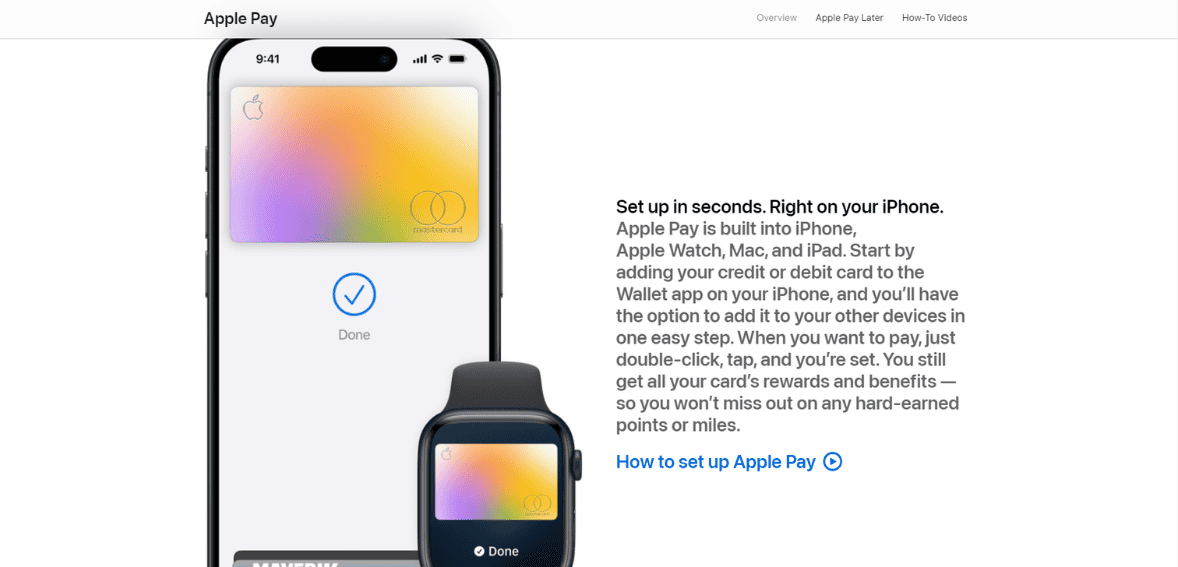
Apple Pay allows iPhone users to make payments using different options. It includes payment through messages, in-app stores, online payments, or payments at brick-and-mortar stores. To start using Apple Pay for digital transactions, the user needs to link their credit card or bank account to their Apple phone. The app works on Apple, iPhone, iPad, and Apple Watch. To start using any mobile device, you need to link your credit cards to Apple Pay.
As soon as you have added your card details, you can use a password or touch ID to pay with Apple Pay. Some users can integrate face ID for maximum security.
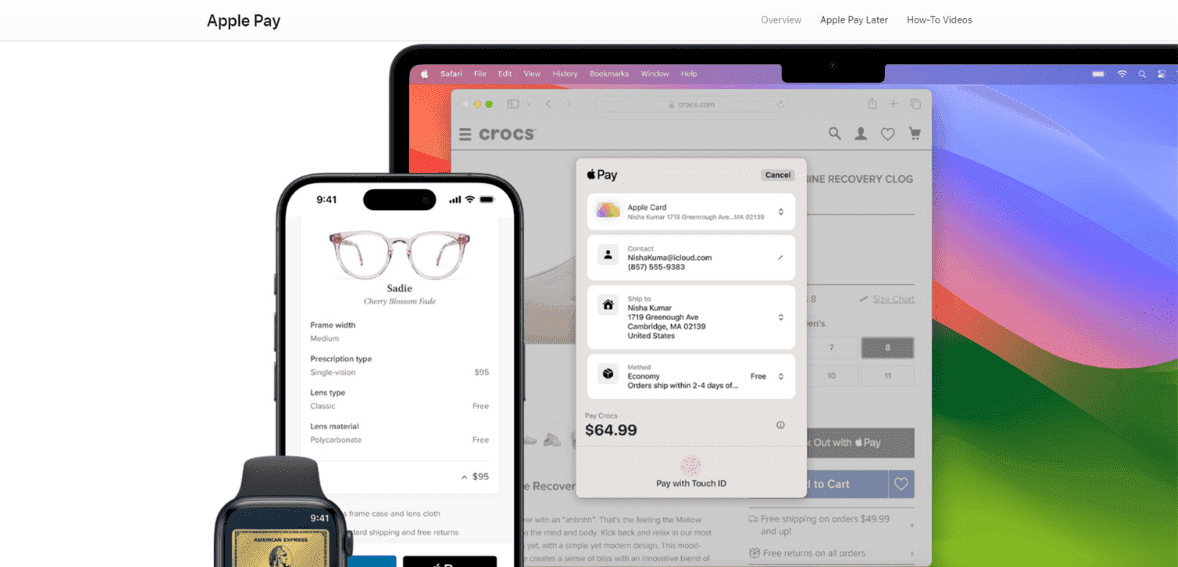
As mentioned earlier, Apple Pay has become one of the popular payment methods for customers and retailers. Businesses have started embracing Apple Pay since more and more customers now want the flexibility of making payments from their mobiles.

Customers prefer Apple Pay to send payments to retailers for a few reasons. For starters, they don’t have to fumble the cards or count cash to make the payment. Secondly, Apple Pay is considerably safer than any other payment method. There is no risk of losing money or paying extra cash when your credit card is linked to Apple Pay.
Besides, it is incredibly convenient for your customers. Retailers and online businesses must start accepting Apple Pay to ensure more completed transactions. You can use the POS terminal installed at your brick-and-mortar store to receive payments through Apple Pay. Ask the terminal provider whether it accepts Apple Pay before installation. Then, put the Apple Pay logo near the terminal.
A business owner must choose a payment gateway and processor to accept payments through this e-wallet. The payment processor is responsible for verifying the credit card details and validating the transaction. It also ensures secure transactions over an encrypted network. The payment gateway and processor validate in-store and online Apple Pay payments.
This online e-wallet payment system in your store can save you a lot of time and money when processing payments manually. You no longer need a cashier to count cash and record the transaction in spreadsheets. If you have not integrated Apple Pay, now is the best time to add this payment method to your system and start accepting payment via the Apple Pay App.
Apple Pay is a mobile payment and digital wallet service by Apple Inc. that allows users to make payments using their Apple devices, such as iPhones, Apple Watches, iPads, and Macs. It is designed to work with major credit, debit, and prepaid cards from participating banks, enabling secure and convenient transactions.
Apple Pay uses Near Field Communication (NFC) technology for contactless payments. To make a payment, you simply hold your device near a payment terminal that supports contactless payments and authenticate the transaction using Touch ID, Face ID, or your device’s passcode.
Yes, Apple Pay is designed with security and privacy in mind. It uses a method known as tokenization to replace your card number with a unique, encrypted code for each transaction. Additionally, Apple Pay requires authentication (Touch ID, Face ID, or passcode) for every payment, and Apple does not store or have access to your original card numbers.
To set up Apple Pay, open the Wallet app on your compatible Apple device, tap the u0022+u0022 sign, and follow the instructions to add a credit or debit card. You can also add cards from within the Settings app under u0022Wallet u0026amp; Apple Pay.u0022
Apple Pay is accepted in millions of stores, restaurants, service providers, and more around the world. Look for the Apple Pay or contactless payment symbol at checkout to determine if a merchant accepts Apple Pay.
Yes, Apple Pay can be used for online and in-app purchases on websites and in apps that accept Apple Pay. You’ll see an option to pay with Apple Pay at checkout, and you’ll need to authenticate the payment with Touch ID, Face ID, or your passcode.
Yes, Apple Pay works internationally, but you need to have a credit or debit card from a bank that supports Apple Pay in the country you’re attempting to use it. Be aware of any foreign transaction fees that your bank may charge.
Apple Pay is available on iPhone 6 and later, Apple Watch, iPad Pro, iPad Air 2, iPad mini 3 and later, and Mac (with macOS Sierra or later for online purchases and requires an iPhone or Apple Watch for in-store purchases).
No, Apple does not charge fees to use Apple Pay. However, your bank’s standard processing fees and any applicable card fees still apply to purchases.
