
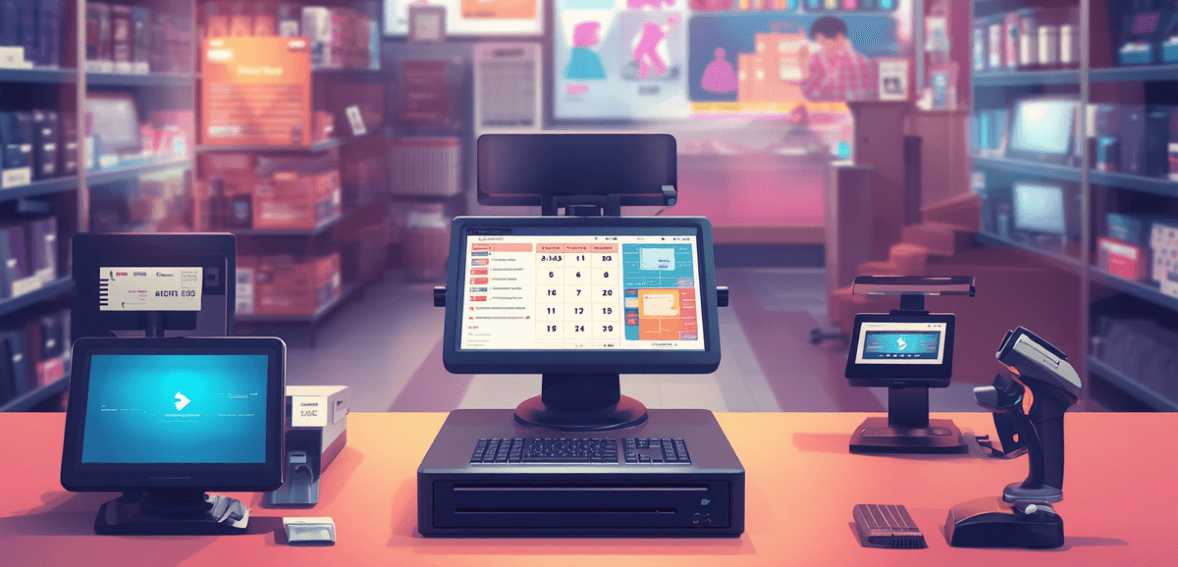
If you are a business owner looking for a POS system, understanding the fundamentals is the first step. This POS 101 guide breaks down what you need to know to choose the right point-of-sale (POS) system for your business.
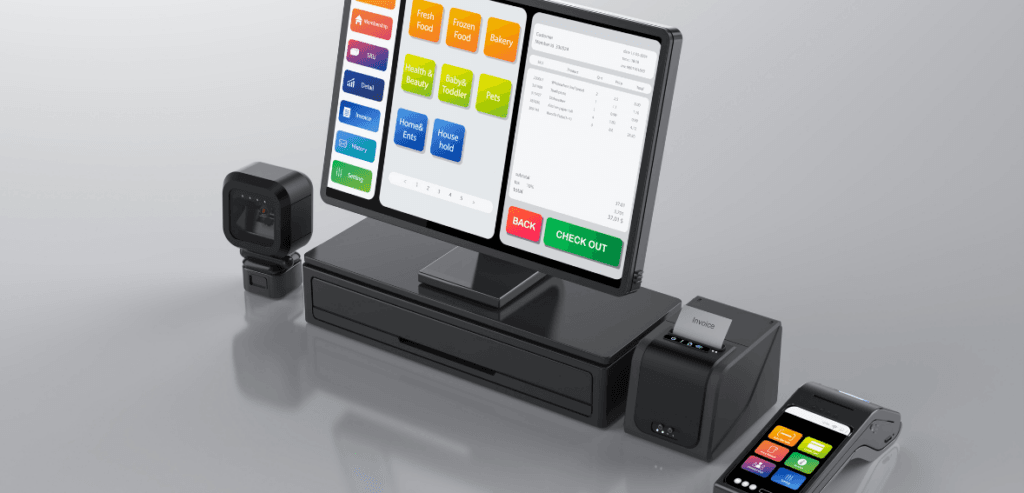
Whether you own a retail store or a restaurant, every customer purchase transaction takes place at the point of sale. Traditionally, businesses used old cash registers, but with time, the point of sale has evolved into a more sophisticated system that does more than just store cash. Merchants are ditching their old cash registers and opting for full-featured point-of-sale systems.
POS systems like Clover POS and Korona POS combine specialized hardware and software into an integrated business solution for handling transactions, managing inventory, running customer loyalty programs, and more.
POS 101: Here are some basics on how POS systems work and why they are important.
POS systems combine sales, inventory, and management systems into cohesive units. When a sale is finalized, the point-of-sale system automatically deducts the sold items from the store’s inventory.
The POS system also attributes sales to specific customers, making it easy for merchants to implement gift card and loyalty rewards programs such as CardConnect Gift Card Program, Clover Gift Cards, Valor Engage My Customer™, or similar. Customer service departments can also access this information, which allows customer service representatives to provide fast, accurate, and organized help.
Reporting is a basic feature of POS systems that can be transformative for businesses. The information collected at the point of sale can be processed into a business report that helps managers decide when to order more stock, determine whether their marketing strategies are working, and track performance across departments or stock.
For example, with an integrated channel, you can avoid lost revenue due to stockouts. In fact, stockouts cost retailers $1.2 trillion globally. POS is basically the brain of your business, handling payments, inventory, customer data, and reporting, among other things, all of which are essential for thriving in a competitive market.
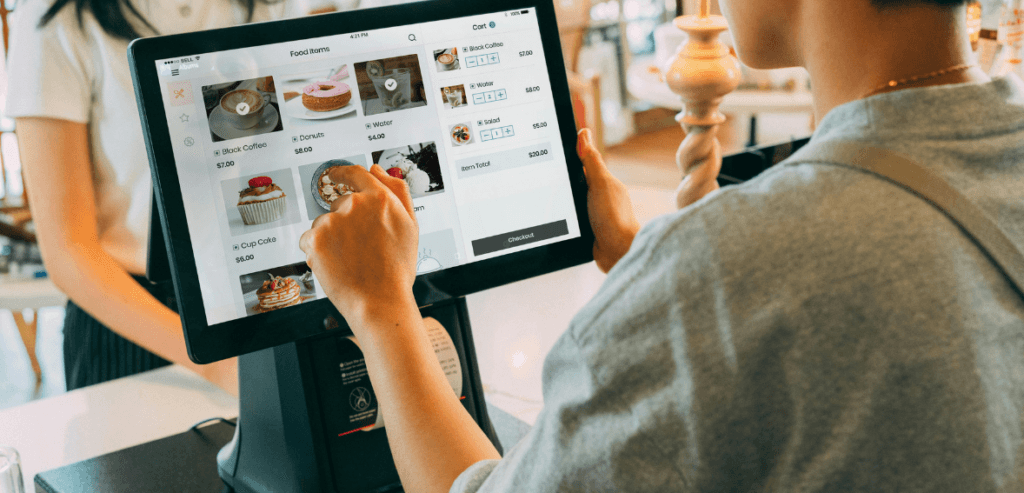
A point-of-sale system helps merchants ensure that business operations run smoothly. At the very core, most entry-level point-of-sale systems offer these core features:
Not only do POS systems combine all the critical functions of the business, but they also automate their management.
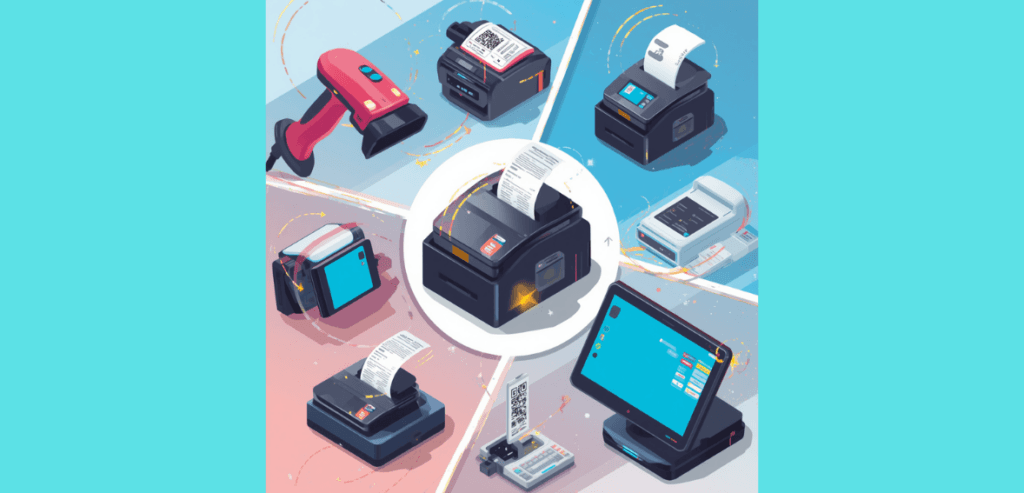
A complete POS system includes different, very essential components.
Different payment processors offer different types of software, with two primary options: on-premises and cloud-based. The former provides greater control over data, while the latter offers more flexibility, especially for online or mobile businesses.
As the name suggests, on-premise software is accessible only on the POS terminal where it is installed. It locally handles sales records, payment processing, and labor data and typically integrates with accounting software. In contrast, cloud-based software synchronizes data across multiple POS terminals and usually provides access through mobile and desktop platforms.
Advanced point-of-sale options like Clover Station Duo come with two displays. One faces the business owner or manager, allowing them to process payments and generate receipts. The customer-facing display typically shows a summary of the items purchased along with the final amount due.
These terminals or card readers connect directly to your point-of-sale machine via wire or wirelessly, depending on your setup. These devices facilitate payments at the counter and at-the-table sales. Depending on the specific terminal model, it prints receipts and offers barcode functionality.
KDS replaces traditional paper ticket systems for restaurants. A KDS enables the front-of-house to place orders directly to a kitchen screen, allowing staff to view, modify, and track orders in real time.
Barcodes are useful for retail stores with a wide product catalog. It helps save time by eliminating the need to manually enter product details into the POS system. You can simply scan the barcode, and your POS system will add the product to the transaction.
Paper records are still an essential part of business. A printer can be connected to the POS system, which will generate receipts automatically upon completing a transaction as paper proof of the sale.
A POS system is important to run any business in today’s competitive market; businesses of every size can benefit from it. Modern point-of-sale systems offer significant advantages over traditional billing methods. Small and medium businesses can take advantage of a computerized sales system and automated inventory management to increase sales volume and accuracy and reduce the number of manual inventory checks required over the course of the year.
In a retail environment, this means smoother and faster processing, even when lines are long. In a restaurant environment, this means efficient table organization, easy check splitting, and accurate ticket creation.
Large businesses rely on POS systems for tasks such as inventory management and payment processing. When millions in transactions are processed in a quarter, it pays to know what customers are buying and how often they buy. Automatic inventory allows a business of this scale to function much more efficiently and minimizes the risk of understocking during peak sales periods. Digital sales enable rapid transactions and streamline customer service.
Operating a business without a POS system is possible in some cases, but it puts unnecessary strain on employees and the business model. With the convenience, speed, and versatility of modern POS systems, it’s virtually guaranteed that a POS system will improve function and revenue.
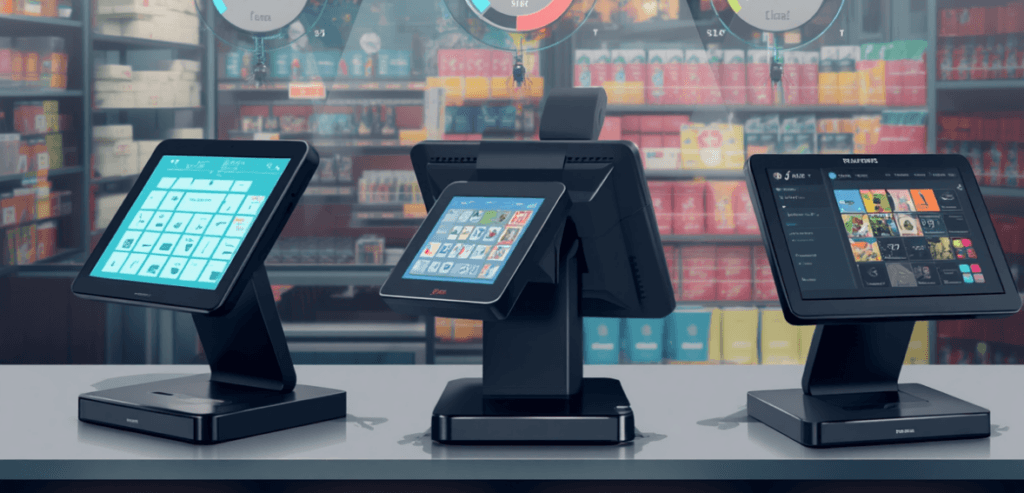
The cost of a POS system depends on the hardware and software a business uses. Typically, software costs $0-$150 per month, and hardware ranges from $500 to $2,500 or more, depending on the business’s requirements. Apart from hardware and software costs, there are ongoing processing charges per sale, depending on the payment model and the rates your processor offers.
Often, it is easier to buy both hardware and software as a single package from a single distributor. This guarantees smooth, consistent service and avoids fees and service gaps that may stem from mix-and-match POS solutions.
Although the upfront cost may seem daunting for smaller businesses, the initial investment will pay for itself in short order. The simplified sales system enables faster transaction processing, thereby increasing throughput. Automatic inventory management reduces the need to regularly pull employees to perform manual inventory. The result? Employees work more efficiently, dedicate their time to customer service and sales, and revenue increases accordingly.
Host Merchant Services provides innovative solutions, including affordable POS systems with the lowest interchange rates. Our options, including Clover POS, Korona POS, Dejavoo POS, Valor Paytech, and Vital POS, have lower upfront costs, making them affordable for businesses of any size.
The short answer to this question is, “Whichever system fits your business.” The advantages of using a POS system all relate to its ability to improve a business’s flow and functionality. Multiple, very good options exist in the market, including:
Host Merchant Services provides POS systems as part of our credit card processing packages. We offer your business complete solutions, including processing, hardware, software, setup, and support. To inquire about our available offers, please contact a sales representative for more information.
POS 101 is an introduction to the fundamentals of POS systems. This guide explains the core features found in most POS systems and highlights industry-specific tools that shape overall point-of-sale functionality.
POS protocol 101.1, or protocol 101, is a response code that a point-of-sale device typically returns when funds are insufficient. If you are seeing code 101, protocol 101.1, POS code 101.1, or something similar, it is usually because the supplied payment method has insufficient funds available to complete the transaction.
For excellent support with POS protocol 101.1, try Host Merchant Services at 1-877-517-HOST (4678) with our award-winning 24x7x365 support to help you with this and any other questions you may have about payment processing.
