
Posted: April 27, 2026 | Updated: October 06, 2026 at 6:04 PM
Has adding more locations to your business ever resulted in a loss of visibility and control? It’s a very specific pain point most business owners experience when scaling to multiple stores. There’s a gap between what’s actually happening at a specific store and what headquarters sees, and that gap is a huge operational blind spot. Another challenge is the chaotic, manual process of stitching together individual location reports at the end of every day.
More revenue and more locations often mean less operational clarity — that’s the paradox of business expansion. Relying on end-of-week or end-of-month P&L statements to make daily decisions is dangerous. Poor visibility masks underperforming stores behind the success of flagship locations. You need to transition from “managing by walking around” to “managing by dashboard,” which can be made possible with Multi-location POS reporting.
Imagine this: a regional manager frantically calling three different store managers at 9:00 PM to figure out why company-wide labor costs spiked that afternoon. Regional managers and analysts often spend a significant portion of their time on manual, repetitive reporting, with studies suggesting that 60–80% of analytics time goes to manual data preparation and compilation rather than strategic analysis. Effective multi-location POS reporting isn’t just about tracking sales — it’s a vital operational control system you need for survival and growth.
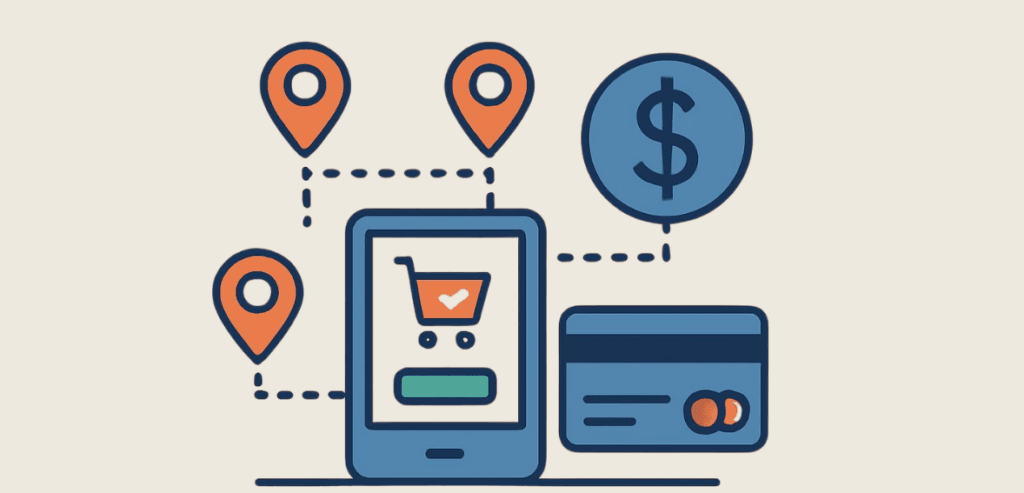
Multi-location POS reporting is a centralized data architecture that automatically pulls, normalizes, and displays data from multiple point-of-sale terminals across different locations into a single dashboard. The whole point of a single dashboard is to give you a single source of truth — one centralized database where all stored data is accurate, current, and undisputed.
Fragmented systems lead to poor synchronization and ineffective inventory management. The goal is to close the gap between logging into a specific store’s POS and logging into the brand’s central portal.
Another advantage of using a centralized POS is that it eliminates data fragmentation. When your data is spread across multiple spreadsheets, it becomes harder to accurately track key metrics. On top of the time required, manual reconciliation also presents its own challenges, such as double entries and human error. Exporting multiple databases into one centralized system is not multi-location reporting. Multi-location reporting involves storing all data in a single, centralized master database, along with location data tied to each purchase.
On-premise servers often fail for multi-unit brands for exactly the reasons above. Your business needs a cloud-based server architecture that can update data in real time and sync data across multiple stores in different locations. In 2023, over 35% of all retailers (including large chains) operated using cloud-based POS solutions. Cloud-based architecture is shifting from a luxury to a baseline standard for data reporting in retail.
Cross-location data normalization is crucial. It ensures that every purchase item is tracked consistently across all stores.
You need to understand the root causes of reporting chaos as a business grows from 2 to 10 to 50 locations. The two big ones are data silos and catalog drift. When information is isolated within a specific store’s hardware or local system, that’s a data silo. Catalog drift — also known as menu drift — is what happens when different locations start creating their own custom items or modifiers in the POS.
One of the most common causes of reporting issues is inconsistent naming conventions. For example, if Store 1 names an item “Lrg Coke” and Store 2 names the same item “Soda Large,” compiling the data into a single master database creates confusion. Another reason for reporting chaos is the use of mismatched POS hardware or software, often the result of acquisitions or disconnects between franchisors and franchisees.
Data latency is another scalability problem. Waiting 24 hours for batch uploads to reflect yesterday’s performance slows decision-making. You also need to resolve permission tangles — for example, regional managers who can’t access specific store data without requesting owner overrides.
When store managers manually enter closing numbers, human error can creep into the final output. These errors compound and can present a completely different picture of operational health.
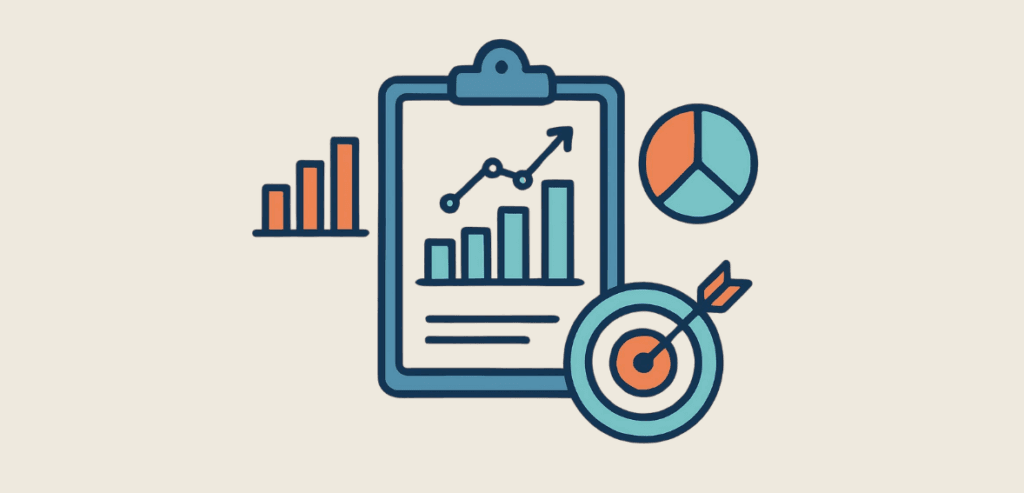
As a business owner or store manager, you need to know which metrics to track daily and how each affects your business’s health. Start with two main concepts: KPIs and exception reporting.
KPI stands for Key Performance Indicator. KPIs are the critical few metrics that indicate business health. Exception reporting, as the name suggests, refers to dashboards that surface only the data that falls outside normal parameters. Put simply, exception reporting reports the exceptions — for example, an unusually high number of voids in a particular week.
Now let’s look at the metrics you should track every day as a business owner or store manager.
Rank net sales by location every day. Daily pacing against historical averages and targets is crucial — it tells you where you are, how far you’ve come, and which targets you’re still chasing.
Transaction volume tells you a number of things — which days’ sales spike, popular items, rush hours, and even credit card validation attacks when volumes jump unexpectedly. The other metric to watch is Average Order Value (AOV), which tells you how much a customer typically spends per visit. Together, these two metrics tell you whether you’re getting fewer customers or whether they’re choosing to spend less.
Tracking these helps you identify theft, training issues, or poor product or service quality at specific stores.
This is the most volatile intra-day metric. Tracking intra-day labor costs across the portfolio is crucial to monitoring staff productivity and operational efficiency.
Tracking this helps you spot whether a product is a hit or a miss in a specific market — say, an urban store versus a suburban one. Identifying customer buying habits by region lets you roll out targeted discounts and offers to increase sales, and it tells you which regions are statistically profitable for a new product launch.
Flag employees approaching overtime across multiple locations, especially if they float between stores. This lets you track payroll efficiently and accurately.
A critical part of being a business owner or store manager is knowing when to zoom out and when to zoom in. To do that effectively as you scale, you need to understand how aggregated reporting and location-level drill-downs work. Aggregated reporting means viewing the portfolio as one single entity to gauge brand health. Location-level drill-down isolates a specific store, register, or employee to identify the root cause of a metric.
Averages are a great way to judge overall performance. However, averages can be highly skewed. For example, two strong-performing flagship stores can hide several bleeding locations in an aggregated report. You should rely on aggregated data only for weekly trend analysis, marketing campaign ROI, and overall cash flow.
For daily operational fixes, investigating high labor costs, and tracking specific inventory discrepancies, drill down into the metrics to find the root cause. Compare locations to establish internal benchmarks. Another important step is evaluating staff performance across locations — for example, identifying top upsellers so you can pair them with struggling staff at other stores for training. Recognizing outstanding work fosters healthy competition and keeps team morale high.
Delayed data leads to lost revenue, which is why real-time cloud syncing is non-negotiable as you scale. Real-time syncing is the process of pushing POS transactions to the central cloud dashboard. Making operational changes in the middle of a shift based on live data is what’s known as intra-day adjustments.
End-of-day reports tell you what you lost during the day. Real-time data lets you stop the bleeding while it’s happening. Real-time visibility also lets you adjust labor mid-shift. For example, if the 2:00 PM rush doesn’t materialize at three locations, regional managers can cut staff immediately to control labor costs.
Dynamic inventory management is also crucial for keeping customers happy and preventing lost sales. For example, catching an unexpected run on a specific product by noon and transferring stock from a slower store before the evening rush. Watching for weather and event impacts matters too — for example, tracking live sales drops during a storm and pivoting operations on the fly.
Reporting isn’t just for accountants — it’s the ultimate tool for operations managers. Replacing “gut-feeling” management with objective, metric-backed decisions is crucial. This is known as data-driven operations. Another term to know is the inventory depletion rate, which tracks how quickly specific goods sell so you can automate reordering.
To turn your POS data into operational control, focus on these areas.
Align labor schedules with historical hourly transaction heat maps for each location.
Ensuring multi-location inventory levels match multi-location sales trends prevents brand-wide over-ordering when only one store actually sells a specific item.
A/B test before rolling out any discount brand-wide. For example, test a discount at two locations before rolling it out to all twenty.
Use your reports to identify suspicious patterns — for example, cash drawer overages or shortages that consistently align with a specific employee’s floating schedule.
Scaling blindly, without proper visibility and reporting, is a recipe for disaster. Multi-location POS reporting isn’t a back-office administrative task — it’s your primary control mechanism. It protects your business from margin erosion. Real-time data, standardized catalogs, and tracking the right daily metrics are crucial as you scale to multiple locations. With the right processes and reporting in place, you can grow without losing operational control or healthy cash flow.
For more on multi-location POS reporting and other restaurant payment questions, see Restaurant Payment Resources.
The most important metric is labor cost as a percentage of sales. It’s the most volatile day-to-day metric and also the largest controllable expense.
Yes, but it requires third-party middleware or advanced accounting software that uses API integrations to pull data from disparate systems into one normalized dashboard.
Implement strict role-based permissions in the POS to prevent unauthorized access. Any change to the master catalog should require an override from the owner.
Using Role-Based Access Control (RBAC), a franchisee should only see deep, actionable data for the stores they own. Corporate managers need aggregated data across all franchise locations to track brand health and compliance.
Yes, you should track ROI in POS reporting by setting up specific discounts or promos tied to marketing campaigns. This helps you identify the locations that drive the highest redemption rates and lets you adjust ad spend accordingly.
